
Lumino Dark Mode

Lumino Dark Mode

توسط

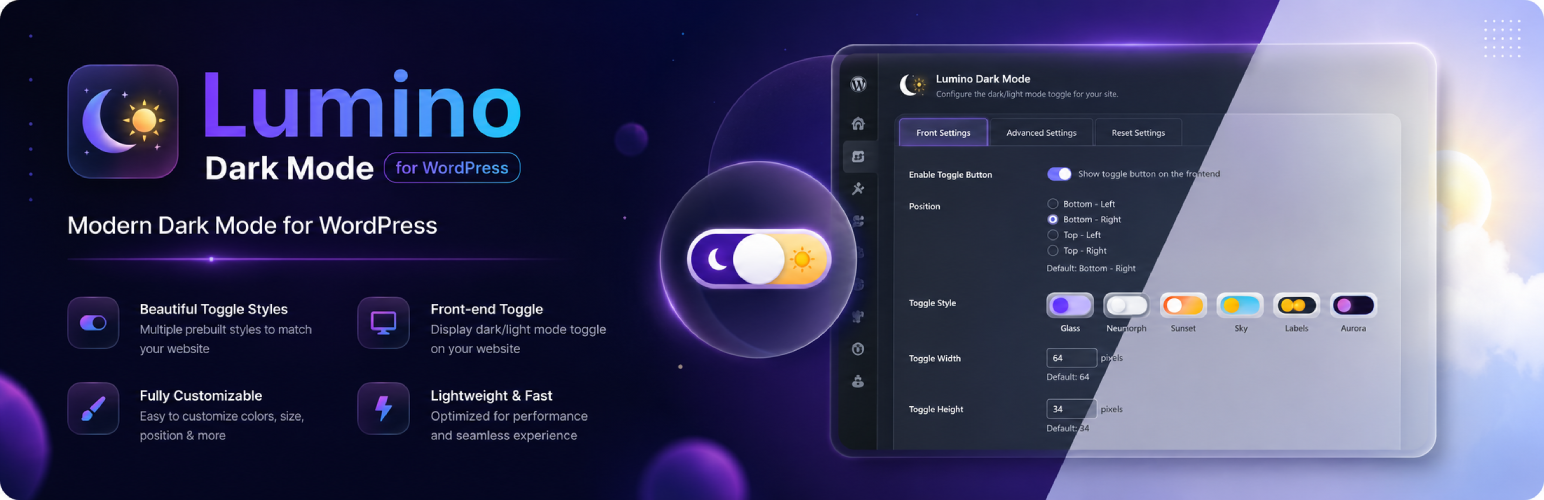
Lumino Dark Mode adds a stylish floating toggle button that lets your visitors switch between dark and light mode with a single click. It works on any WordPress theme without touching your theme files.

How it works:
Lumino uses a smart CSS filter technique (invert + hue-rotate) applied to the entire page — not just specific elements. This means every part of your site — text, backgrounds, borders, menus, sidebars, widgets — all switch perfectly. Images and videos are automatically re-corrected so they always look natural.

Features:

  • Works with any WordPress theme — no CSS class knowledge needed
  • 5 beautiful toggle button styles (Classic, Night, Gradient, Outlined, Sunset)
  • Choose toggle position: Bottom-Right, Bottom-Left, Top-Right, Top-Left
  • Custom offset position (pixels from edge)
  • Adjustable toggle width, height, and border radius
  • Smart base theme auto-detection (light or dark)
  • User preference saved in localStorage — persists across pages and sessions
  • Respects OS-level dark mode preference (prefers-color-scheme)
  • Flash prevention — correct mode applied before first paint
  • Keyboard accessible (Tab + Enter/Space)
  • Lightweight — pure vanilla JavaScript, zero dependencies
  • Fully translatable (text domain: lumino-dark-mode)

Privacy Policy

Lumino Dark Mode stores the visitor’s dark/light mode preference locally in the browser’s localStorage under the key lumino_mode. This data never leaves the visitor’s browser and is never sent to any server, including the website owner’s server or any third-party service. No personal data is collected or processed by this plugin.


  1. Upload the lumino-dark-mode folder to the /wp-content/plugins/ directory, or install directly via Plugins > Add New in WordPress admin.
  2. Activate the plugin through the Plugins menu.
  3. Go to Settings > Lumino Dark Mode to configure the toggle style, position, and behavior.

سوالات متداول

Does it work with all themes?

Yes. Lumino applies a CSS filter to the entire <html> element, which affects every part of the page regardless of your theme’s CSS structure.

Will images look inverted in dark mode?

No. Images, videos, iframes, and canvases are automatically re-inverted so they always appear in their original colors.

My site is already dark — will this work?

Yes. Lumino auto-detects whether your site’s base theme is light or dark. If your site is already dark, toggling will switch to light mode instead. You can also force this in Advanced Settings.

How is the user’s preference saved?

The preference is saved in the browser’s localStorage so it persists across all pages and sessions without needing cookies or a database.

Can I change where the toggle button appears?

Yes. Go to Settings > Lumino Dark Mode and choose your preferred corner position, plus exact pixel offsets from each edge.

Does it affect performance?

Lumino loads one small CSS file and one small JS file. You can also enable “Enqueue Scripts in Head” in Advanced Settings to prevent any flash of the wrong mode on page load.

Is it mobile friendly?

Yes. The toggle is tap-friendly and tested on mobile browsers.

What WordPress version is required?

WordPress 5.8 or higher.

تصویری برای این آیتم موجود نیست.
نظری برای این آیتم موجود نیست.
0 0 رای ها
امتیازدهی
اشتراک در
اطلاع از
0 نظرات
قدیمی‌ترین
تازه‌ترین بیشترین رأی
بازخورد (Feedback) های اینلاین
مشاهده همه دیدگاه ها
هیچ نسخه‌ای برای این آیتم موجود نیست.
بدون امتیاز

قیمت:

رایگان

نگارش

آخرین انتشار

20 خرداد 1405

آخرین بروزرسانی

7 روز پیش

نصب های فعال

-

نگارش وردپرس

وردپرس 5.8+

تست شده از نسخه

وردپرس 7.0

نگارش PHP

PHP 7.4+

نسخه ها

0 نسخه


