
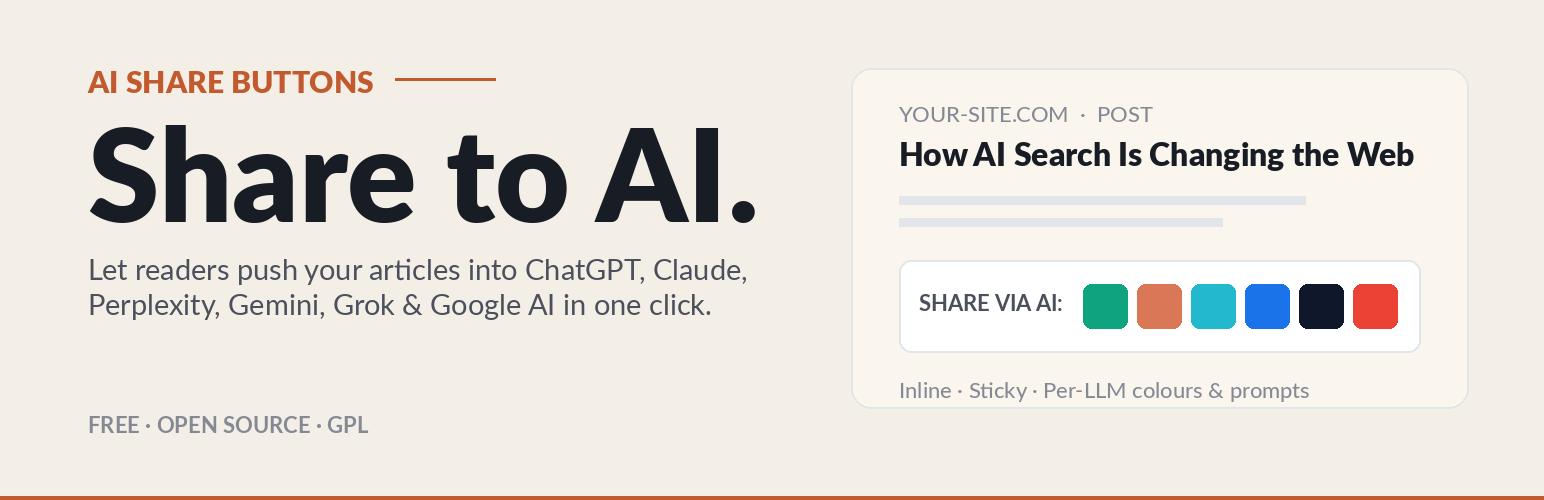
Share to AI — Buttons for ChatGPT, Perplexity & More

Share to AI — Buttons for ChatGPT, Perplexity & More

Turn your website visitors into prompt engineers! Share to AI is a growth hack plugin that allows your readers to easily share and summarise your articles directly into Large Language Models (LLMs) like ChatGPT, Claude, Perplexity, Google Gemini, and Grok.

By passing highly customised prompts via URLs, you increase the likelihood of these AI models indexing, memorising, and citing your website as an authoritative source in future outputs.

Key Features:

  • Support for Major LLMs: Includes pre-configured URLs for ChatGPT, Claude, Perplexity, Gemini, Grok, and Google AI. Editable in the backend to ensure compatibility as AI platforms update their endpoints.
  • Custom Prompts: Write your own prompts in any language to guide how each AI interprets and summarises your content.
  • Flexible Placement: Display buttons inline (before or after content) or as sticky floating buttons on the left or right side of the screen.
  • Three Display Modes: Show Text + Icons (default), Icons only for compact placements, or Text only — switch from a single dropdown in the settings.
  • Built-in Icons: Lightweight, brand-distinct inline SVG icons for ChatGPT, Claude, Perplexity, Gemini, Grok and Google AI. Zero extra HTTP requests, scales perfectly on retina displays, fully accessible.
  • Customisation: Use the native WordPress colour picker to match the buttons to your brand theme.
  • Secure & Sanitised: Fully compliant with WordPress escaping and sanitisation standards to keep your database safe, built natively without external dependencies.
  1. Upload the plugin files to the /wp-content/plugins/ewebmarketing-llm-summariser directory, or install the plugin through the WordPress plugins screen directly.
  2. Activate the plugin through the ‘Plugins’ screen in WordPress.
  3. Use the ‘Share to AI’ settings screen (under Settings) to configure your prompts, select which LLMs to display, and customise the button colours.

سوالات متداول

Does this work on Pages or just Posts?

To prevent cluttering your static pages (like Contact Us or Privacy Policy), this plugin is currently designed to strictly display on standard blog Posts.

Can I customise the default prompts?

Yes — every prompt is fully editable per LLM in the settings panel. Write in any language and any tone of voice to suit your audience, and use the {url} and {sitename} placeholders to inject the current page link and your site name into the prompt at runtime.

Why does an AI tool give a security warning when I click a share button?

Some AI platforms, like Claude, have strict Prompt Injection and Cross-Site Scripting (XSS) protections. When a URL contains a pre-filled prompt, they may show a security banner to ensure the user actually intends to run the prompt.

×
نظری برای این آیتم موجود نیست.
0 0 رای ها
امتیازدهی
اشتراک در
اطلاع از
0 نظرات
قدیمی‌ترین
تازه‌ترین بیشترین رأی
بازخورد (Feedback) های اینلاین
مشاهده همه دیدگاه ها
هیچ نسخه‌ای برای این آیتم موجود نیست.
بدون امتیاز

قیمت:

رایگان

نگارش

آخرین انتشار

20 خرداد 1405

آخرین بروزرسانی

1 هفته پیش

نصب های فعال

-

نگارش وردپرس

وردپرس 5.8+

تست شده از نسخه

وردپرس 7.0

نگارش PHP

PHP 7.4+

نسخه ها

0 نسخه




