
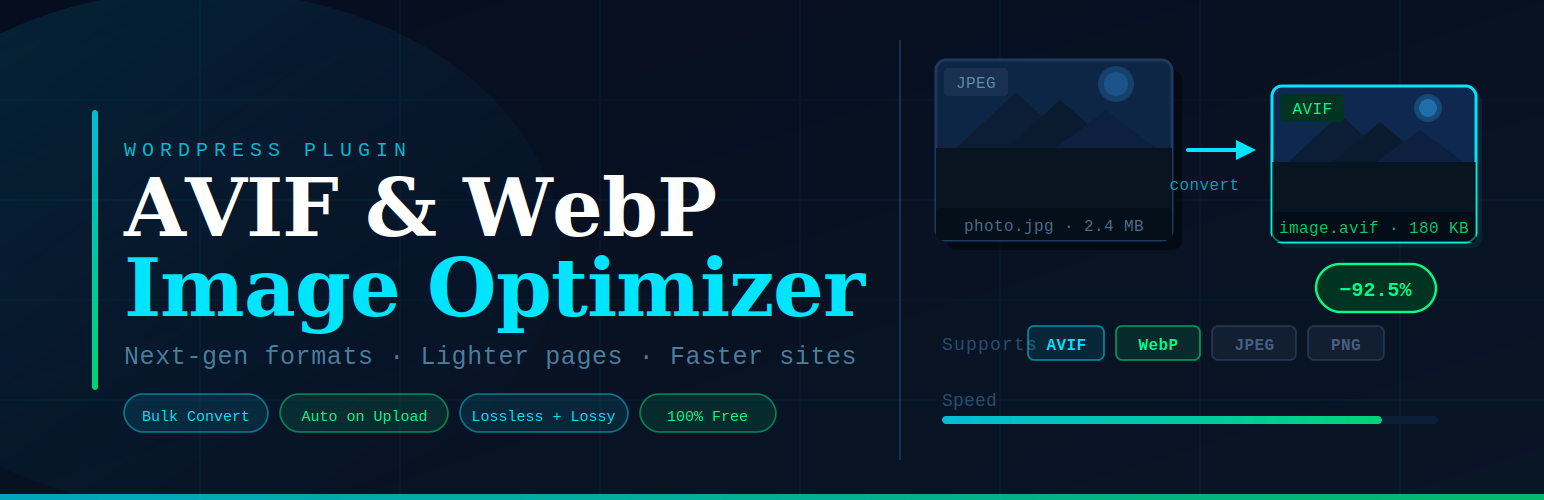

Digital Creatings AVIF WebP Image Optimizer is developed by Puneet Tiwari and built for practical, server-friendly image optimization on real WordPress sites.
Instead of converting images only during page requests, it can queue conversion jobs and process them in controlled batches via WP-Cron (and optional shutdown processing). This helps reduce page-time CPU spikes on medium and large media libraries.
Key capabilities:
- Converts images to AVIF and/or WebP depending on your selected mode and server support.
- Supports responsive desktop/mobile variants with configurable quality and max width.
- Scans your media library and queues missing variants with progress reporting.
- Background queue controls: batch size, time limit, cron interval, retry failed, clear pending/failed, stop and clear queue.
- Optional lazy loading support for image tags.
- Optional Gravatar caching to local disk (with optimized variants where possible).
- Optional CSS background processing for inline
styleattributes and<style>blocks. - Live admin dashboard for queue and cache status.
Designed for production safety:
- Queue-based processing to avoid heavy one-request workloads.
- Pending queue guardrails to prevent unbounded backlog growth.
- Recovery-oriented controls for scan pause/resume and queue maintenance.
About Digital Creatings:
Digital Creatings AVIF WebP Image Optimizer is maintained by Puneet Tiwari (puneetbca) to provide reliable, performance-focused WordPress tooling for businesses and agencies.
Website: https://www.digitalcreatings.com
Support: https://www.digitalcreatings.com/contact/
External services
This plugin can optionally connect to Gravatar (Automattic) to download comment author profile images when Cache Gravatars is enabled in the plugin settings.
- What it is used for: Gravatar supplies default avatar images for WordPress comments and author profiles. The plugin downloads those images once, converts them locally to AVIF/WebP when possible, and serves cached copies from your site to reduce third-party requests.
- What data is sent and when: Only when Gravatar caching is enabled and a page or comment displays a Gravatar URL (typically
secure.gravatar.com), the plugin sends an HTTP GET request for that avatar image URL and size. No WordPress user account data, email addresses, or site content beyond the public Gravatar URL is transmitted by this plugin. - Service provider: Gravatar (Automattic) — Terms of Service, Privacy Policy.
All other image optimization is performed locally on your server. Original uploads and generated cache files remain on your hosting unless you configure separate CDN or backup services outside this plugin.
Technical Notes
If you are integrating or extending behavior, these hooks are available:
dcawio_defaults– Filter default settings.dcawio_is_excluded– Filter image URL exclusion behavior.dcawio_skip_img_rewrite– Filter per-image rewrite skip logic.dcawio_max_queue_batch_size– Filter maximum allowed queue batch size.dcawio_admin_queue_jobs_limit– Filter number of jobs shown in admin queue list.
Cache and queue behavior depends on server CPU, available image libraries, and cron reliability. For large libraries, prefer queue mode with conservative batch/time limits and monitor progress from the dashboard.




