
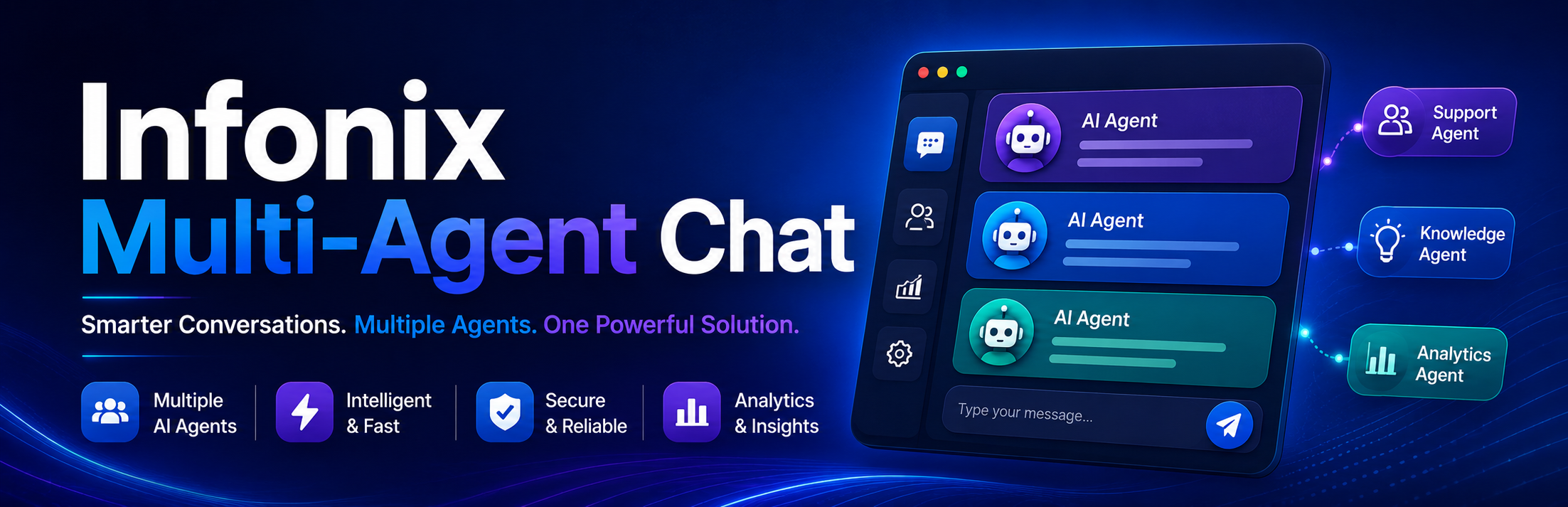
Infonix Multi-Agent Chat

Infonix Multi-Agent Chat

توسط

Infonix Multi-Agent Chat helps website owners convert visitors into instant chat leads. Add a floating chat button, multi-agent popup, and smart triggers without any API keys.

Key Features

  • Floating Chat Button – Customizable position (left/right), size, animation, and per-device visibility.
  • Pre-Filled Messages – Dynamic tags: {page_title}, {site_name}, {current_url}.
  • Multi-Agent Routing – Add team members with names, departments, contact numbers, profile images, and online/offline status.
  • Smart Popup Triggers – Time delay, scroll-based, and exit intent triggers with mobile controls.
  • Page Targeting – Show on all pages, homepage only, specific pages, or exclude selected pages. Filter by post type.
  • Click Analytics – Track total clicks, agent-wise clicks, page-wise clicks, and device-wise clicks with date filtering.
  • Shortcodes – [infomuch_chat] (primary), with [infonix_chat] and [convertedge_chat] compatibility aliases.
  • Elementor Widget – Full Elementor integration with content and style controls.

Compatibility Migration Notes

  • Existing settings from previous plugin builds are automatically migrated to current option keys.
  • Existing analytics table data from previous plugin builds is automatically migrated to the current table.
  • Legacy shortcodes [infonix_chat] and [convertedge_chat] remain active.
  1. Upload the infonix-multi-agent-chat folder to /wp-content/plugins/.
  2. Activate the plugin through the Plugins menu in WordPress.
  3. Navigate to Infonix Chat in the WordPress admin sidebar.
  4. Add your agents, configure settings, and customize the design.
  5. The floating widget will appear on your site automatically.

سوالات متداول

Do I need an API key?

No. The plugin uses direct chat links and works without any API key.

Can I add multiple agents?

Yes. Go to the Agents tab and add as many team members as you like, each with their own department, contact number, and status.

Does it work with Elementor?

Yes. After activation, you will find the “Infonix Multi-Agent Chat” widget in the Elementor editor.

How does click tracking work?

Clicks are recorded in a custom database table. View analytics in the plugin’s Analytics tab with date range filtering.

Will it slow down my site?

No. CSS and JS are loaded only on pages where the widget is displayed.

×
نظری برای این آیتم موجود نیست.
0 0 رای ها
امتیازدهی
اشتراک در
اطلاع از
0 نظرات
قدیمی‌ترین
تازه‌ترین بیشترین رأی
بازخورد (Feedback) های اینلاین
مشاهده همه دیدگاه ها
هیچ نسخه‌ای برای این آیتم موجود نیست.
بدون امتیاز

قیمت:

رایگان

نگارش

آخرین انتشار

21 خرداد 1405

آخرین بروزرسانی

5 روز پیش

نصب های فعال

-

نگارش وردپرس

وردپرس 5.8+

تست شده از نسخه

وردپرس 6.9.4

نگارش PHP

PHP 8.0+

نسخه ها

0 نسخه




