
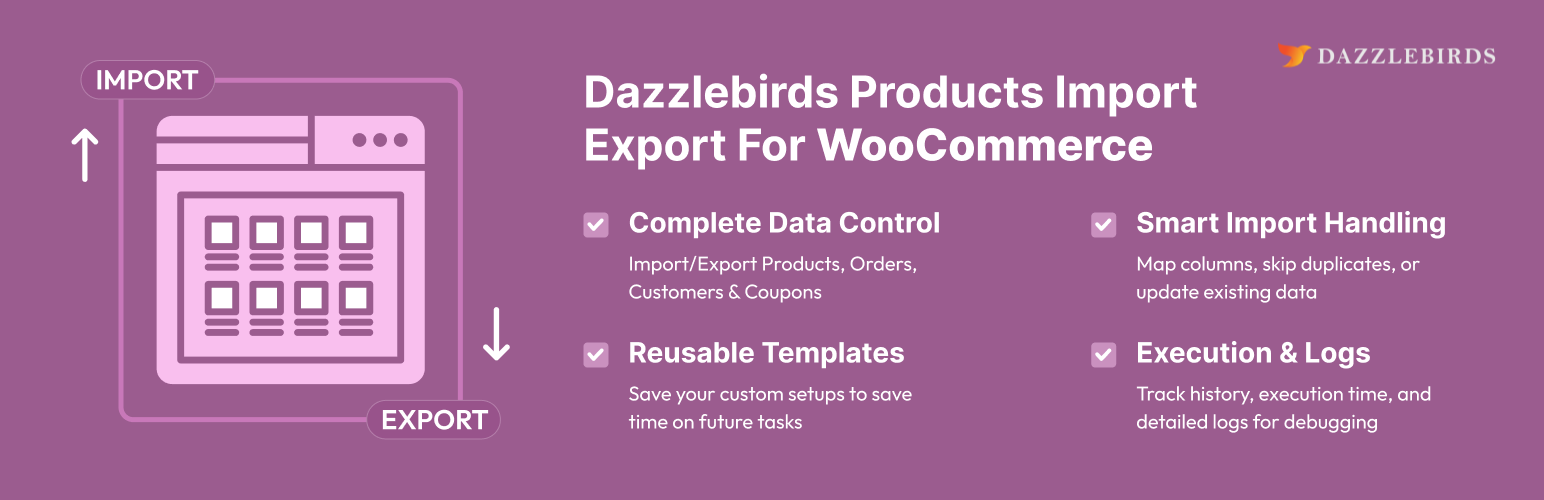
Dazzlebirds Products Import Export For WooCommerce

Dazzlebirds Products Import Export For WooCommerce

توسط

Dazzlebirds Products Import Export For WooCommerce lets you bulk-import and export WooCommerce products, product categories, product tags, and product reviews as CSV files. Designed for catalog migrations, scheduled backups, bulk product edits, and review moderation workflows.

Product import and export

  • Export simple, variable, grouped, and external products with full attribute, variation, stock, image, tax, and metadata detail.
  • Import products that preserve product IDs, SKUs, parent/child variation links, attributes, gallery images, low-stock thresholds, and custom meta.
  • Filter exports by status, type, date range, category, tag, brand, stock status, and product ID list.

Product reviews

  • Export reviews including rating, content, author, verified-purchase flag, and approval state.
  • Import reviews back with product matching by ID or SKU.

Product categories and tags

  • Export the full taxonomy tree (categories) or flat list (tags) including descriptions, parent relationships, thumbnails, display type, and term meta.
  • Import categories and tags with parent resolution by name or slug.

Common features

  • CSV column mapping UI for advanced imports + Quick Import for one-click round-trips.
  • Batched processing with configurable batch size — handles tens of thousands of records without timeouts.
  • Import/export history table with per-operation logs, downloadable exported files, and optional auto-delete of old records.
  • CSV delimiter selectable per operation (comma, semicolon, tab, pipe, or custom).
  • Backup-before-import confirmation on every import action.
  • Save and reuse column-mapping templates.

  1. Upload the plugin files to /wp-content/plugins/dazzlebirds-products-import-export-for-woocommerce, or install through the WordPress plugin screen directly.
  2. Activate the plugin through the Plugins screen.
  3. Make sure WooCommerce is installed and active.
  4. Navigate to WC Data Manager in the WordPress admin menu, then choose the Import or Export tab.

سوالات متداول

Does this plugin require WooCommerce?

Yes. WooCommerce 5.0 or higher must be installed and active.

What file formats are supported?

CSV for both import and export. The delimiter is selectable (comma is the default).

Is there a limit on the number of records?

No hard limit. Imports and exports run in batches; the batch size is configurable under Settings to balance speed against server resources.

Will importing overwrite my existing products?

Importing a product whose ID or SKU matches an existing record will update that record. You will see a confirmation popup warning you to back up before the import runs.

Can I import orders, customers, or coupons with this plugin?

No. This plugin is focused on products and their taxonomies only. For orders and coupons, install the Dazzlebirds Orders Import Export plugin; for users and customers, install the Dazzlebirds Users Import Export plugin.

Does it handle variable products with variations?

Yes. Variations are exported as their own rows (linked to the parent via SKU) and imported back with attribute, stock, and pricing inheritance preserved.

تصویری برای این آیتم موجود نیست.
نظری برای این آیتم موجود نیست.
0 0 رای ها
امتیازدهی
اشتراک در
اطلاع از
0 نظرات
قدیمی‌ترین
تازه‌ترین بیشترین رأی
بازخورد (Feedback) های اینلاین
مشاهده همه دیدگاه ها
هیچ نسخه‌ای برای این آیتم موجود نیست.
بدون امتیاز

قیمت:

رایگان

نگارش

آخرین انتشار

21 خرداد 1405

آخرین بروزرسانی

6 روز پیش

نصب های فعال

-

نگارش وردپرس

وردپرس 5.6+

تست شده از نسخه

وردپرس 7.0

نگارش PHP

PHP 7.4+

نسخه ها

0 نسخه



