

Live Demo | Documentation | Support
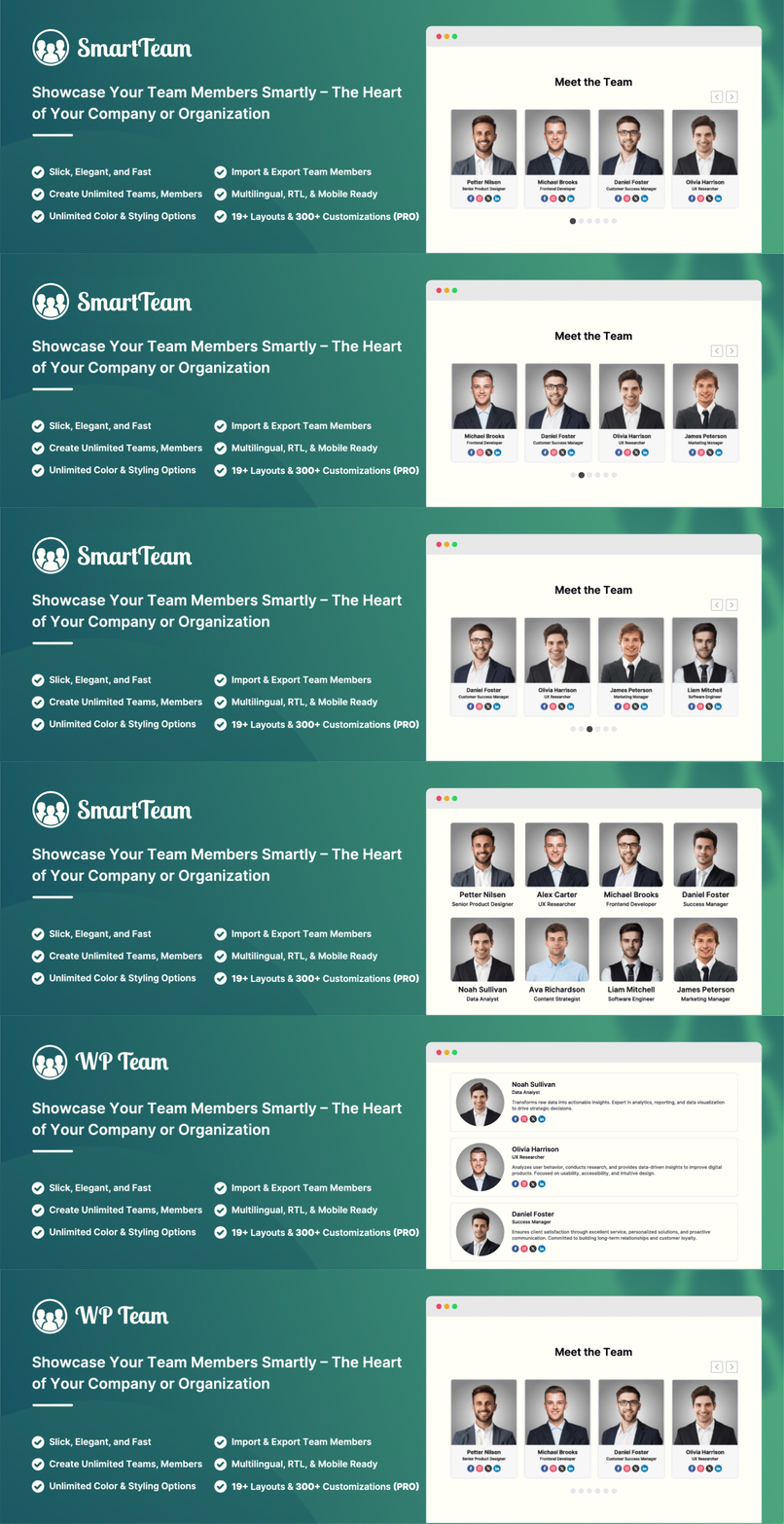
Smart Team is a WordPress team showcase plugin for creating and managing team member displays. The plugin includes 3 layout presets and styling options to create team member sections on your WordPress site. The main purpose is to display team or staff members, but it can also be used for other content that requires an image and text.
Why use Smart Team?
Displaying your team members helps visitors connect with the people behind your organization. Smart Team allows you to create team member pages without coding knowledge. The plugin provides an intuitive interface for building team displays.
Who is Smart Team perfect for?
- Business Owners & Startups – Showcase your staff, departments, and leadership team.
- Agencies & Freelancers – Present your creative team or collaborators.
- Educational Institutions – Display teachers, professors, faculty, or students.
- Medical & Corporate Websites – Highlight doctors, lawyers, executives, and professionals.
- Non-profits & Organizations – Introduce volunteers, board members, or community leaders.
- Event & Conference Websites – Showcase speakers, mentors, or trainers.
- Online Communities & Clubs – Present members, admins, or contributors.
Available Input Fields
- Member name
- Position/Job title
- Photo/Image
- Short bio
- Social links (Facebook, Twitter…)
You can show/hide and customize every field.
Available Layout Presets
- Carousel
- Grid
- List
Key Features List
- Fully responsive and mobile-ready.
- Create unlimited teams and members.
- 3 Layouts (Carousel, Grid, and List).
- Shortcode Generator.
- Multiple team shortcodes on one page.
- Settings panel – no coding required!
- Control columns in different devices.
- Control the total members to display.
- Display random order members.
- Margin or space between members.
- Member border, radius, and background color.
- Show/hide every element of a member.
- Social icon position, margin, and shapes.
- Choose the image size from the available crop sizes.
- Photo/Image border and background color.
- Image zoom in/out effect.
- Detail page link (on/off).
- Detail page fields control.
- Unlimited color & styling.
- Order & order by.
- 15 Team carousel slider options.
- Translation & RTL Ready.
- Multisite supported.
- Custom CSS options.
- Compatible with any theme.
The Pro version of Smart Team provides extra layouts, more styling controls, and extended customization options for building team member showcases with added flexibility.
Documentation
If you have any questions about working with Smart Team, you can take a look at the online documentation.
For Support and Bug Reporting
If you encounter an issue or find any bugs, post it in the support. You can also get support via WordPress.org.
Author
Designed and Developed by ShapedPlugin, LLC






