
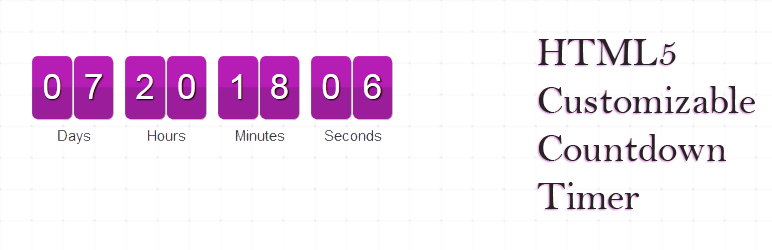
Uji Countdown

Uji Countdown

توسط

Uji Countdown lets you display eye-catching countdowns anywhere on your site. Drop the block or shortcode into a post, page, widget, or template and fine-tune every detail—colours, labels, animation, server vs. visitor time and more.

Key features

  • Block Editor support – create and preview timers visually.
  • Recurring & repeat timers – perfect for evergreen offers.
  • Unlimited styles with colour & size controls.
  • Switch between server time or visitor time.
  • Translate date labels and numeric separators.
  • Optional redirect or hide when the timer expires.
  • Widget area & shortcode support.
  • Multi-language date formats.
  • Pro only: responsive layouts, multiple timers per page, circular timer add-on.

Demo site

Support

Need help? Email info@wpmanage.com or open a topic on the support forum.

  1. Upload the uji-countdown folder to /wp-content/plugins/.
  2. Activate the plugin via Plugins ▸ Installed Plugins.
  3. Go to Settings ▸ Countdown and create a timer style.
  4. Insert your timer via the Uji Countdown block or [ujicountdown id="123"] shortcode.

سوالات متداول

Can I show more than one timer on a page?

Yes, the Pro version supports multiple timers per post, page, or widget.

Does the timer keep accurate time if a visitor changes their computer clock?

Enable Server Time to ensure the countdown is based on your server’s clock.

تصویری برای این آیتم موجود نیست.
نظری برای این آیتم موجود نیست.
0 0 رای ها
امتیازدهی
اشتراک در
اطلاع از
0 نظرات
قدیمی‌ترین
تازه‌ترین بیشترین رأی
بازخورد (Feedback) های اینلاین
مشاهده همه دیدگاه ها
نسخه حجم فایل SHA256 تغییرات دانلود
2.3.3 740 کیلوبایت -
دانلود
×
★★★★★
★★★★★
3.2 /5 (54 نظر)

قیمت:

رایگان

نگارش

2.3.3

آخرین انتشار

12 اردیبهشت 1405

آخرین بروزرسانی

2 ماه پیش

نصب های فعال

4,000+

نگارش وردپرس

وردپرس 6.4+

تست شده از نسخه

وردپرس 6.8.5

نگارش PHP

PHP 8.0+

نسخه ها

1 نسخه



