
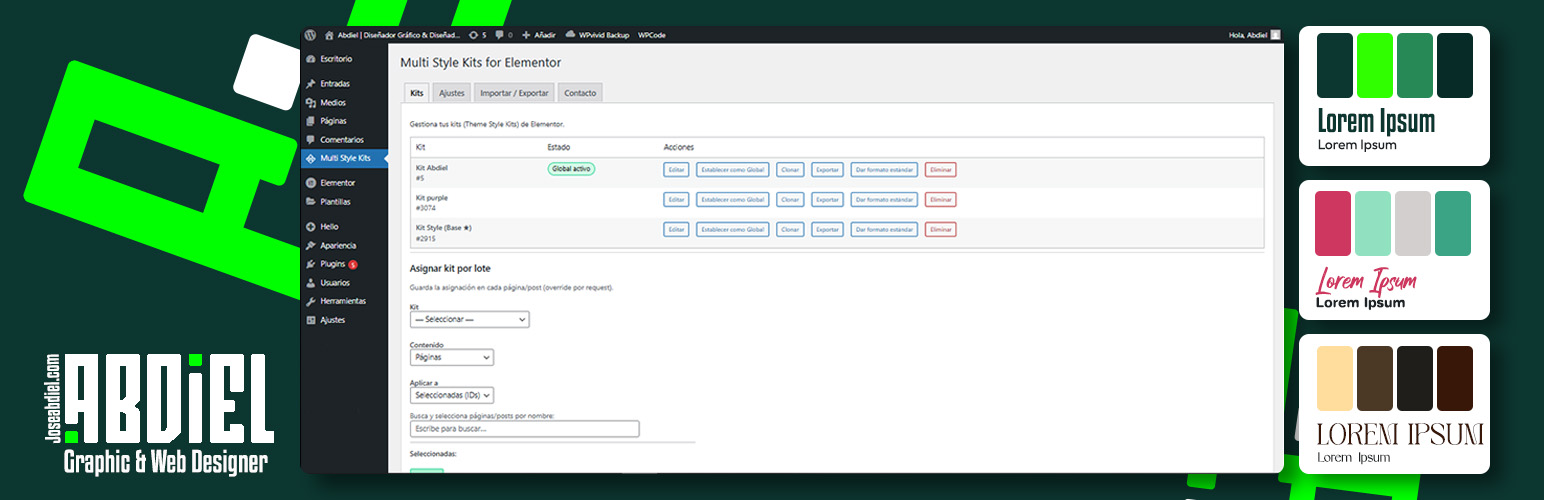
Multi Style Kits for Elementor – Abdiel

Multi Style Kits for Elementor – Abdiel

توسط

Multi Style Kits for Elementor – Abdiel gives you the freedom to have multiple Brandboards (Style Kits) within the same website.
Elementor normally restricts you to one single Global Kit for the entire site.
This plugin breaks that limit, allowing you to play with colors, typography, and styles without losing your original identity.

You can have multiple “identities” living together on the same site.

It is perfect for:
* Landing Pages: Give a specific sales page a unique look without affecting your home page.
* A/B Testing: Quickly swap design systems to test what converts better.
* Multi-Brand Sites: Manage distinct color palettes for different sections of your business.

This plugin is free to use.
If you find it useful for your projects, consider supporting the development using the link in the sidebar!

Key Features

  • Unlimited Kits: Create as many Style Kits as you need.
  • Per-Page Assignment: Assign a specific kit to any page directly from the Elementor Editor.
  • Smart Context Awareness: Ensures styles don’t conflict between the Editor and the Frontend.
  • Bulk Assignment: Apply a kit to multiple pages at once using the dashboard tool.
  • Global Switcher: Change the default look of your entire site in one click.
  • Import / Export: Move your kits between sites easily.
  1. Upload the plugin files to the /wp-content/plugins/abdiel-multi-style-kits-for-elementor directory, or install the plugin through the WordPress plugins screen directly.
  2. Activate the plugin through the ‘Plugins’ screen in WordPress.
  3. Go to Multi Style Kits in your dashboard to start managing your brandboards.
  4. Open any page with Elementor to see the new “Page Settings” options for Kit selection.

سوالات متداول

Does this work with Elementor Free?

Yes, it works perfectly with both Elementor Free and Elementor Pro.

Can I export a kit to another site?

Yes. Go to the “Import / Export” tab. You can export any kit to a lightweight JSON file and import it into another site that has this plugin installed.

What happens if I deactivate the plugin?

Your pages will revert to using the default Global Kit set in Elementor settings.
No data is lost; the assignments are just paused until you reactivate the plugin.

How do I assign a kit to a specific page?

You can do it in two ways:
1. From Elementor (Recommended): Open the page, go to Page Settings (gear icon) > Multi Style Kits, and select your kit. Remember to Save and Refresh to see the changes applied correctly.
2. From the Dashboard: Use the “Bulk Assignment” tool to apply kits to pages without opening the editor.

Can I edit multiple pages simultaneously?

Yes, absolutely! You can open and edit as many pages as you want at the same time, provided they are using the same Style Kit.
However, if you edit pages with different Kits simultaneously in different tabs, you might experience temporary visual conflicts (like mixed colors) inside the Elementor Editor.
* Why? This happens because Elementor updates the global style preview dynamically for your active session.
* Don’t worry: This does not affect the final result for your visitors; your live site will always look perfect.
* Future Update: We are actively working on a solution to allow seamless simultaneous editing of different Kits in future versions.

×
نظری برای این آیتم موجود نیست.
0 0 رای ها
امتیازدهی
اشتراک در
اطلاع از
0 نظرات
قدیمی‌ترین
تازه‌ترین بیشترین رأی
بازخورد (Feedback) های اینلاین
مشاهده همه دیدگاه ها
هیچ نسخه‌ای برای این آیتم موجود نیست.
بدون امتیاز

قیمت:

رایگان

نگارش

آخرین انتشار

17 اردیبهشت 1405

آخرین بروزرسانی

1 ماه پیش

نصب های فعال

-

نگارش وردپرس

وردپرس 5.8+

تست شده از نسخه

وردپرس 6.9.4

نگارش PHP

PHP 7.4+

نسخه ها

0 نسخه




