
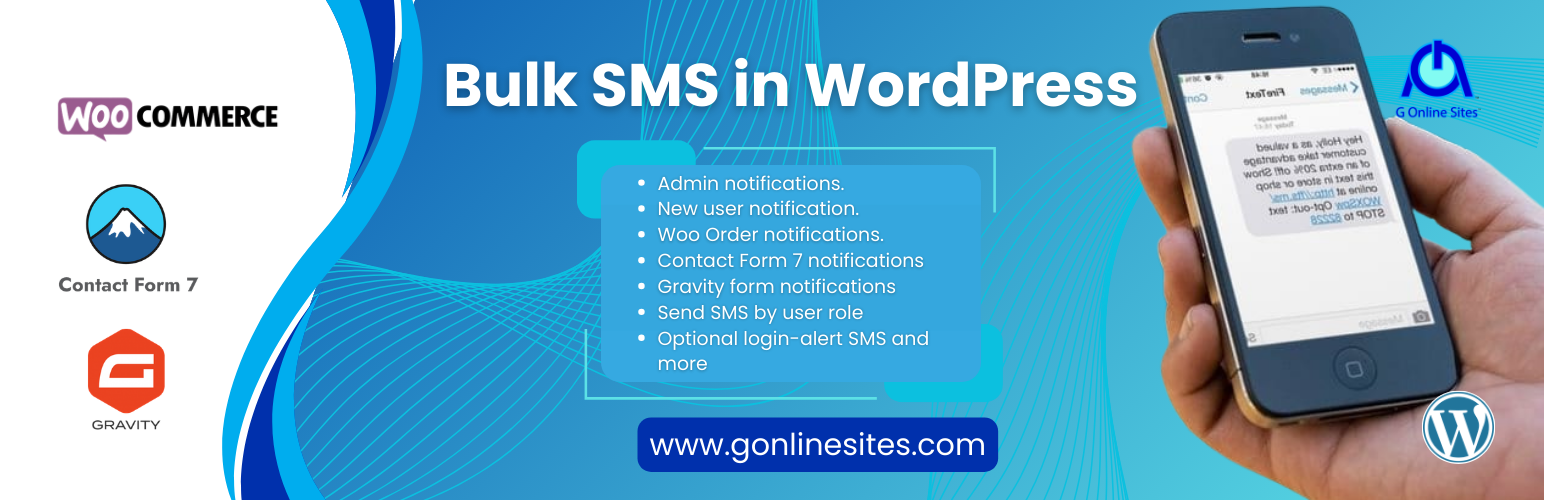

G Online SMS connects your WordPress site to the G Online SMS gateway so you can send SMS messages automatically based on events in WordPress, or manually to any phone number.
Features
- OTP / Two-Factor Authentication:
- SMS verification code on WordPress login (2FA after password check).
- Phone number verification at WooCommerce checkout before order placement.
- Phone number confirmation on user registration.
- Verify new phone number when changed in WooCommerce My Account.
- Configurable code length (4–8 digits) and expiry (1–30 minutes).
- Maximum 3 failed attempts before code is invalidated.
- Send single or bulk SMS directly from the WordPress admin.
- Bulk SMS by user role — target all subscribers, customers, or any custom role.
- User lifecycle notifications:
- Notify admin when a new user registers.
- Send a welcome SMS to every new user.
- Send a farewell SMS when an account is deleted.
- Optional login-alert SMS to admin.
- WooCommerce integration:
- Customise SMS messages per order status (pending, processing, completed, refunded, etc.).
- Notify admin when a new order is placed.
- Supports rich order placeholders:
{order_id},{order_total},{customer_name},{order_items}, and many more.
- Contact Form 7 integration:
- Send SMS to admin AND the form submitter simultaneously on submission.
- Per-form overrides via the Additional Settings tab.
- Gravity Forms integration:
- Send SMS to admin AND the submitter when an entry is submitted.
- Use
{field_id:N}or{Field Label}placeholders.
- SMS Log — every sent and failed message is recorded with status, recipient and trigger source.
- Test SMS button — verify your API key right from the settings page.
- Fully translatable (
.potfile included). - No Bootstrap or external CSS loaded site-wide — lightweight admin-only assets.
Supported Placeholders (WooCommerce)
{order_id} `{order_number}` `{order_total}` `{order_status}` `{order_date}` `{customer_name}` `{customer_first_name}` `{customer_last_name}` `{customer_email}` `{customer_phone}` `{billing_address}` `{shipping_address}` `{payment_method}` `{shipping_method}` `{order_items}` `{subtotal}` `{tax_amount}` `{currency}` `{coupon_code}` `{site_name}` `{site_url}`
Supported Placeholders (User notifications)
{first_name} `{last_name}` `{display_name}` `{user_email}` `{user_login}` `{site_name}` `{site_url}`
External Services
This plugin connects to the G Online SMS gateway to send SMS messages and check account balance. This is a third-party service operated by G Online Sites.
What data is sent and when
- When sending an SMS — the recipient’s phone number, the message text, your Sender ID, and your API key are transmitted to the gateway. This happens every time an SMS is triggered (user registration, WooCommerce order status change, form submission, manual send, etc.).
- When checking balance — only your API key is sent. This happens each time the plugin dashboard page is loaded.
No data is sent without your action
No data is ever transmitted unless you have entered a valid API key in the plugin settings. The plugin makes no external calls on the front end of your website.
Service provider details
- Service: G Online SMS — bulk SMS messaging gateway for Ghana and beyond.
- Provider: G Online Sites
- Gateway URL: https://sms.gonlinesites.com/app
- Terms of Service: https://sms.gonlinesites.com/app/terms
- Privacy Policy: https://sms.gonlinesites.com/app/privacy
By using this plugin you agree to the terms of service and privacy policy of the G Online SMS gateway listed above.




