
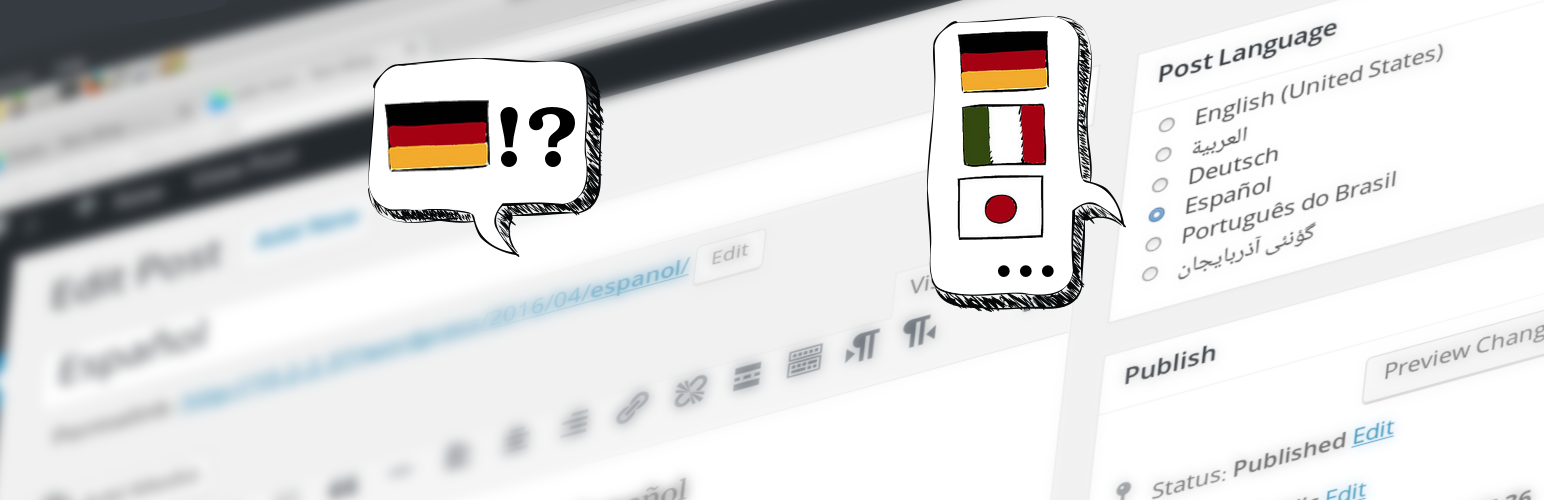
Per Post Language

Per Post Language

توسط

Do you write posts in different languages?
Would you like your blog theme language to be the same as the language in which your wrote your post or page?

With this plugin you can set the language of your blog per post and also per page, that is if your blog is in English and you wrote a post or a page in Spanish or Arabic you can set the language of your blog to match that post’s or page’s language, so when your visitors open that post or page they will see your blog in that language. You don’t have to translate your theme and plugins if they come with translations and even it will change the direction of the view to RTL (Right-to-Left) if your language is RTL based.

  • The plugin does not provide any translations, it only changes the themes and plugins translation language if they provide there own translations.
  • The available languages are only the languages that WordPress already recognizes and supports.
  • The plugin only works for posts and pages, the front page will show in the blog default language.
  1. Search for the plugin from within the blog plugin admin page, or manually upload the plugin folder to the /wp-content/plugins/ directory.
  2. Install and Activate the plugin.
  3. Go to Settings -> “Per Post Language” and add your languages.

To use it simply go to the post edit page and select the language from the “Post Language” box.

IMPORTANT: If you use server caching or have a caching plugin, you might need to delete all caches after installing or updating this plugin.

سوالات متداول

Q: I installed this plugin but my theme or plugin still shows in the default blog language, why?

Check if your theme or plugin has support for your language. Also if switching to RTL language make sure your theme has RTL support. (All WordPress default themes has support for LTR & RTL and translations for many languages)

Q: I use a plugin which has support for my language but that plugin still shows in the default language?

Some plugins are developed to load the translations very early and before the post is loaded so they only see the default language. Contact the plugin developers or create a support ticket and ask them to delay the loading of the translations, also send them this link: http://geertdedeckere.be/article/loading-wordpress-language-files-the-right-way

×
نظری برای این آیتم موجود نیست.
0 0 رای ها
امتیازدهی
اشتراک در
اطلاع از
0 نظرات
قدیمی‌ترین
تازه‌ترین بیشترین رأی
بازخورد (Feedback) های اینلاین
مشاهده همه دیدگاه ها
هیچ نسخه‌ای برای این آیتم موجود نیست.
★★★★★
★★★★★
4.9 /5 (9 نظر)

قیمت:

رایگان

نگارش

آخرین انتشار

19 اردیبهشت 1405

آخرین بروزرسانی

1 ماه پیش

نصب های فعال

300+

نگارش وردپرس

وردپرس 4.0.0+

تست شده از نسخه

وردپرس 4.5.33

نگارش PHP

-

نسخه ها

0 نسخه




