
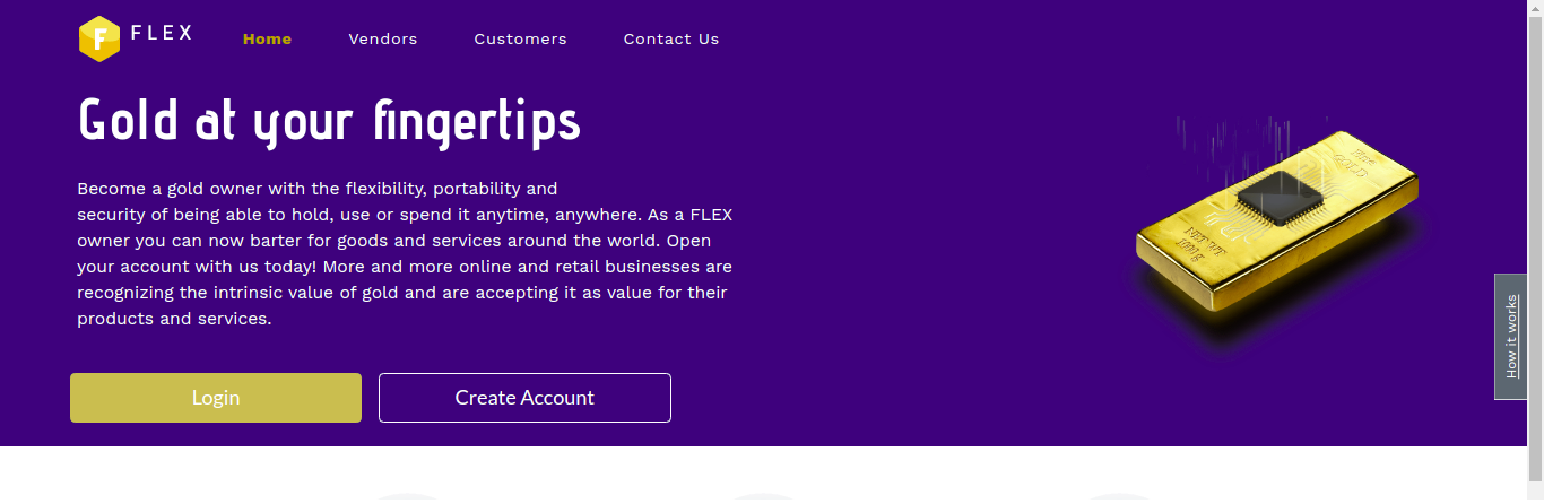

What is FLEX Gold?
You are purchasing FLEX Gold, a digital token provided by DG Capital, exclusively for the purchase of products and services offered by the vendor for this transaction.
The FLEX Gold you are purchasing is an Ethereum token that once you authorize the transaction, is securely and directly transferred to the vendor’s digital wallet using the Ethereum blockchain system.
FLEX Gold is a token offered by DG Capital through an agreement with the vendor to use it solely to facilitate the purchase of vendor’s products and services through a secure clearance and settlement system. FLEX Gold is fractional, digital gold and its value as a commodity is backed 100% by physical gold.
Your purchase of FLEX Gold, though a separate purchase, can only be used for the purchase of the products you’ve selected to buy from this vendor. Therefore, your authorization instructing DG Capital to transfer the tokens to the vendor is required for the completion of your product purchase.
Your credit card statement will reflect the purchase of FLEX Gold once the transaction is authorized by you and approved and completed by your credit card company.
In the unlikely event you encounter any issues with the products you have purchased using FLEX Gold, you should reach out to the vendor through its customer service department.
For further information on DG Capital’s terms and conditions.






