
WPDevelopers YouTube Share Buttons

WPDevelopers YouTube Share Buttons

توسط

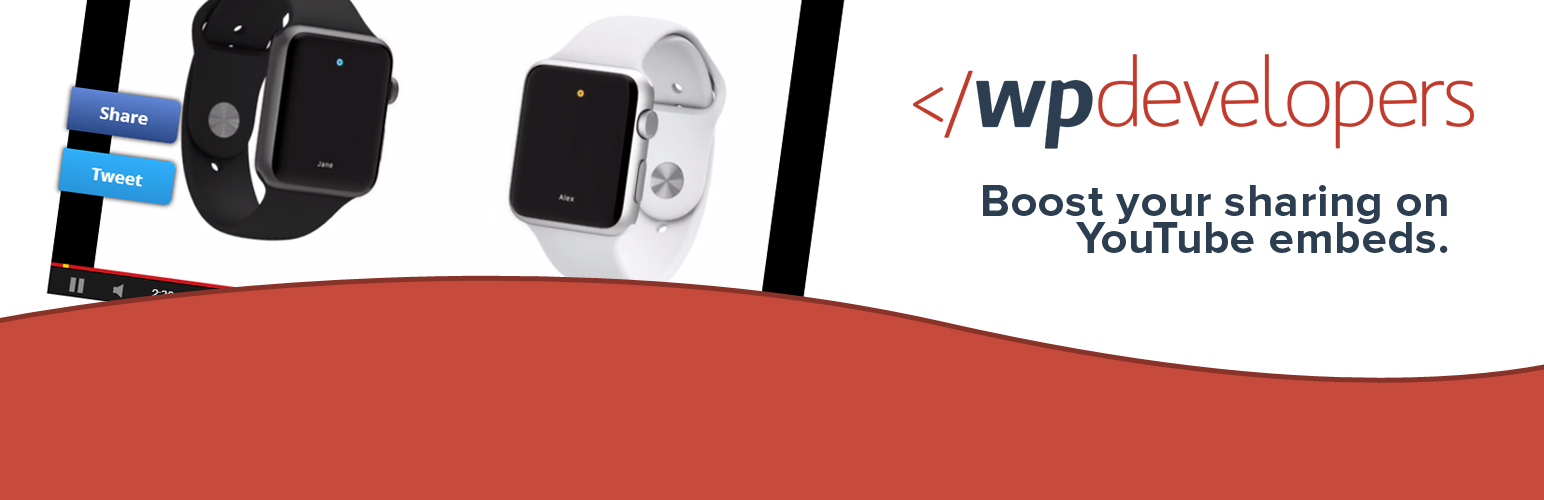
This plugin searches your posts for YouTube embeds and then wraps the player with share buttons that appear on hover when view on desktop or display on place when view on mobile devices. There’s both a share button for Facebook and for Twitter that share your current post URL. When the post share on Facebook, it share the full URL. When sharing on Twitter however, it uses the shortlink, so that the tweet does not surpass the 180 character limit. It works with both regular YouTube iFrame embeds and the oEmbed system.

View the demo here: http://wpdevelopers.com/wpdeveloper-youtube-share-buttons/

  1. Upload wpdev-youtube-share-plugin to the /wp-content/plugins/ directory
  2. Activate the plugin through the ‘Plugins’ menu in WordPress.
  3. And enjoy share buttons on your YouTube embeds!

سوالات متداول

Is there a control panel or options page?

Since this plugin is so straight forward, there isn’t a control panel or options page as it truly isn’t needed.

Can I update the styles?

You can do so using your own stylesheet, whether is be a custom.css file or a child theme stylesheet.

What size should the YouTube player be?

It would be best if the player were as wide as it can be. I suggest setting iFrames to be 100% width within the content in order for everything to look great.

تصویری برای این آیتم موجود نیست.
نظری برای این آیتم موجود نیست.
0 0 رای ها
امتیازدهی
اشتراک در
اطلاع از
0 نظرات
قدیمی‌ترین
تازه‌ترین بیشترین رأی
بازخورد (Feedback) های اینلاین
مشاهده همه دیدگاه ها
هیچ نسخه‌ای برای این آیتم موجود نیست.
بدون امتیاز

قیمت:

رایگان

نگارش

آخرین انتشار

31 اردیبهشت 1405

آخرین بروزرسانی

4 هفته پیش

نصب های فعال

10+

نگارش وردپرس

وردپرس 3.5+

تست شده از نسخه

وردپرس 4.3.34

نگارش PHP

-

نسخه ها

0 نسخه



