
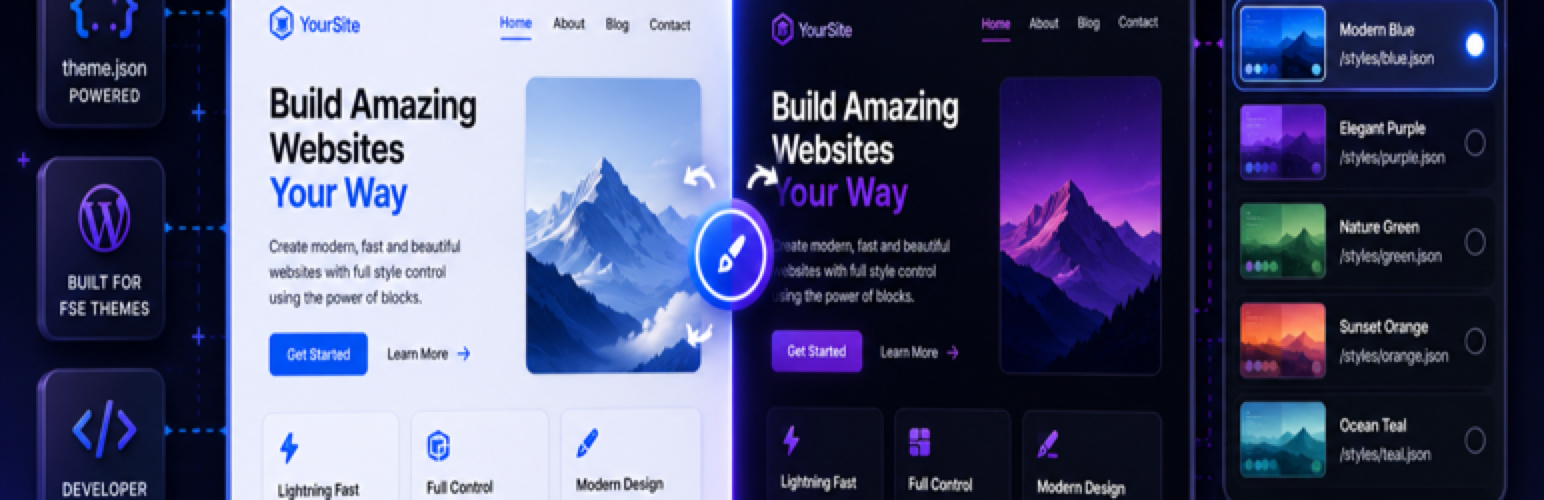

4WP Style Switcher reads style variations from the active block theme (theme.json and /styles/*.json).
A plugin by 4wp.dev. 4WP is our project brand; the letters “WP” appear only as part of that brand name, not as a reference to WordPress. This plugin is not affiliated with, endorsed, or sponsored by WordPress.
Source code and releases: github.com/4wpdev/4wp-style-switcher
Development
Human-readable PHP source is in the public GitHub repository above. The plugin ZIP includes src/ (PSR-4 autoload via src/Autoload.php when vendor/ is absent). No npm build step — front-end scripts ship as plain JS in assets/.
Live demo (WordPress Playground): https://playground.wordpress.net/?blueprint-url=https://raw.githubusercontent.com/4wpdev/4wp-style-switcher/v1.0.0/.wordpress-org/assets/blueprints/blueprint.json
The demo site Style Switcher uses Twenty Twenty-Five: About, Morning, Afternoon, and Evening pages with per-page styles, A/B light vs dark, a bottom-right visitor switcher, and Light/Dark in the header and footer menus.
Page style (editor) — pick a variation for a page; optionally lock it so visitors cannot override it.
Frontend switcher — visitors choose from allowed variations; the choice is stored in localStorage and synced to a cookie for server-side rendering.
Light / Dark (navigation block) — add the Light/Dark block inside Navigation; map two variations (sun/moon icons).
A/B testing — split new visitors between two variations; daily aggregate stats monitor the traffic split.
Privacy
When the visitor switcher or A/B testing is enabled, the plugin may store the selected style variation in a browser cookie (forwp_ss_style) and in localStorage on the visitor device. No personal data is sent to third-party services. A/B stats are aggregated counts stored in your WordPress database.
Blocks
This plugin provides 1 block.
-
Light / Dark — menu toggle between two mapped theme style variations (sun/moon icons).Hooks (developers)
-
forwp_style_switcher_variations— filter theme variation list. forwp_style_switcher_ab_assigned— after A/B cohort assignment.forwp_style_switcher_analytics_track— analytics events.forwp_style_switcher_ab_assignment_enabled— filter A/B assignment.




