
ACF Flexible Layout Preview

ACF Flexible Layout Preview

توسط

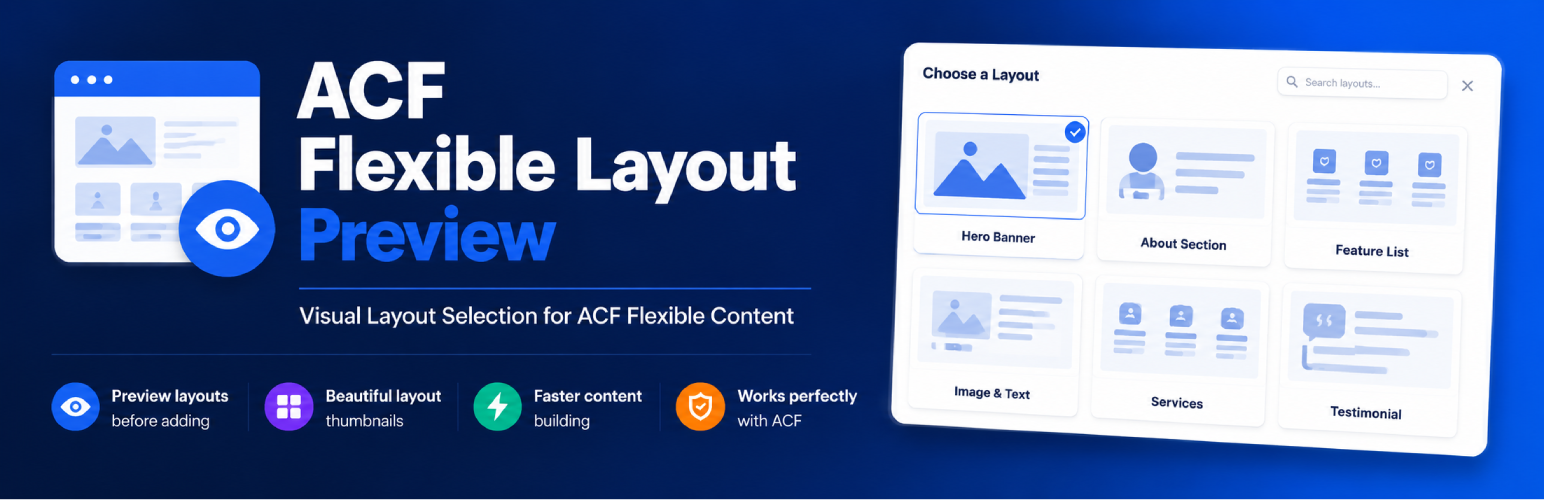
ACF Flexible Layout Preview adds a visual preview workflow for Advanced Custom Fields Flexible Content layouts. Editors can see layout screenshots before adding a row, and administrators can manage those images from a dedicated settings screen.

Requirements

  • Advanced Custom Fields Pro must be installed and active.
  • A valid ACF Pro license key must be entered at ACF Updates.

The plugin will not activate — and will deactivate itself at runtime — if either of these conditions is not met.

Features

  • Visual layout picker for ACF Flexible Content fields.
  • Settings page under ACF > Layout Previews.
  • Auto-discovers Flexible Content layouts from ACF field groups.
  • Upload, replace, view, and remove layout preview images.
  • Add custom layouts before they exist in an ACF field group.
  • Default preview image for layouts without a custom preview.
  • Grid column setting for the preview library.
  • Light and dark settings page theme.
  • Documentation tab with setup steps and usage benefits.
  • Images stored in /wp-content/uploads/acf-layout-previews/.

Usage

  1. Create an ACF Flexible Content field and add layouts.
  2. Open the plugin settings page.
  3. Upload a preview image for each discovered layout.
  4. Use Add Custom Layout for layouts that are planned but not yet registered in ACF.
  5. Edit a post, click Add Row/Add Layout, and choose layouts from the visual preview modal.

Author

Chintan Soni

  1. Upload the acf-flexible-layout-preview folder to /wp-content/plugins/.
  2. Make sure Advanced Custom Fields Pro is installed, active, and licensed.
  3. Activate ACF Flexible Layout Preview from Plugins > Installed Plugins.
  4. Go to ACF > Layout Previews.
  5. Upload preview images for your Flexible Content layouts.
  6. Optional: open Display Settings to set a default preview image, popup grid columns, and popup light/dark theme.

سوالات متداول

Do I need ACF Pro?

Yes, this plugin requires Advanced Custom Fields Pro to be installed and active. The free version of ACF does not include Flexible Content fields.

Where are preview images stored?

Images are stored in /wp-content/uploads/acf-layout-previews/ to keep them separate from your media library.

Can I use this with existing layouts?

Yes! The plugin automatically discovers all existing Flexible Content layouts from your ACF field groups.

تصویری برای این آیتم موجود نیست.
نظری برای این آیتم موجود نیست.
0 0 رای ها
امتیازدهی
اشتراک در
اطلاع از
0 نظرات
قدیمی‌ترین
تازه‌ترین بیشترین رأی
هیچ نسخه‌ای برای این آیتم موجود نیست.
بدون امتیاز

قیمت:

رایگان

نگارش

آخرین انتشار

21 خرداد 1405

آخرین بروزرسانی

2 ماه پیش

نصب های فعال

-

نگارش وردپرس

وردپرس 5.8+

تست شده از نسخه

وردپرس 7.0

نگارش PHP

PHP 7.4+

نسخه ها

0 نسخه



