

IMPORTANT: This plugin requires an account on AddToChat and connects to the AddToChat cloud service (https://api.addtochat.com) to provide AI chatbot functionality.
This plugin sends product catalog data, customer interactions (chat messages), and page context to the AddToChat API for AI processing. The chat widget (loaded from https://cdn.addtochat.com) is embedded on your storefront.
A free plan is available (50 conversations/month). No credit card required.
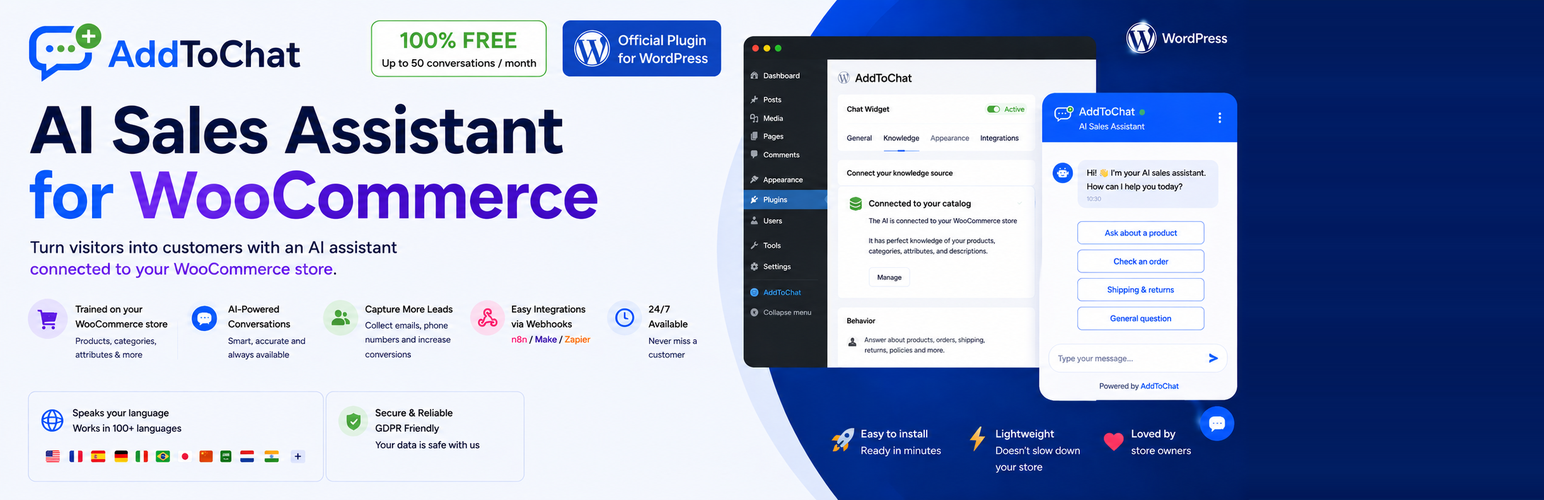
Turn visitors into customers with an AI sales assistant that knows your entire catalog.
AddToChat is a conversational AI chatbot purpose-built for WooCommerce stores. It goes beyond basic live chat — it understands your products, recommends the right items, adds them directly to the customer’s cart, and captures leads, all in natural conversation.
AI Product Recommendations
The chatbot understands customer intent and recommends relevant products from your catalog using semantic search and AI embeddings. It answers questions about sizing, materials, availability, and more.
One-Click Add to Cart
Customers can add recommended products to their WooCommerce cart directly from the chat window — no page reloads, no friction.
Automatic Catalog Sync
Your product catalog is automatically synchronized with AddToChat whenever you add, update, or remove products. Real-time webhooks keep everything in sync.
Knowledge Base
Add custom entries about shipping policies, return policies, FAQs, brand information, and more. The AI uses this context to give accurate, store-specific answers.
Email & Lead Capture
The chatbot captures visitor emails naturally during conversations, feeding them into your CRM for follow-up campaigns.
Full Feature List
- AI Product Recommendations — Semantic search across your entire catalog
- One-Click Add to Cart — Add products from chat without page reloads
- Automatic Catalog Sync — Real-time sync via WooCommerce webhooks
- Knowledge Base — Custom entries for shipping, returns, FAQ, brand info
- Email & Lead Capture — Natural email collection during conversations
- Contacts & CRM — Segments, conversation history, revenue attribution
- Bot Configuration — Name, tone (friendly/formal/expert), welcome message, business rules
- Widget Customization — Brand colors, position, display delay
- AI-Driven Promotions — Auto-generate unique promo codes during conversations
- Upsell & Cross-Sell — Intelligent upgrade and complementary product suggestions
- Physical Store Locator — Direct customers to nearest store with geolocation
- SEO Data Sync — Sync from Yoast SEO or Rank Math
- Product Data Enrichment — ACF fields, GTIN, brand, custom attributes
- Email Sequences — Cart abandonment recovery, welcome emails
- Integrations — Make, Zapier, Slack, Discord via webhooks
- Support Ticket Escalation — Auto-create tickets when AI cannot resolve
- Dashboard & Analytics — Conversations, conversion rates, revenue, AI costs
- Auto-Updates — Plugin keeps itself current automatically
- One-Click Setup — Paste API key, click connect, live in 60 seconds
- Multi-Language — AI responds in any language, admin in EN/FR/ES/DE
Requirements
- WordPress 6.0 or higher
- WooCommerce 8.0 or higher
- PHP 8.0 or higher
- An AddToChat account (free tier available)






