
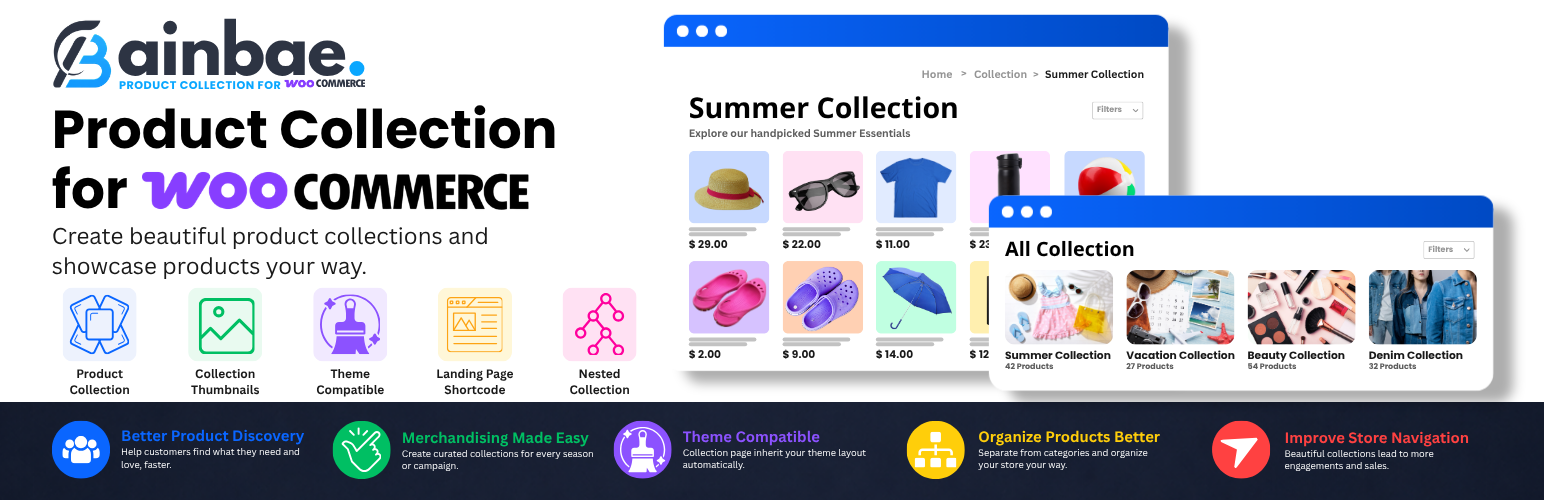

Create curated product collections in WooCommerce without affecting your existing product categories.
Ainbae Product Collections for WooCommerce adds a dedicated Collections taxonomy that works alongside Product Categories. Build seasonal collections, fashion collections, featured collections, brand collections, gift guides, and more.
Collection archive pages automatically inherit your theme’s WooCommerce category layout, ensuring a seamless shopping experience without additional configuration.
Features
- Collections taxonomy (hierarchical, like product categories)
- Collection archive pages that look identical to your Product Category pages on every theme
- Thumbnail image upload on Add New Collection and Edit Collection admin screens
- Collections landing page with [ainbaecfwoo_collections] shortcode
- One “Collections” column in the Products list (no duplicates)
- One “Collections” menu item under Products (no duplicates)
- Filter products by collection in the admin Products list
- Correct breadcrumbs with Collections page as parent
- WooCommerce HPOS compatible
- Dedicated Collections settings page under WooCommerce
- Automatic Collections page creation with shortcode support
- Product-to-Collection assignment from the product editor
- Collection thumbnails for visually rich collection grids
- Parent/Child collection hierarchy support
- Collection landing page with responsive grid layout
- Collection archive pages with WooCommerce filters and theme integration
- SEO-friendly collection URLs
Shortcode
Use [ainbaecfwoo_collections] on any page to display a grid of all collections.
Optional attributes:
* columns — number of columns (default: 3)
* orderby — sort field: name, count, slug (default: name)
* order — ASC or DESC (default: ASC)
* hide_empty — 0 or 1 (default: 0)
* limit — max number of collections, -1 for all (default: -1)
Example:
[ainbaecfwoo_collections columns=”4″ orderby=”count” order=”DESC”]
How It Works
- Create collections from Products Collections.
- Upload a thumbnail image for each collection.
- Assign collections to products from the product editor.
- Create or select a Collections page from WooCommerce Ainbae Collections.
- Display all collections using the shortcode: [ainbaecfwoo_collections]
- Customers can browse collection landing pages and individual collection archives exactly like WooCommerce product categories.
Perfect For
- Fashion stores
- Seasonal campaigns
- Holiday promotions
- Product launches
- Featured product groups
- Beauty collections
- Summer and Winter collections
- Brand showcases
- Gift guides
- Curated product selections






