
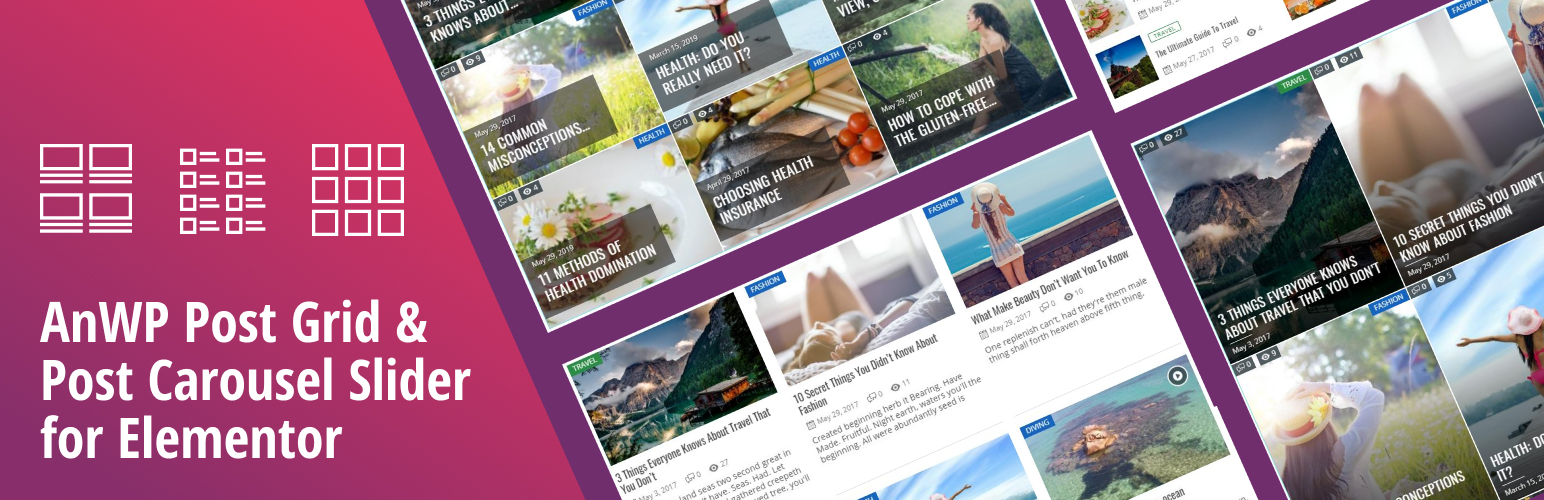

Easily create awesome post grids. Different widget types, powerful filters, “load more” and many customizable options.
The plugin adds 7 new widgets to the Elementor Page Builder: Simple Grid, Light Grid, Classic Grid, Simple Slider, Hero Block and Classic Slider.
BASIC FEATURES
✅ 5 grid and 2 slider widget types
✅ powerful filters (by category, by tag, by author, by post id, by post format, most commented, latest, oldest and others)
✅ pagination and “load more” button in post grid
✅ category color option
✅ many customizable options
✅ fully responsive and mobile friendly (custom number of grid columns for desktop, tablet and mobile)
✅ works with most themes out of the box
✅ template system (ability to override output layouts in your theme)
✅ RTL support
LINKS AND DOCUMENTATION
Demo Site
Online Documentation & Community Portal
Changelog
PREMIUM FEATURES
🔶 Parallax Grid Widget (NEW!)
🔶 Simple Ratio Grid Widget (NEW!)
🔶 Scale Grid Widget
🔶 News Ticker Widget
🔶 Hero Slider Widget
🔶 Mosaic Slider Widget
🔶 Card Slider Widget
🔶 Custom Taxonomy support (NEW!)
🔶 Advanced Pagination
🔶 Taxonomy Redirects
🔶 Header Category Filter
🔶 Widget Blocks
The plugin requires
PHP version 5.6 or greater
WordPress 4.7 or greater
Elementor
Minimum Requirements
- PHP version 5.6 or greater (PHP 7.0 or greater is recommended)
- WordPress 4.7+
Installation
- Go to Plugins >> Add new
- Type “AnWP Post Grid for Elementor” in Search Plugins box.
- Click Install Now to install the “AnWP Post Grid for Elementor”.
- If successful, click Activate Plugin to activate it.
- Install required Elementor plugin. Elementor






