
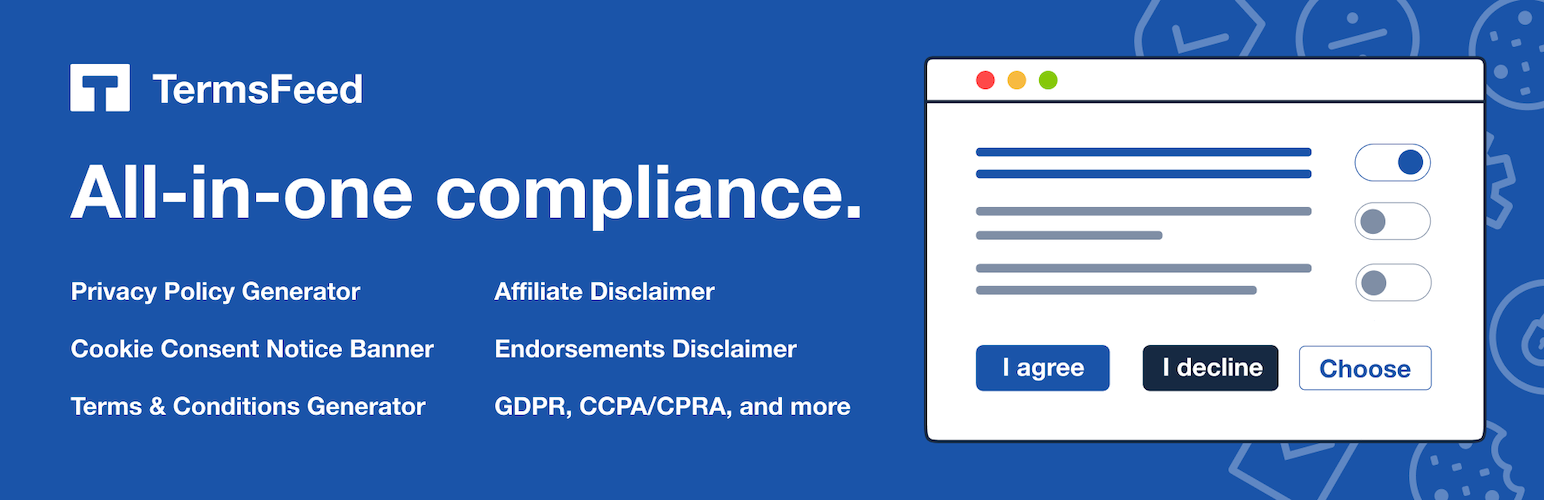
TermsFeed AutoTerms: Privacy Policy Generator, Cookie Consent, GDPR, CCPA, Terms & Conditions, Disclaimers, Cookies Policy, EULA

TermsFeed AutoTerms: Privacy Policy Generator, Cookie Consent, GDPR, CCPA, Terms & Conditions, Disclaimers, Cookies Policy, EULA

توسط

TermsFeed AutoTerms helps you with a wide range of legal requirements your WordPress website might be required to keep up with, such as GDPR, CCPA (CPRA) or Amazon Associates requirements to have a disclosure for affiliate links.

Previously, TermsFeed AutoTerms was called “WP AutoTerms” and “Auto Terms of Service and Privacy Policy”.

Generate Privacy Policy, Terms & Conditions and other legal agreements

TermsFeed AutoTerms helps you create the most important legal pages your WordPress website needs using a simple questionnaire, such as:

  • Privacy Policy
  • Terms & Conditions
  • Cookies Policy
  • Return Policy
  • Disclaimer
  • EULA

You can also create your own legal pages and manage them through the TermsFeed AutoTerms plugin.

Compliance Kits

“Compliance Kits” help you with certain legal compliance requirements:

  • Cookie Consent. Manage vendors scripts you use (i.e. Google Analytics) and get user consent before scripts are loaded. Use this Kit and show a notice banner to visitors and get consent from users with “I Agree” and “I Decline” buttons.

  • Cookie Notice. Inform users whenever cookies are used on your website. Use this Kit and display a simple announcement cookie notice banner.

  • Links to Legal Pages. Your legal pages must be visible and accessible to all users. Use this Kit and automatically insert the links to your legal pages in the footer section of your website.

  • Update Notices of Legal Pages. It’s a best practice to inform users of your legal pages content updates. Use this Kit and show an announcement bar for a limited time to inform your users whenever you’ve updated your legal pages.

  • Endorsements. You need to disclose if you have affiliate links on your website. Use this Kit and include a disclaimer at the start/end of any posts with affiliate links.

DISCLAIMER

TermsFeed AutoTerms plugin is provided with the purpose of helping you with various legal compliance requirements. While we do our best to provide you useful information to use as a starting point, nothing can substitute professional legal advice in drafting your legal agreements and/or assisting you with legal compliance. We cannot guarantee any conformity with the law, which only a lawyer can do. We are not attorneys. We are not liable for any content, code, or other errors or omissions or inaccuracies. This plugin provides no warranties or guarantees. Nothing in this plugin, therefore, shall be considered legal advice and no attorney-client relationship is established. Please note that in some cases, depending on your legislation, further actions may be required to make your WordPress website compliant with the law.

Suggestions

Have a chat with us and let us know what you’d like to see added.

Honorary Mention

Special thanks to this plugin’s original author, Clifford Paulick of https://tourkick.com/

Installing the TermsFeed AutoTerms plugin is easy. Just follow these steps:

  1. From the administration part of your site, navigate to Plugins -> Add New.
  2. Select the “Upload Plugin” button and hit “Choose File.”
  3. When the popup appears select the ZIP file from your desktop. (The ‘x.x.x’ in the archive file name will change depending on the current version number).
  4. Follow the on-screen instructions and wait as the upload completes.
  5. When the upload is finished, activate the plugin via the prompt. A message will show confirming a successful activation.

سوالات متداول

Is TermsFeed AutoTerms free?

Yes! The core features of TermsFeed AutoTerms are free.

What legal agreements can I create with TermsFeed AutoTerms?

You can create the following legal agreements with the TermsFeed AutoTerms:

  • Privacy Policy
  • Terms & Conditions
  • Cookies Policy

You also have the option to create your own custom legal page by selecting “Custom legal page” from the “Add Legal Page” menu.

How can I insert the links to my generated Terms & Conditions and Privacy Policy?

With TermsFeed AutoTerms plugin, you can automatically insert the links to your legal pages by enabling the “Links to Legal Pages” Kit.

You have the option to customize the links section to match your WordPress theme: font, font color, text alignment and so on.

How can I inform my users that I have updated my legal pages?

The “Update Notices of Legal Pages” Kit from allows you to automatically inform users if you have updated your legal pages.

Enable the “Update Notices of Legal Pages” Kit and, whenever you will update your legal pages, TermsFeed AutoTerms plugin will show an announcement bar on your website for a limited time.

How can I inform users that my website uses cookies?

One of the requirements of the EU Cookies Directive is to inform users about the use of cookies through your website. You can enable the Cookie Consent kit (provides management of vendor scripts) or the Cookie Notice (a simple notice banner).

How can I add a disclaimer at the end of my post when I have affiliate links?

You can use the “Endorsements” Kit to automatically add a custom disclaimer at the end of every post or on certain posts; for example, if the post has the tag “disclaimer”.

You can use this disclaimer to inform users that your post and/or your website has affiliate links and disclose more information about your affiliate relationships with third parties.

×
نظری برای این آیتم موجود نیست.
0 0 رای ها
امتیازدهی
اشتراک در
اطلاع از
0 نظرات
قدیمی‌ترین
تازه‌ترین بیشترین رأی
بازخورد (Feedback) های اینلاین
مشاهده همه دیدگاه ها
هیچ نسخه‌ای برای این آیتم موجود نیست.
★★★★★
★★★★★
4.7 /5 (244 نظر)

قیمت:

رایگان

نگارش

آخرین انتشار

10 اردیبهشت 1405

آخرین بروزرسانی

2 ماه پیش

نصب های فعال

80,000+

نگارش وردپرس

وردپرس 4.2+

تست شده از نسخه

وردپرس 6.9.4

نگارش PHP

PHP 5.3+

نسخه ها

0 نسخه




