
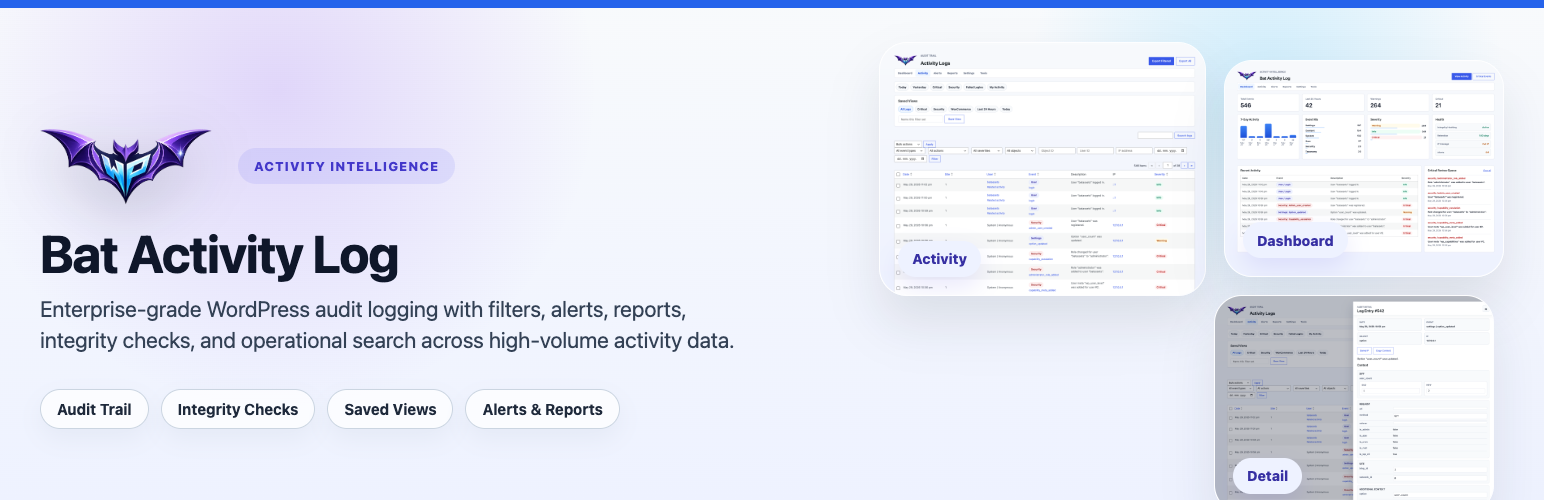

Bat Activity Log helps site owners and administrators understand what changed, who changed it, and when it happened.
The plugin records activity across users, content, media, comments, plugins, themes, settings, updates, privacy workflows, and other core WordPress operations. Logs are stored in a custom indexed table for fast filtering and large datasets.
Key features
- Track logins, logouts, failed logins, profile changes, registrations, role changes, and password updates.
- Record post, page, media, comment, taxonomy, menu, widget, and settings activity.
- Monitor plugin, theme, and WordPress update activity.
- Filter logs by event type, action, severity, user, object, IP address, and date range.
- Use saved views, quick filters, bulk actions, CSV export, and a structured log detail drawer.
- Configure retention cleanup, privacy controls, alert rules, and scheduled reports.
- Verify log integrity with a tamper-evident hash chain.
- Use WP-CLI commands for stats, cleanup, export, repair, reporting, benchmarking, and integrity verification.
Event coverage
Bat Activity Log currently covers:
- User authentication and account events
- Content and revision events
- Media library activity
- Comment activity
- Plugin and theme lifecycle events
- Core, update, and database upgrade events
- Settings, widget, permalink, and menu changes
- Privacy request and erasure workflow events
- File editor changes
- WooCommerce events when WooCommerce is active
- Supported form submission events for Contact Form 7, Gravity Forms, WPForms, and Elementor Pro Forms
Integrity and privacy
Each log row includes integrity metadata that can be verified from the Tools screen or WP-CLI. Privacy controls include IP logging toggles, optional IP anonymization, user-agent logging controls, and WordPress personal data exporter and eraser integration.
WP-CLI examples
wp bat-activity-log statswp bat-activity-log cleanup --days=90 --batch-size=2000wp bat-activity-log export --file=/tmp/activity-log.csvwp bat-activity-log repairwp bat-activity-log verify-integritywp bat-activity-log report --days=7 --format=textwp bat-activity-log benchmark --iterations=10 --per-page=100






