
Blocks for Products

Blocks for Products

توسط

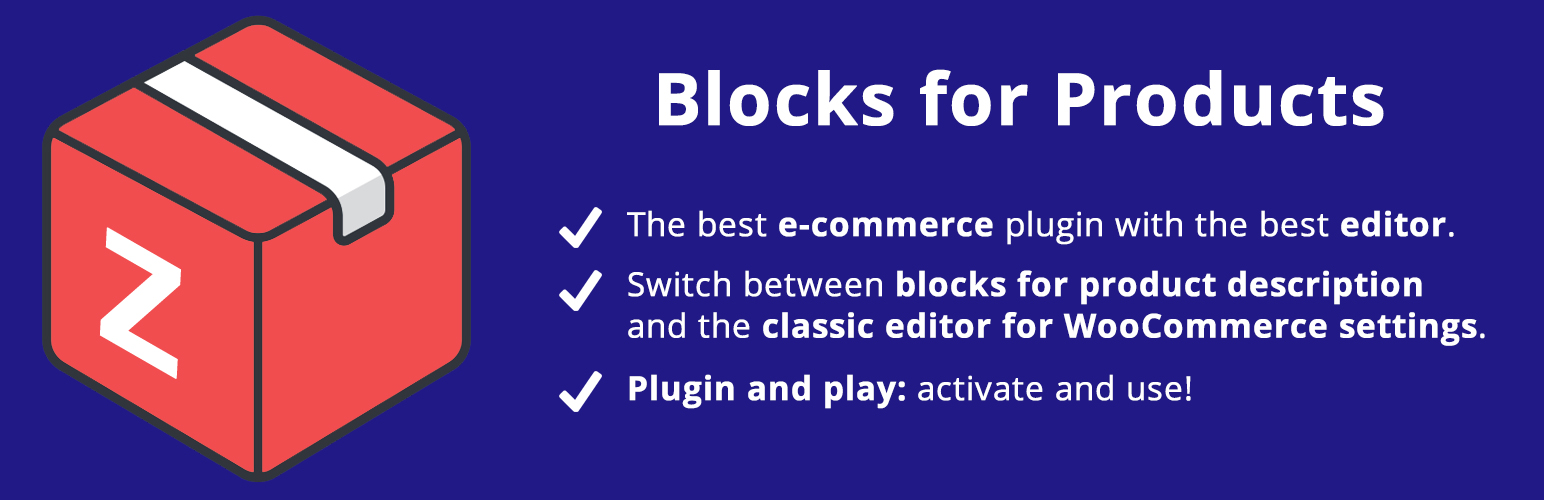
Add support for Gutenberg on product pages.

WooCommerce is a awesome plugin used by 5+ million WordPress websites to create e-commerce.

It’s awesome and we love it but for now they do not support the new WordPress block editor.

So now you can use the best of the worlds: WooCommerce product settings on classic editor and product description with block editor.

How to Use

Easily and quickly!

Just activate “Blocks for Products” and you will be able to change from Classic Editor to Gutenberg.

Translations

You can translate Blocks for Products to your language.

Review

We would be grateful for a review here.

Support

  • WooCommerce – 3.9

First

Next

  • Install “Blocks for Products” by plugins dashboard.

Or

  • Upload the entire blocks-for-products folder to the /wp-content/plugins/ directory.

Then

  • Activate the plugin through the ‘Plugins’ menu in WordPress.

سوالات متداول

I want to edit only some products

No problem, you can click on “Use Classic Editor” to use Classic Editor.

Does it works for another post type or another e-commerce plugin?

Nope. The intention here is to integrate with WooCommerce product page, but you are free to fork and create your version of this plugin to any post_type.

Can I help you?

Yes! Visit GitHub repository.

×
نظری برای این آیتم موجود نیست.
0 0 رای ها
امتیازدهی
اشتراک در
اطلاع از
0 نظرات
قدیمی‌ترین
تازه‌ترین بیشترین رأی
هیچ نسخه‌ای برای این آیتم موجود نیست.
★★★★★
★★★★★
5.0 /5 (5 نظر)

قیمت:

رایگان

نگارش

آخرین انتشار

20 اردیبهشت 1405

آخرین بروزرسانی

3 ماه پیش

نصب های فعال

400+

نگارش وردپرس

وردپرس 4.7+

تست شده از نسخه

وردپرس 5.5.18

نگارش PHP

PHP 7.0+

نسخه ها

0 نسخه




