
وردپرس 118

مخزن داخلی

  • خانه
  • مخزن
    • وردپرس
    • افزونه ها
    • قالب ها
    • لودر ها
      • ionCube Loaders
      • SourceGuardian Loaders
  • پشتیبانی
  • طراحی سایت
  • درباره ما
    • قوانین و مقررات
  • خانه
  • مخزن
    • وردپرس
    • افزونه ها
    • قالب ها
    • لودر ها
      • ionCube Loaders
      • SourceGuardian Loaders
  • پشتیبانی
  • طراحی سایت
  • درباره ما
    • قوانین و مقررات
دریافت وردپرس
ورود/ثبت نام
WP Custom Login

WP Custom Login

توسط Teydea Studio

ورود به سیستم برای دانلود

گزارش خرابی

اگر با مشکلی مواجه شده‌اید،
لطفاً آن را با جزئیات برای ما ارسال کنید.

🔒 برای ثبت گزارش خرابی باید وارد سایت شوید.

ورود / ثبت نام به سایت

ثبت گزارش خرابی

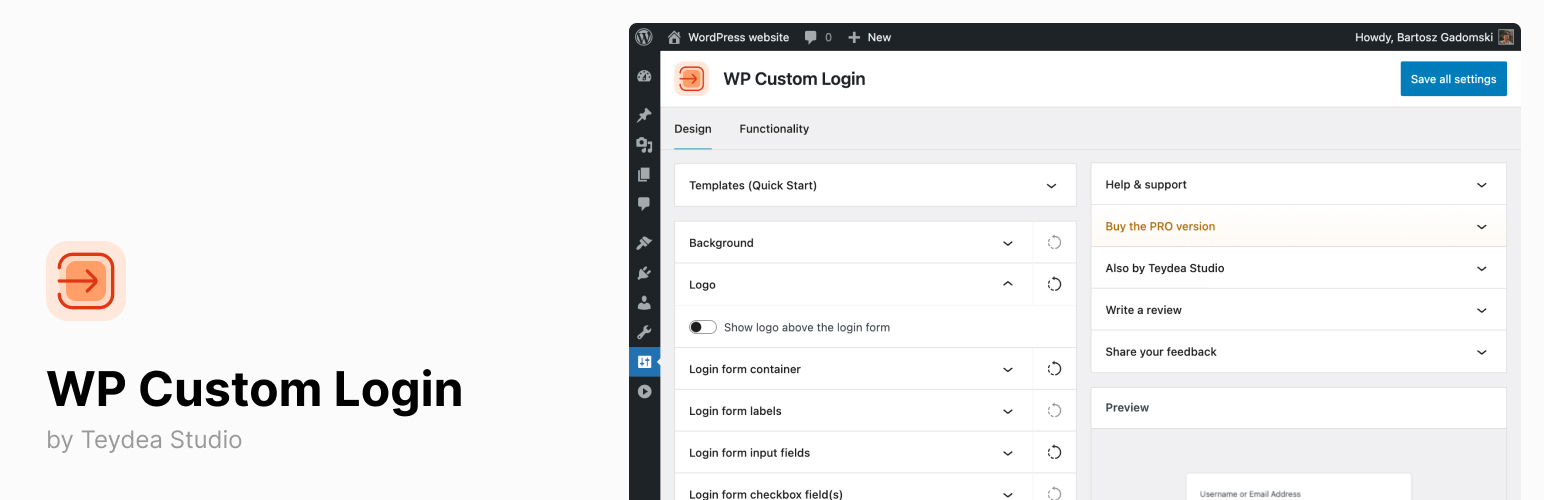
WP Custom Login lets you fully customize the WordPress login page to match your brand identity.

Whether you run a single site or a multisite network, this plugin gives you control over every visual element of the login screen — from the logo and background to form fields, buttons, links, and more.

Key benefits:

  • Adjust colors, fonts, spacing, and layout of every login page element without writing CSS.
  • Add your logo, social media links, and custom footer to create a branded login experience.
  • Support for multilingual sites with per-language text customization for labels, buttons, and notices.
  • Works with WordPress multisite networks for consistent branding across all sites.

WP Custom Login is a good fit for freelancers, agencies, and organizations that want a professional, branded login page. It includes a live preview in the admin settings, so you can see your changes before they go live.

Learn more at wpcustomlogin.com.

Features

Free Features

  • Body background color — Set a custom background color for the login page.
  • Custom logo — Replace the WordPress logo with your site icon or a custom image, and configure its link URL and alignment.
  • Form container styling — Customize the form background color, border radius, padding, box shadow, and alignment.
  • Label styling — Adjust font size, weight, letter case, spacing, text color, and toggle label visibility.
  • Input field styling — Set background colors, borders, padding, font, shadow, and placeholder text for normal, hover, and focus states.
  • Checkbox styling — Apply custom colors to the login form checkboxes and checkmark icon.
  • Primary button styling — Customize colors, font, size, width, alignment, shadow, and per-language button labels.
  • Secondary button styling — Configure colors, font, border, and per-language labels for secondary buttons.
  • Notice and error styling — Set colors for error, notice, and success messages, and add a custom persistent notice with per-language text.
  • Under-form links — Customize link colors, separator, disable the “Back to” link, or add custom links.
  • Social media icons — Display up to 23 social media icon links (Facebook, X, Instagram, LinkedIn, YouTube, GitHub, and more), placed before the form, after the form, or in the footer.
  • Privacy policy link — Show or hide the privacy policy link and set its color.
  • Language switcher — Show or hide the WordPress language switcher and adjust its icon color and spacing.
  • Custom footer — Add a footer with configurable text, font, color, and alignment.
  • Custom CSS — Add your own CSS for additional styling.
  • Live preview — See your changes in real time within the admin settings page.
  • Disable autofocus — Turn off the default autofocus behavior on the login form.
  • Disable error shake — Turn off the shake animation on failed login attempts.
  • Disable autocomplete — Prevent browsers from auto-filling the login form.
  • Per-language text — Customize labels, placeholders, button text, and notices for each language on multilingual sites.
  • “Remember Me” customization — Show or hide the “Remember Me” checkbox and set custom label text per language.

PRO Features

  • Pre-designed templates — Choose from 20+ ready-made login page designs and apply them with one click.
  • Advanced backgrounds — Use animated gradients, image slideshows, or split-screen layouts as your login page background.
  • Post-login redirects — Redirect users to specific pages after login based on their roles.
  • Premium support — Get direct support from the development team.
  1. Upload the bm-custom-login directory to /wp-content/plugins/.
  2. Activate the plugin through the “Plugins” menu in WordPress.
  3. Go to “Settings” > “WP Custom Login” to open the settings page.
  4. Use the visual controls to customize your login page. Changes are shown in the live preview on the right side of the settings page.
  5. Save your settings. Your customized login page is now live.

سوالات متداول

How do I access the settings?

After activation, go to “Settings” > “WP Custom Login” in the WordPress admin. The settings page provides visual controls for every element of the login page, along with a live preview.

Does this plugin work with WordPress multisite?

Yes. WP Custom Login supports WordPress multisite networks and can be activated network-wide. Each site in the network can have its own login page customization.

Can I customize login page text for multiple languages?

Yes. Labels, placeholders, button text, and custom notices all support per-language configuration. This is useful if your site serves visitors in more than one language.

Will my customizations be lost if I update the plugin?

No. All your settings are stored in the WordPress database and are not affected by plugin updates.

What is the difference between the free and PRO versions?

The free version gives you full control over colors, fonts, layout, logo, social icons, and form styling. The PRO version adds pre-designed templates, advanced background options (animated gradients, slideshows, split-screen), post-login redirects by user role, and premium support. See the pricing page for details.

Can I add custom CSS to the login page?

Yes. The settings page includes a custom CSS field where you can add any additional styles that go beyond what the visual controls offer.

اسکرین‌شات 1 از WP Custom Login
اسکرین‌شات 1
اسکرین‌شات 2 از WP Custom Login
اسکرین‌شات 2
اسکرین‌شات 3 از WP Custom Login
اسکرین‌شات 3
اسکرین‌شات 4 از WP Custom Login
اسکرین‌شات 4
اسکرین‌شات 5 از WP Custom Login
اسکرین‌شات 5
×
❮
❯
نظری برای این آیتم موجود نیست.
0 0 رای ها
امتیازدهی
اشتراک در
وارد شدن
اطلاع از
0 نظرات
قدیمی‌ترین
تازه‌ترین بیشترین رأی
نسخه حجم فایل SHA256 تغییرات دانلود
3.1.0 525 کیلوبایت -
دانلود برای دانلود باید وارد سایت شوید
ورود / ثبت نام

عنوان

×
★★★★★
★★★★★
4.8 /5 (14 نظر)

قیمت:

رایگان

نگارش

3.1.0

آخرین انتشار

10 اردیبهشت 1405

آخرین بروزرسانی

4 ماه پیش

نصب های فعال

10,000+

نگارش وردپرس

وردپرس 6.6+

تست شده از نسخه

وردپرس 7.0

نگارش PHP

PHP 7.4+

تگ ها

branding custom-login login-customizer login-logo login-page

نسخه ها

1 نسخه

نیاز به پشتیبانی دارید ؟

کارشناسان ما آماده پاسخگویی هستند

افزونه های مرتبط

Cache by Folium

★★★★☆ 84.0/۱۰۰

(10 امتیاز)

Fast, easy to use cache for WordPress with option for up-to 3 separate CDN’s – for js, css & images from 3 providers. Added

  • jody nesbitt
  • 200+
  • وردپرس 7.0

Dienstplan

Dienstplan is a self-hosted shift and duty roster planner for WordPress. It is built for organisations that run on volunteers — fire departments, emergency

  • Alexander Nusselt
  • وردپرس 7.0

Cashu For WooCommerce

A secure Cashu payment gateway for your WooCommerce store. This plugin adds a checkout that accepts Lightning or Cashu ecash, paying out to your

  • Rob Woodgate
  • وردپرس 7.0

Quote & Cut

Quote & Cut connects WooCommerce to the Quote & Cut cloud service for laser-cutting and sheet-optimization workflows. With this plugin you can: Accept DXF

  • quoteandcut
  • وردپرس 7.0

Simple Stopwatch Easy to Use

Simple Stopwatch Easy to Use lets you embed a fully functional stopwatch anywhere on your WordPress site using a simple shortcode. Features: Start, Stop,

  • Ajay K
  • وردپرس 6.7.5

RoidNet URL Shortener and Link Tracker

A lightweight, secure, and self-hosted solution to shorten URLs, track link clicks, and generate WhatsApp chat links. RoidNet URL Shortener and Link Tracker is

  • RoidNet
  • وردپرس 7.0
دسترسی سریع
  • افزونه ها
  • قالب ها
  • دانلود وردپرس
راهنما
  • نحوه دانلود
  • پشتیبانی
  • درباره ما
قوانین
  • قوانین و مقررات
منابع
  • ابر فرتاک
  • wordpress.org

© تمامی حقوق محفوظ است. طراحی با ❤️ توسط ابر فرتاک

Eaparat Ebale Telegram Instagram
wpDiscuz




