
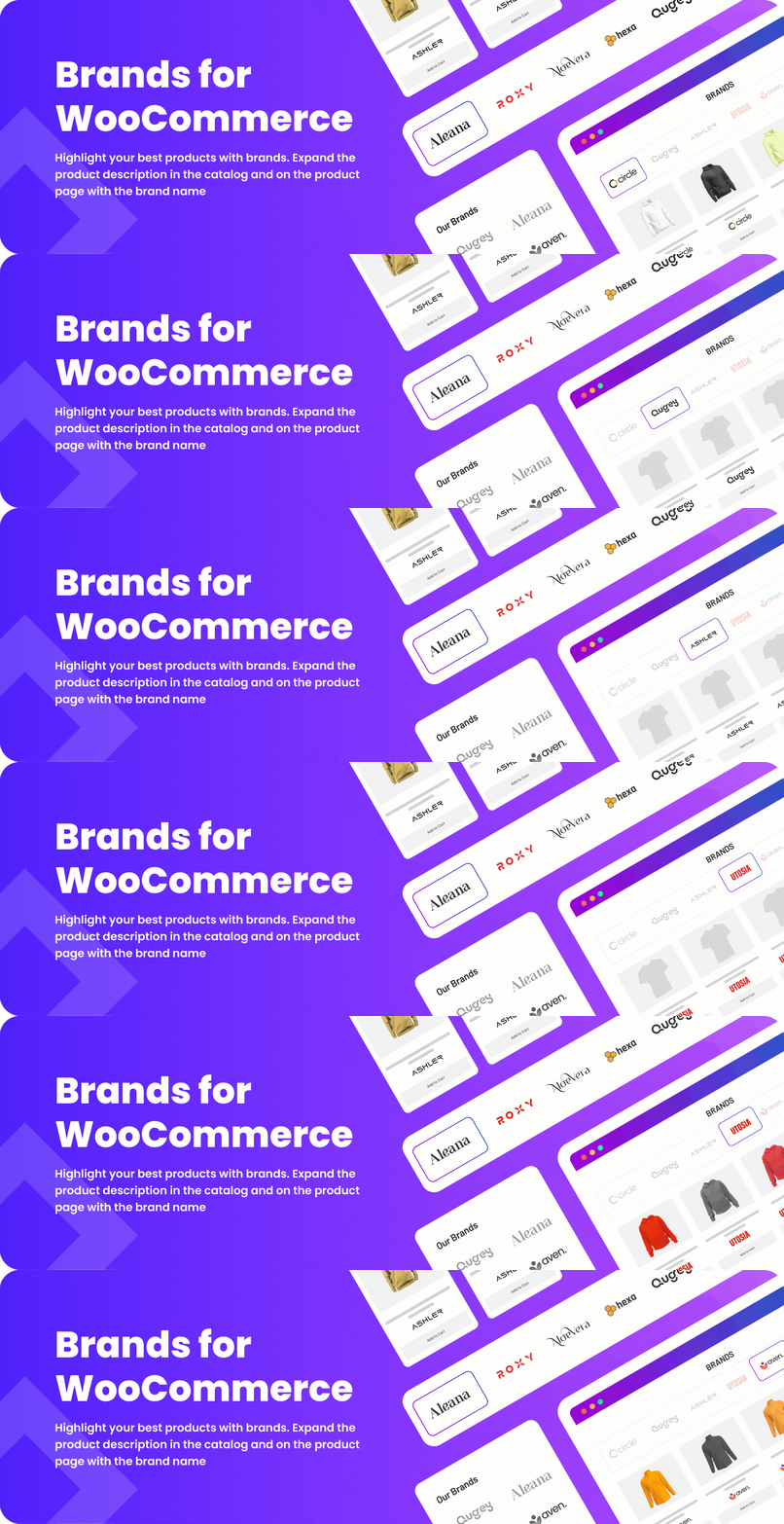

Brands for WooCommerce plugin allows you to add brands for products in your shop. Each brand has a name, description, thumbnail, banner, rating, products category, tooltip, and checkbox ‘Featured’.
Features:
✅ Custom images for brands: thumbnail and banner
✅ Custom pages for brands
✅ Shortcode to display brands list (as a list or a slider)
✅ Shortcode to display brands grouped by alphabet or category
✅ Shortcode to display product list for given brands (by ids or slugs)
✅ Shortcode to display information about brand (by ID)
✅ Shortcode to display brand image for product page
✅ Shortcode to display single brand info for single product
✅ Display brand description and image on brand pages
Features in Version 3.8:
✅ Option to remove brands with products out of stock from the List and the Catalog
Features in Version 3.7:
✅ Support Gutenberg on the Widget admin page
✅ Brands hierarchy included to Brands List and Catalog
✅ WooCommerce Product Brands Description widget: thumbnail and banner; related products ordered by title, date, random; slider mode for related products;
✅ Brand tab for single product page
✅ Brand pages now have permalinks like category and tag pages
✅ Shortcode [brands_info] now supports following types of information: name, banner, thumbnail, description, external link, related products or ‘all’ for all brand options
✅ Admin option to show selected brands in widgets now is dropdown with autocomplete function
✅ Brands to Scroll: now maximum brands to scroll for the widget is number of brands per page for this widget
Features in Version 3.6:
✅ New brand properties: banner (large brand image, shown on the brand page), URL, rating (to sort brands in the specified order), attribute ‘Featured’, tooltip (text to be shown on mouse over), categories
✅ New slider features: change slide speed, change slide mode (fade/slide), easing, dots under the slider with possibility to select color
✅ Additional customization for images: width and height in px/%, fit (cover, contain, fill, none), align to text (left, right, under text, above text)
✅ Show number of products for each brand in widgets and shortcodes
✅ Sort brands by alphabet, number of products, randomly and also place featured brands first in widgets and shortcodes
✅ Use cache to speed up page loading.
Plugin Links:
Plugin video
Compatibility with WooCommerce plugins
Brands for WooCommerce has been tested for compatibility, and is fully compatible with the following WooCommerce plugins that you can add to your site:
🔸 Advanced AJAX Product Filters
🔸 Force Sell for WooCommerce
🔸 Min and Max Quantity for WooCommerce
🔸 Product of the Day for WooCommerce
🔸 Products Compare for WooCommerce
🔸 Product Tabs Manager for WooCommerce




