
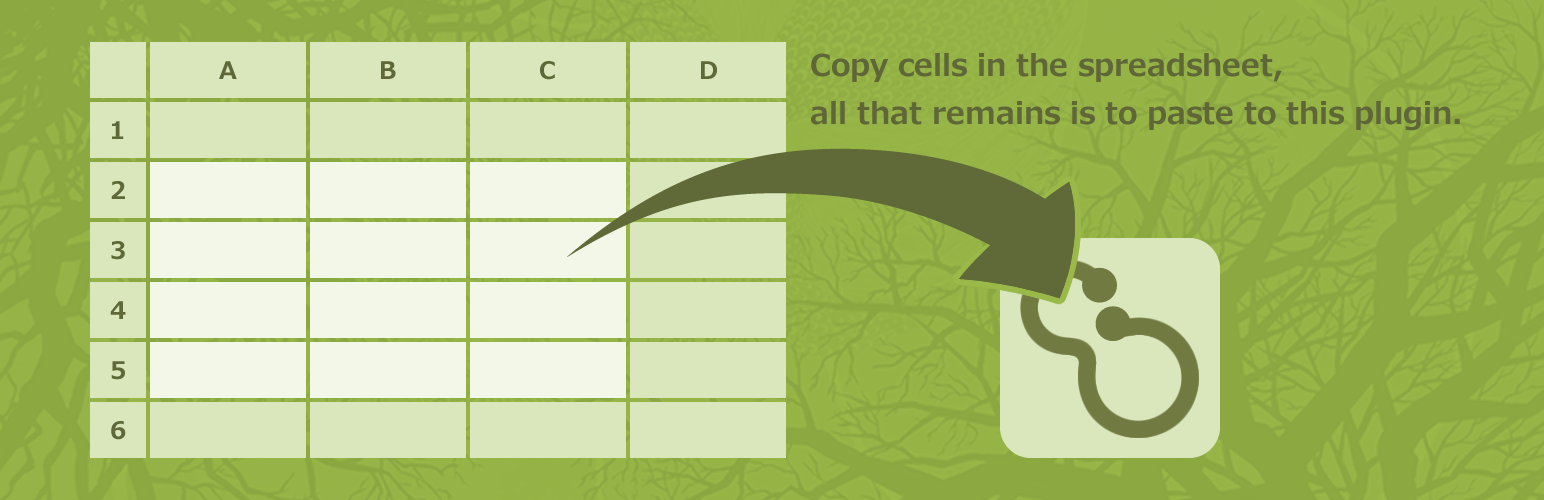

How it works:
-
Click ‘Tools > Bulk Term Editor’.
-
Select a taxonomy.
If you selected a taxonomy which has terms, it will read those into the field. -
Get your data ready.
Prepare your data by spreadsheet such as Excel.
If you selected a taxonomy which has terms at the step 2, it’s easy to copy that data into the spreadsheet. -
Copy the cells.
You may copy all lines, but the more lines there are, the more times spends.
Copying the minimum necessary lines is the best, but safer to copy all lines. -
Paste to this plugin.
Paste it into the ‘Term’ field of this plugin. -
Execute.
Clicking the ‘Edit’ button executes it.
Delete
Entering a ‘*’ in beginning of line will delete.
Change the term slug
Entering a ‘>New slug’ after the term slug will change the term slug.
Add
When the term slug is a blank or new, add.





