
Caledros Helper

Caledros Helper

توسط

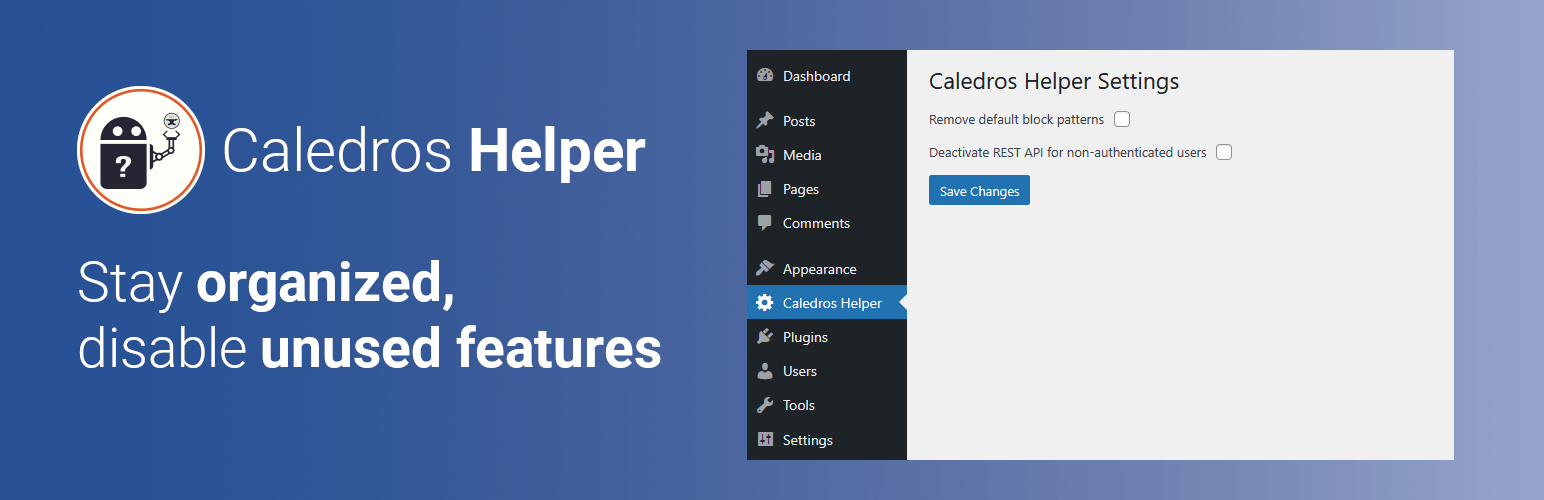
This plugin creates a custom Admin Menu with two checkboxes:

  • The first checkbox allows the user to remove the core block patterns from the Gutenberg editor. This feature can be activated or deactivated.

  • The second checkbox allows the user to deactivate the WordPress REST API for non-authenticated users. This feature can be activated or deactivated.

After plugin activation, both options will be disabled by default.

You have two easy ways to install the Caledros Helper plugin:

Option 1: From Your WordPress Dashboard

1. Go to your WordPress admin area.

2. Navigate to Plugins → Add Plugin.

3. In the Search Plugins box, type “Caledros Helper”.

4. Click Install Now, then Activate.

Option 2: Manual Installation

1. Download the plugin ZIP file from WordPress.org.

2. In your WordPress admin area, go to Plugins → Add Plugin → Upload Plugin.

3. Choose the ZIP file you downloaded and click Install Now.

4. Activate the plugin after installation.

سوالات متداول

Can I deactivate the plugin features?

Yes, both features can be easily deactivated from the custom Admin Menu added by the plugin.

If I remove the default block patterns, are they gone forever?

No. The plugin only disables theme support for the core block patterns while the option is active. If you turn off the option, the default block patterns will reappear.

If I deactivate the REST API, is it gone forever?

No. The REST API is only disabled while the checkbox is enabled. If you uncheck the option, the REST API will be re-enabled.

×
نظری برای این آیتم موجود نیست.
0 0 رای ها
امتیازدهی
اشتراک در
اطلاع از
0 نظرات
قدیمی‌ترین
تازه‌ترین بیشترین رأی
هیچ نسخه‌ای برای این آیتم موجود نیست.
بدون امتیاز

قیمت:

رایگان

نگارش

آخرین انتشار

22 اردیبهشت 1405

آخرین بروزرسانی

3 ماه پیش

نصب های فعال

-

نگارش وردپرس

وردپرس 6.8+

تست شده از نسخه

وردپرس 6.9.4

نگارش PHP

PHP 8.3+

نسخه ها

0 نسخه




