
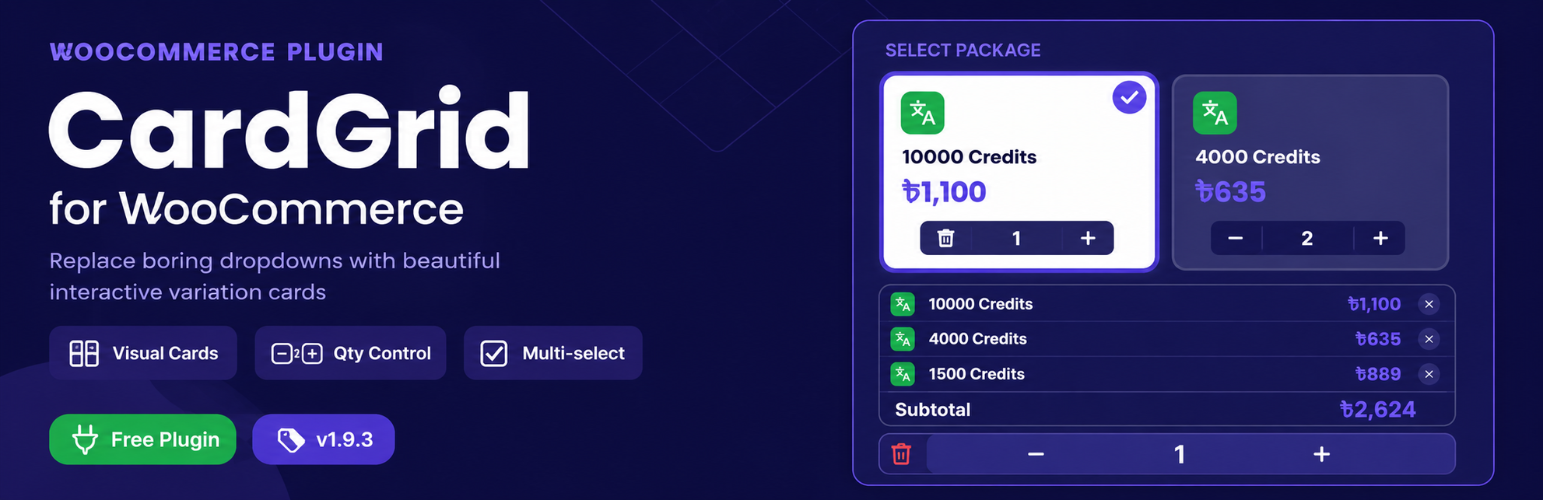

CardGrid for WooCommerce transforms the standard WooCommerce single-product page into a high-converting, card-based experience.
Instead of traditional dropdowns, every product variation is displayed as a visual, interactive card. Customers see prices at a glance, select multiple packages, adjust quantities, and place multi-item orders — all without a page reload.
Key Features
Card-Based Variation Grid
- Every variation is a clickable card — no more dropdowns.
- Custom icon / logo displayed inside each card (e.g. ChatGPT, Adobe logo).
- Note badge (pill-shaped) displayed in the top-left of each card.
- Cards show a selected state (border glow + checkmark animation).
- Sale ribbons for discounted variations.
- Out-of-stock cards are visually dimmed and non-clickable.
Smart Quantity Logic
- When quantity = 1: a trash icon is shown. Clicking it deselects the card and removes it from the summary.
- When quantity > 1: the trash icon automatically becomes a minus button for decreasing quantity.
Live Order Summary
- Real-time table showing Package, Rate x Qty, and Line Total.
- Grand Total updates instantly.
- “Clear All” button with configurable colour and hover state.
Per-Product Feature Badges
- Up to 5 customisable feature badges per product (icon + text).
- Drag-to-reorder via the product edit screen.
- Empty slots are automatically hidden on the front end.
5 Layout Templates
- Subscription / Digital — hero image, identity bar, feature pills.
- Service Package — service banner, what’s included checklist, portfolio gallery.
- Software / License — big product icon, version badges, feature grid, screenshots.
- Wholesale / Bulk — multi-image gallery with thumbnails, specs table.
- Event / Course — event banner, date/location badges, curriculum list, seats progress bar.
- Per-product layout override from the product edit sidebar.
Column Width Control
- Admin slider (30-60%) to set the left column width.
- Right column (packages + payment) takes the remaining width.
UI Label Overrides
- 7 front-end text labels are overridable from the settings page without editing code.
PPOM & Third-Party Plugin Compatibility
- Fields added by PPOM (e.g. WhatsApp number), WC Product Add-ons, and similar plugins are preserved and rendered above the Order Now button.
- Default WooCommerce variation dropdowns and add-to-cart button are hidden to avoid duplication.
AJAX Multi-Item Add to Cart
- Adds multiple variation packages in a single AJAX request.
- No page reload.
- Configurable post-purchase redirect: Cart, Checkout, or Stay on Page.
Fully Responsive
- Two-column layout on desktop.
- Single-column stacked layout on mobile.
Translation Ready
- All strings use __() / _e() with the cardgrid-for-woocommerce text domain.
- .pot template included.
Use Cases
- Digital product subscriptions (ChatGPT, Adobe, streaming services)
- SaaS licence packages
- Service bundles (1 Month / 3 Month / 12 Month)
- Any WooCommerce store selling variable products in Bangladesh or globally
Privacy Policy
This plugin does not collect or transmit any personal data. It does not use cookies. No third-party services are contacted.




