
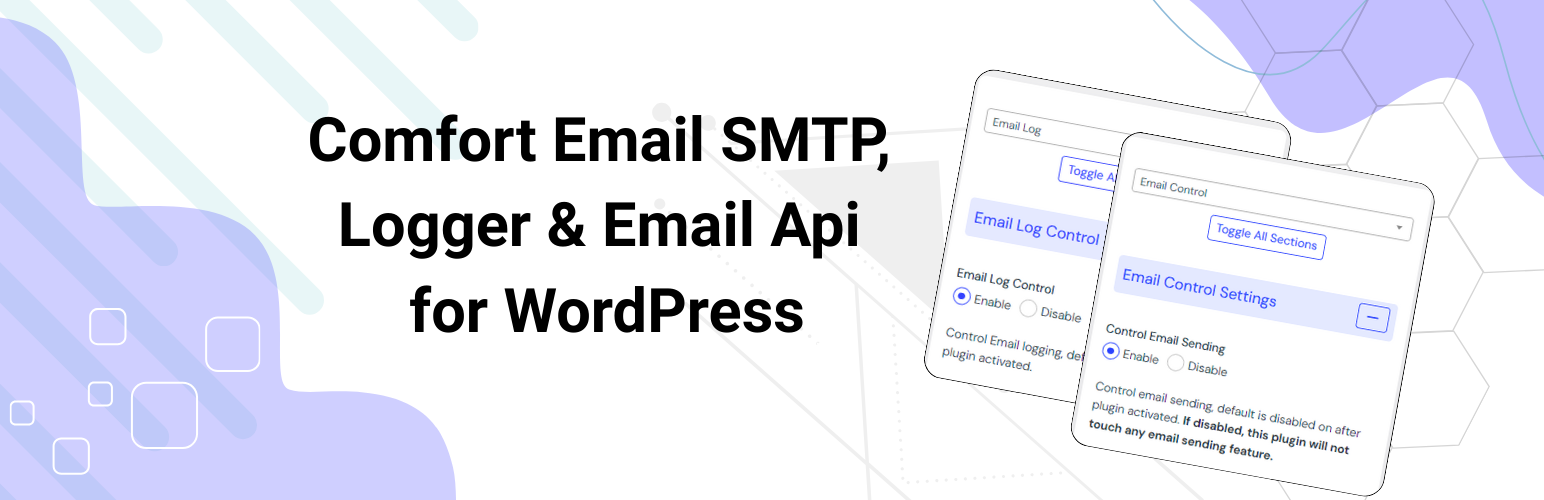

Sending email to user’s inbox is a great challenge now days as if you don’t take extra measure your email may go to spam folder. Comfort Email SMTP, Logger & Email Api plugin comes to help on this and fix your email sending problem. This plugin helps to send email using SMTP and log any email sent from WordPress.
Comfort Email SMTP, Logger & Email Api by Codeboxr
📺 Live Demo | 🌟 Upgrade to PRO | 📋 Documentation | 👨💻 Free Support | 🤴 Pro Support | 📱 Contact
🛄 Core Plugin Features
- Email Log Manager
- Email SMTP Manager
- Email SMTP API(Pro) – New in V2.0.5
📧 Email Log Features:
- Default enabled on plugin activation
- Logs every email sent
- Logs email send success or fail(Bullet proof way to detect email send or not)
- Delete all email logs or single
- View Email Log
- View Email Preview
- ReSend email from the list window
- Delete X Days old logs from Log listing
- Auto delete X Days old logs using wordpress native event schedule
- Custom Setting panel
- Delete custom options created by this plugin and email logs on uninstall(it’s not deactivate, uninstall means delete plugin)
- Save email attachments if enabled, default disabled
- Email sending error tracking – (New in version 1.0.4)
- Track email sent by popular plugin(started with Contact form 7 support) – (New in version 1.0.4)
📤 Email SMTP Features:
- Fresh New feature For SMTP (New in version 1.0.4)
- Default disabled on plugin activation
- Enable/disable override from Name
- Enable/disable override from Email
- Override wordpress default email to send via SMTP
- Full SMTP feature implementations
- SMTP config store and choose as need
📤 Email SMTP Api(pro):
- Mailgun from V2.0.5
- Mailjet from V2.0.5
- MailTrap from V2.0.5
- Postmark from V2.0.5
- Sendgrid from V2.0.5
- Brevo(Sendinblue) from V2.0.5
🛄 Comfort Email SMTP, Logger & Email Api Pro Addon Features
📤 General Extended Features :
- Unlimited SMTP server option
📤 Popular Plugin(s) Tracking :
- Track WPForms Email sending
- Track WooCommerce Email sending
- Track Easy Digital Downloads email sending
- More coming soon, contact us for integration for your plugin.
👉 Get the pro addon
📋 Documentation and 🦸♂️Support
- For documentation and tutorials go to our Documentation
- If you have any more questions, visit our support
- For more information about features, FAQs and documentation, check out our website at Codeboxr
👍 Liked Codeboxr?
- Join our Facebook Page
- Learn from our tutorials on Youtube Channel
- Or rate us on WordPress






