
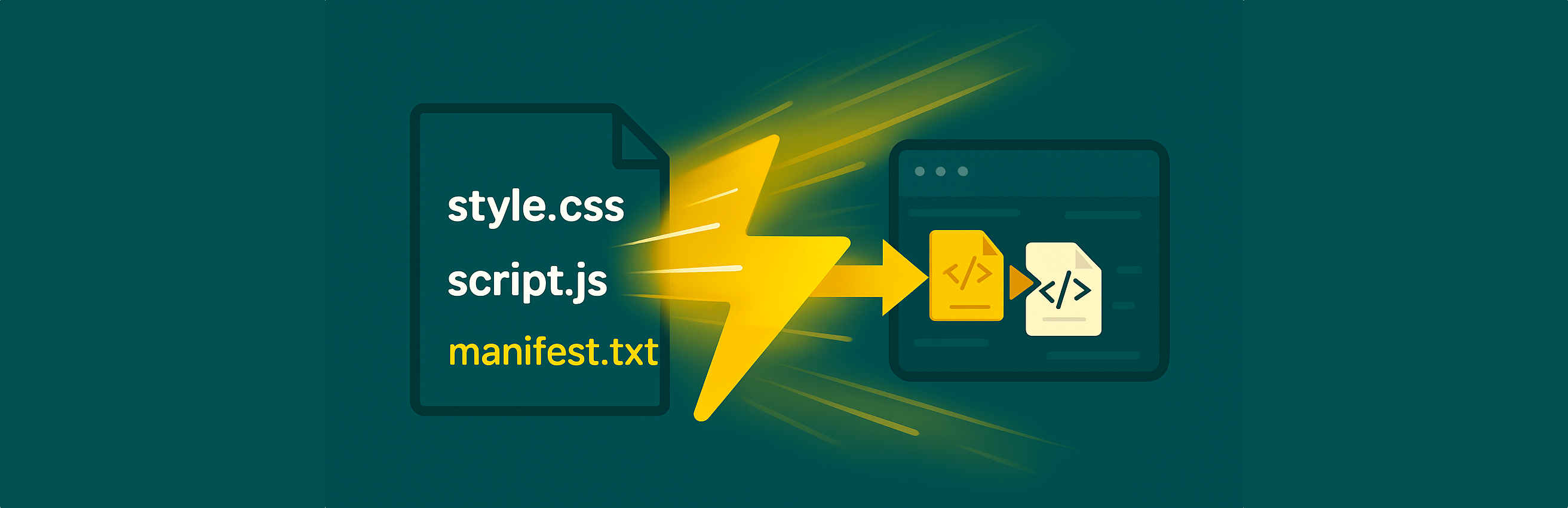

Prefetch Manifests helps you get the most out of Cloudflare Prefetch URLs – and modern browsers – by automatically generating manifest files of all scripts and styles loaded by WordPress, and adding HTTP Link headers to point to these manifests. This enables Cloudflare to prefetch your site’s critical assets, resulting in faster page loads and improved visitor experience.
Note: Cloudflare Prefetch URLs is only available for Cloudflare Enterprise customers. If you do not have a Cloudflare Enterprise plan, we recommend using FlyingPress together with FlyingCDN for excellent performance optimization and automatic asset preloading on all hosting plans.
The following hosting providers do not offer “Prefetch URLs” despite Cloudflare Enterprise:
➜ rocket.net
➜ Cloudways
Other hosting providers which support “Prefetch URLs”
➜ Servebolt with Accelerated Domains
How it works:
– The plugin scans all enqueued scripts and styles on every page.
– It writes their URLs into two manifest files: one for scripts, one for styles.
– These manifest files are saved in your uploads directory (e.g. /wp-content/uploads/prefetch/manifest-script.txt).
– On every page load, the plugin adds HTTP Link headers referencing the manifest files, as recommended by Cloudflare.
– Cloudflare (and other supporting systems) can now prefetch your assets efficiently.
Benefits using Prefetch URLs from Cloudflare
- Boosts performance: Cloudflare and browsers can preload assets before users request them, making navigation feel instant.
- Automatic & maintenance-free: No manual configuration required – just activate the plugin and you’re set.
- Perfect for Cloudflare: Uses exactly the approach Cloudflare Prefetch URLs recommends, with manifest files and HTTP Link headers.
- Standards-compliant: Uses the HTTP Link header and simple, readable manifest files in text format.
- No bloat: Does not change your site content, only provides optimized hints for CDNs and browsers.
Prefetch vs Preload: What’s the difference?
Cloudflare Prefetch URLs is an advanced feature that lets you provide Cloudflare with a list of important URLs—like scripts, styles, or your own files—using manifest files and special HTTP Link headers. Cloudflare then prefetches these assets at the edge, so when visitors arrive, resources are already primed in the CDN cache, making your site feel lightning-fast. Prefetch manifests are especially powerful for making the next page load feel instant, even before a user clicks.
Preload links (e.g., ) are a standard browser feature. They tell the browser to fetch a specific asset (script, style, font, etc.) as soon as possible on the current page, speeding up render time or interactivity. Preload is only for assets needed by the currently loaded page and does not prepare the CDN edge for subsequent navigation.
In summary:
– Cloudflare Prefetch URLs: Optimizes asset delivery at the CDN level, prefetching files for future pageviews and making your whole site more responsive—especially for returning visitors.
– Preload links: Help browsers load critical assets for the current page faster, improving first render and user experience, but do not influence the CDN cache for upcoming navigations.
You can (and often should) use both strategies together for maximum speed!
License
This plugin is free software, released under the terms of the GNU General Public License version 2 or later.




