
Church Admin

Church Admin

توسط

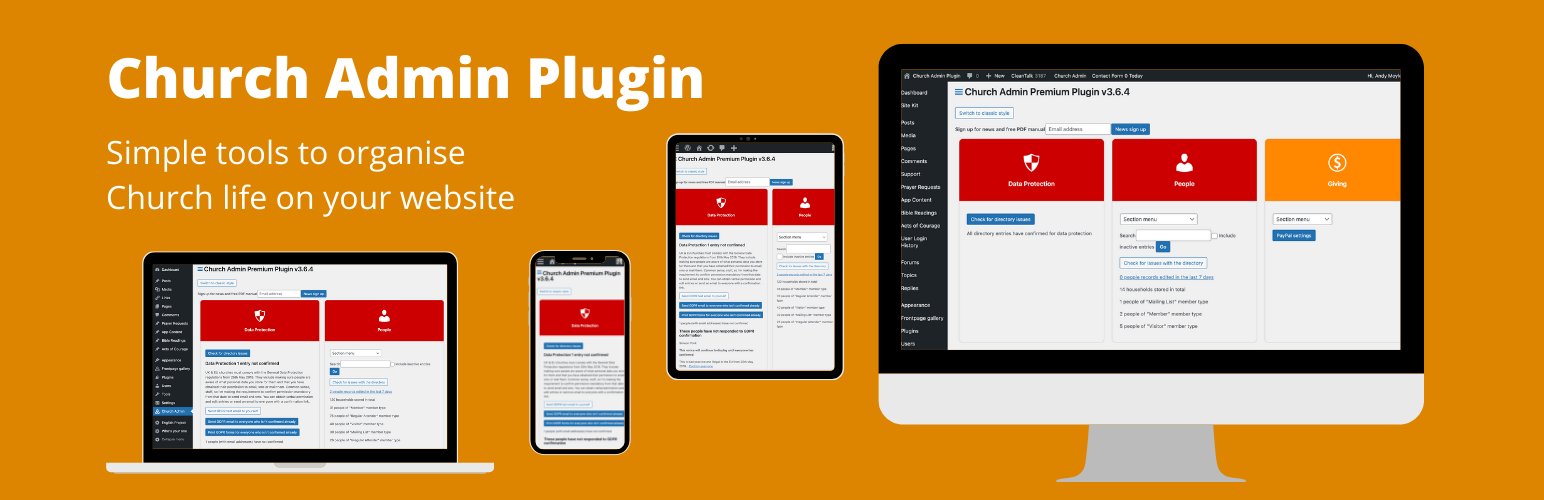
This plugin is for church wordpress sites to give you a membership database, church calendar and sermon podcasting tools. There is a premium version that adds many more modules like service scheduling, event ticketing and a church app.
Sign up for our email list to get a detailed PDF manual

Plugin site

Compatible with Elementor and provides Elementor widgets, tested to v3.25

  • FREE VERSION
  • Church Membership database
  • Integrate newcomers with customisable registration form and follow up flows
  • Calendar for church diary
  • Sermon podcasting
  • Customisable Church Directory with full privacy settings.

  • PREMIUM VERSION

  • Adds scheduling, communication tools, ministries, giving, pastoral visitation, an app and more.
  1. Upload the church_admin directory to the /wp-content/plugins/ directory.
  2. Activate the plugin through the ‘Plugins’ menu in WordPress.
  3. Place [church_admin type=address-list member_type_id=# map=1 photo=1] on the page you want the address book displayed, member_type=1 for members, map=1 toshow map for geocoded addresses. The member_type_id can be comma separated e.g. member_type_id=1,2,3
  4. Place [church_admin type=small-groups-list] on the page you want the small group list displayed
  5. Place [church_admin type=small-groups ] on the page you want the list of small groups and their members displayed
  6. Place [church_admin type=rota] on the page you want the rota displayed
  7. Place [church_admin type=calendar category=# weeks=#] on the page you want a page per month calendar displayed
  8. Place [church_admin type=calendar-list] on the page you want a agenda view calendar – option category and weeks options pastable from category admin page
  9. There is a calendar widget with customisable title, how many events you want to show and an option for it to look like a post-it note
  10. Place [church_admin_map member_type_id=#] to show a map of colour coded small groups – need to set a service venue first to centre map and geolocate member’s addresses by editing them.
    We recommend password protecting the pages – if it is password protected, a link is provided to logout
    The # should be replaced with which member types you want displayed as a comma separated list e.g. member_type=1,2

سوالات متداول

Where can I get help?

Sign up for our email list to get a detailed PDF manual
http://www.churchadminplugin.com/support/

Where do I report security bugs found in this plugin?

You can report any security bugs found in the source code of the site-reviews plugin through the Patchstack Vulnerability Disclosure Program. The Patchstack team will assist you with verification, CVE assignment and take care of notifying the developers of this plugin.

×
نظری برای این آیتم موجود نیست.
0 0 رای ها
امتیازدهی
اشتراک در
اطلاع از
0 نظرات
قدیمی‌ترین
تازه‌ترین بیشترین رأی
نسخه حجم فایل SHA256 تغییرات دانلود
5.0.31 12 مگابایت -
دانلود
×
★★★★★
★★★★★
4.7 /5 (17 نظر)

قیمت:

رایگان

نگارش

5.0.31

آخرین انتشار

14 اردیبهشت 1405

آخرین بروزرسانی

3 ماه پیش

نصب های فعال

900+

نگارش وردپرس

وردپرس 5.0+

تست شده از نسخه

وردپرس 6.9.4

نگارش PHP

PHP 7.0+

نسخه ها

1 نسخه




