
Church Tithe WP

Church Tithe WP

توسط

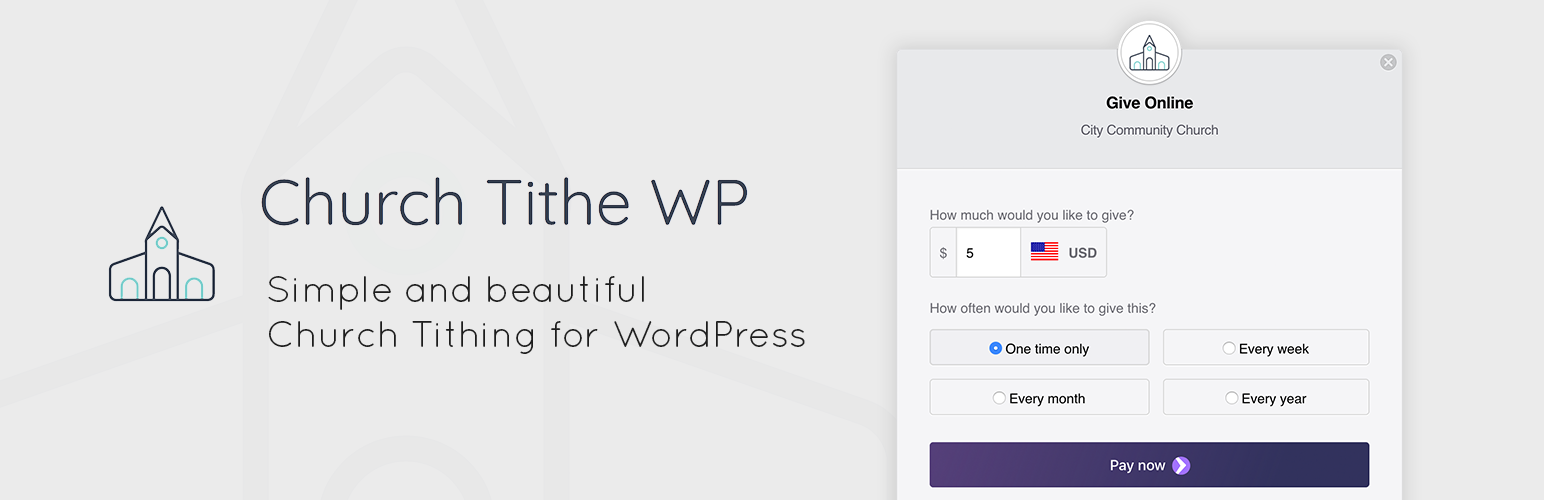
Smoothly, easily, and quickly accepting online tithes and donations is an important thing for every church today. Church Tithe WP makes it simple for any church to accept tithes online in seconds.

On the cutting edge of payment technologies through the power of Stripe, you can accept Apple Pay, Google Pay, standard credit cards, recurring payments, and more with a beautiful and responsively designed payment form.

Here’s a few of the things included in Church Tithe WP:

  • Recurring payments
    Users can choose to tithe once, or on a recurring basis automatically.

  • Stay-on-site payments
    Users can pay without ever leaving your website.

  • Multi-currency
    Allow your users to pay in their own currency.

  • User dashboard
    Your users can log in to print their receipts, review their plans, or cancel their plans at any time.

  • Apple Pay
    On Apple devices that support Apple Pay, users can tithe with a single tap (or “look”) on their device.

  • Google Pay
    Users of Google Chrome with saved credit cards can pay with a single tap.

  • 3D Secure and Strong Customer Authentication (SCA)
    You are protected from fraudulent purchases and chargebacks, and also comply with SCA regulations in the EU.

  • Everything is included
    Church Tithe WP is a fully featured plugin, including recurring payments, Stripe, multi-currency, customer management dashboard, admin controls, and more. New features will also be included at no extra cost.

So what does it cost?

Church Tithe WP is totally free to install. Church Tithe WP makes money through a 1% transaction fee, so you can install it and keep it forever, without paying anything. The 1% fee is in addition to any credit card fees applied by Stripe. If you are a registered non-profit, you may be eligible for a lower rate at Stripe. See this link: https://support.stripe.com/questions/fee-discount-for-nonprofit-organizations

View all features and details on churchtithewp.com

Step-by-step instructions

  1. In your WordPress dashboard go to “Plugins”, “Add New”. Search for “Church Tithe WP” and click “Install”. Then click “Activate”.
  2. Find “Church Tithe WP” on the left sidebar in your WordPress dashboard and click on it.
  3. Follow the step-by-step “wizard” to make sure everything that needs to be configured, is. We made sure it covers all of the most important things so you don’t need to do any guesswork during setup.
  4. Once you’ve completed the set-up wizard, use the [churchtithewp] shortcode on any page/post, or click the “How to show a tithe form” after the wizard to set more options, like the popup modal.

سوالات متداول

Does this include Stripe as a payment gateway for free?

Yes. Stripe is the only payment gateway that works with Church Tithe WP and it is included for free.

Are there any up-sells or extensions?

No. Everything you will need to accept single and recurring tithes is included in Church Tithe WP for free.

Do I need an SSL certificate in order to use this?

Yes. Most webhosts are now able to set this up for you at no extra cost. Ask them about “LetsEncrypt”.

How much does it cost to use this plugin?

Church Tithe WP is totally free to install. Church Tithe WP makes money through a 1% transaction fee, so you can install it and keep it forever, without paying anything. The 1% fee is in addition to any credit card fees applied by Stripe. If you are a registered non-profit, you may be eligible for a lower rate at Stripe. See this link: https://support.stripe.com/questions/fee-discount-for-nonprofit-organizations

What about GDPR Compliance?

Aside from their email address, this plugin stores absolutely no personally identifiable information about your users when they make a payment. No names, credit card information, IP addresses, nothing. Only emails are stored in WordPress core’s “users” table, and can be erased using WordPress’s normal erase-personal-data process. We recommend adding a note to your privacy policy stating that the only information recorded during a payment is the email address, and that all other data is handled by Stripe.com.

Does this plugin fully support 3DSecure and the SCA regulation in the EU?

Yes.

Where and how do I show the payment form on by website?

We typically recommend creating a new page called something like “Give”, and placing this shortcode on it [churchtithewp]. If you’d prefer it to open in a popup modal, use this shortcode:
[churchtithewp mode=”button” link_text=”Give Online” open_style=”in_modal”]

Is there a discounted rate for non-profits?

If you have non-profit status, Stripe requests that you reach out to them to discuss this. See: https://support.stripe.com/questions/fee-discount-for-non-profit-organizations

×
نظری برای این آیتم موجود نیست.
0 0 رای ها
امتیازدهی
اشتراک در
اطلاع از
0 نظرات
قدیمی‌ترین
تازه‌ترین بیشترین رأی
بازخورد (Feedback) های اینلاین
مشاهده همه دیدگاه ها
هیچ نسخه‌ای برای این آیتم موجود نیست.
★★★★★
★★★★★
5.0 /5 (1 نظر)

قیمت:

رایگان

نگارش

آخرین انتشار

21 اردیبهشت 1405

آخرین بروزرسانی

1 ماه پیش

نصب های فعال

200+

نگارش وردپرس

وردپرس 4.8+

تست شده از نسخه

وردپرس 6.9.4

نگارش PHP

PHP 7.0+

نسخه ها

0 نسخه




