
Classic Widgets with Block-based Widgets

Classic Widgets with Block-based Widgets

توسط

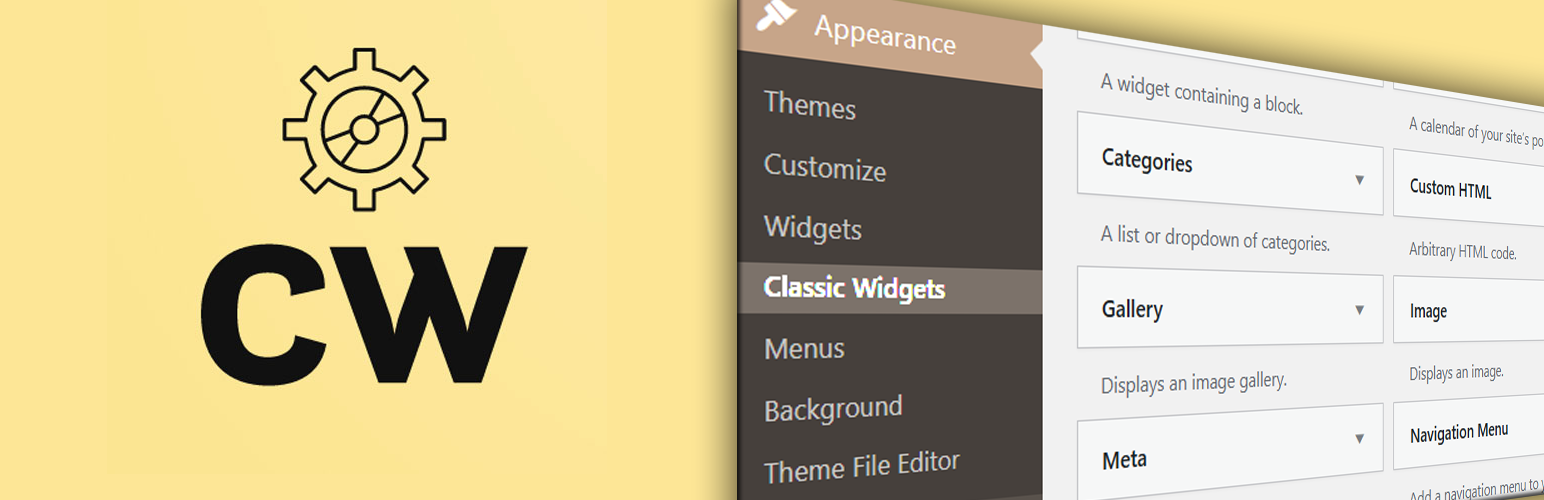
Classic Widgets with Block-based Widgets allows you to use both widgets screens at the same time.
Sometimes, you need to use the classic widget screen for some of the widgets without permanently disabling the block-based widgets. With this plugin, you can access the Classic Widgets screen in Appearance > Classic Widgets and the block-based screen at the usual place in Appearance > Widgets.

NOTE:-
This plugin uses WordPress filters to create a new classic widget screen. That means it will work as long as WordPress supports the Classic Widgets screen.


Links

  • Install Classic Widgets with Block-based Widgets from the ‘Plugins’ section in your dashboard (Plugins > Add New > Search for ‘Classic Widgets with Block-based Widgets’).
    Or
    Download Classic Widgets with Block-based Widgets and upload it to your webserver via your FTP application. The WordPress codex contains instructions on how to do this here.
  • Activate the plugin and navigate to Appearance > Classic Widgets to manage your widgets.

سوالات متداول

پرسش و پاسخی برای این آیتم موجود نیست.
تصویری برای این آیتم موجود نیست.
نظری برای این آیتم موجود نیست.
0 0 رای ها
امتیازدهی
اشتراک در
اطلاع از
0 نظرات
قدیمی‌ترین
تازه‌ترین بیشترین رأی
نسخه حجم فایل SHA256 تغییرات دانلود
1.0.1 16 کیلوبایت -
دانلود
×
بدون امتیاز

قیمت:

رایگان

نگارش

1.0.1

آخرین انتشار

14 اردیبهشت 1405

آخرین بروزرسانی

4 ماه پیش

نصب های فعال

1,000+

نگارش وردپرس

وردپرس 5.8+

تست شده از نسخه

وردپرس 6.8.5

نگارش PHP

PHP 7.0+

نسخه ها

1 نسخه


