
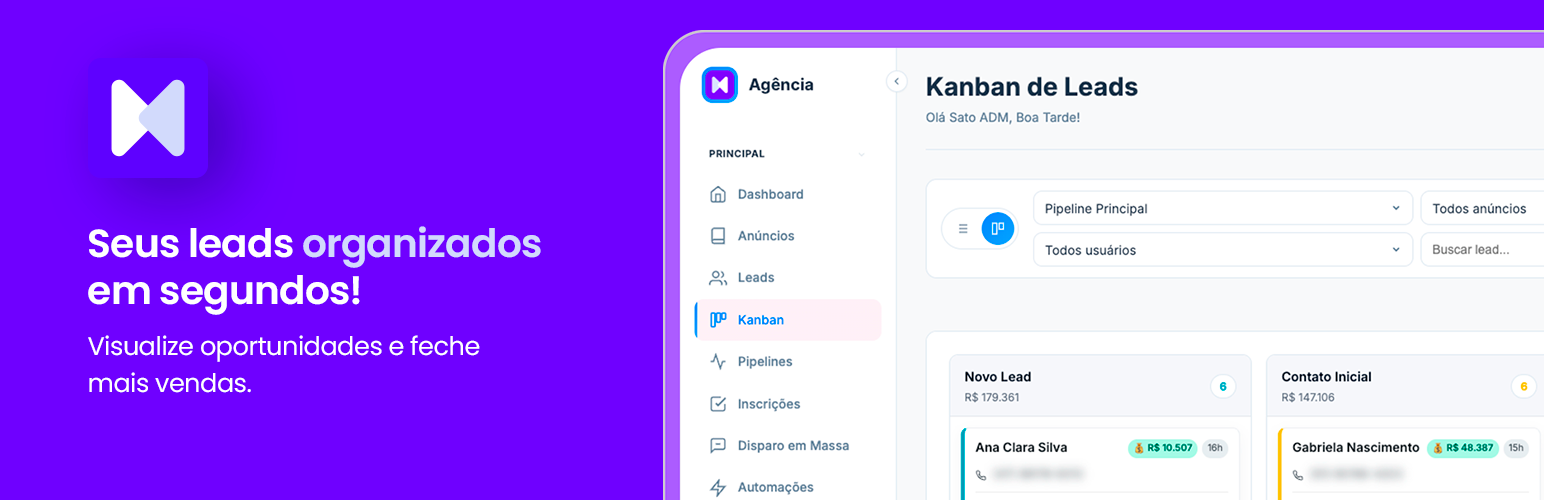

The Clixx CRM plugin connects your WordPress site to your Clixx CRM account so you can insert lead capture forms from your campaigns into any page or post using:
- Shortcode:
[clixxcrm_formulario hash="..."] - Gutenberg block: “Clixx CRM Form”
- Standalone HTML embed snippet (with built-in style customizer)
The connection is established by entering the email of your Clixx CRM account and the API token generated inside the CRM. The token is validated server-side against the company associated with it; if the email does not belong to that company, or the company does not have an active subscription, the connection is refused.
Submissions are sent directly from the visitor’s browser to your Clixx CRM. The plugin does not store any visitor data on your WordPress site.
External services
This plugin connects to the Clixx CRM SaaS (https://app.clixx.com.br), which is the service the plugin exists to integrate with. The connection happens in three situations:
-
Connecting your account (admin only). When you submit your email and API token on the “Clixx CRM > Connection” screen, the plugin sends a POST request from your server to
https://app.clixx.com.br/api/auth/verifycontaining your email and the API token. This is required to validate the token, identify your company in the CRM and confirm the subscription is active. -
Listing your forms (admin only). When you open the “Clixx CRM > Forms” screen, the plugin sends a GET request from your server to
https://app.clixx.com.br/api/anunciosusing your API token. The response (list of your campaigns / forms) is cached for 5 minutes in a WordPress transient. No visitor data is involved. -
Form submissions from visitors (front-end). The shortcode
[clixxcrm_formulario]renders an iframe pointing tohttps://app.clixx.com.br/inscricao/{hash}, and the standalone “Embed HTML” snippet contains JavaScript that, on submit, sends the visitor-typed form fields (name, e-mail, phone, plus any custom fields you configured in the CRM, and any UTM parameters present in the URL) viafetch()directly from the visitor’s browser tohttps://app.clixx.com.br/api/webhook/inscricao/{hash}. The plugin does NOT store this data on your WordPress site.
The service is provided by Clixx CRM. See its terms of use at https://app.clixx.com.br/terms-of-use.html and its privacy policy at https://app.clixx.com.br/privacy-policy.html.






