
CLP – Custom Login Page by NiteoThemes

CLP – Custom Login Page by NiteoThemes

توسط

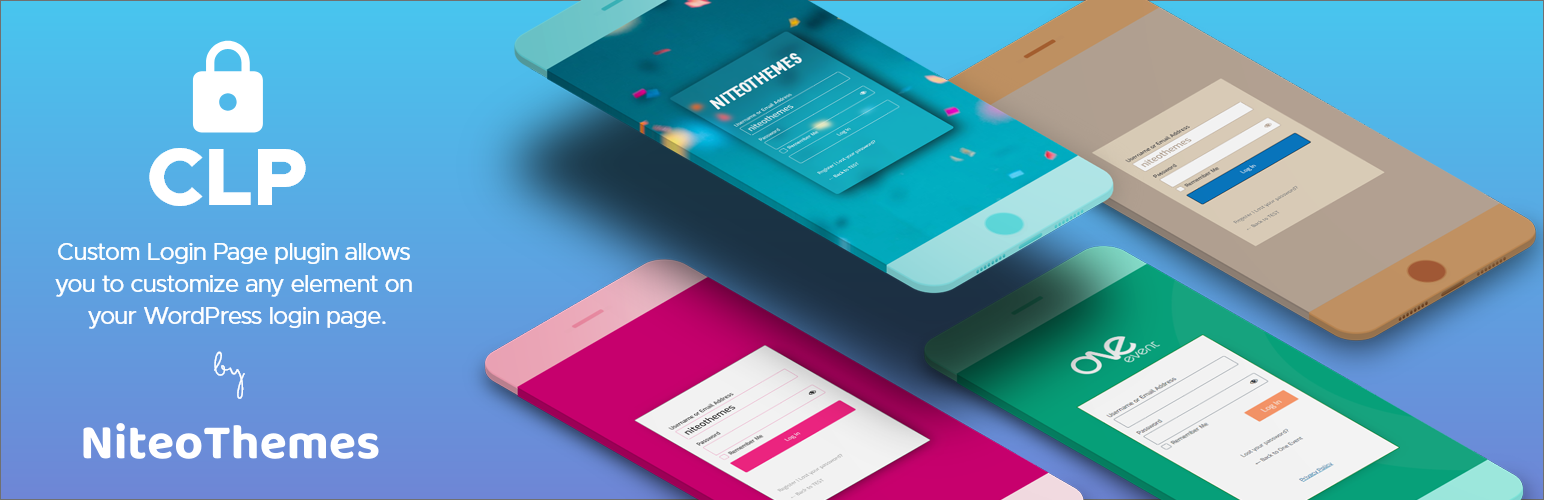
Custom Login Page plugin allows you to customize any essential element on WordPress login page. It utilizes powerful customizer to implement changes in real-time. Change of a logo, graphic background, typography or just a simple tweak cannot get easier than this.

Features

  • Carefully crafted predefined templates to choose from: minimalist, flat, light, dark and more.
  • Customizable layout – from full width, 50-50 to 2/3 layout.
  • Logo customization: disable logo, custom text with chosen typography or a graphic logo.
  • Background: color, gradient, pattern, image or YouTube video.
  • Custom Login Page footer to display Copyright or any content.
  • Integrated Unsplash Gallery – choose from more than 1.5 millions free hi-res images.
  • Form: width, height, spacing, color, blur, border radius, complete typography, borders, shadows.
  • Form Inputs and Labels: colors, hover & focus colors, border radius, disable password icon, disable/enable “remember me” checkbox.
  • Form Submit Button: custom text, color, hover color, size, alignment, borders.
  • Form Footer: alignment, font size, change texts.
  • Messages: complete customization of login, register and lost password messages including colors.
  • Custom CSS: insert any custom CSS code for expert customization.
  • Login Page is 100% responsive.
  • Import / Export of the customizer setttings.

Under Active Development

Custom Login Page plugin is under active development and we plan to add more awesome features!

Install from WordPress Plugin Dashboard

  • Navigate to the ‘Add New’ in the plugins dashboard
  • Search for ‘Custom Login Page’
  • Click ‘Install Now’
  • Activate the plugin on the Plugin dashboard
  • Click Customize login page to enter customizer.

Upload in WordPress Plugin Dashboard

  • Navigate to the ‘Add New’ in the plugins dashboard
  • Navigate to the ‘Upload’ area
  • Download `custom-login-page.zip` and select `custom-login-page.zip` from your directory
  • Click ‘Install Now’
  • Activate the plugin in the Plugin dashboard
  • Click Customize login page to enter customizer.

FTP Upload

  • Download `custom-login-page.zip` and extract the `custom-login-page.zip` zip file to your computer
  • Upload the extracted `custom-login-page` directory to the `/wp-content/plugins/` directory
  • Activate the plugin in the Plugin dashboard
  • Click Customize login page to enter customizer.

سوالات متداول

Why should I use Custom Login Page?

It is important to use your branding and design across whole website. You can make a complete change of login page with few clicks and 0 percent coding knowledge, so it is better ask, why should you not use it!:)

×
نظری برای این آیتم موجود نیست.
0 0 رای ها
امتیازدهی
اشتراک در
اطلاع از
0 نظرات
قدیمی‌ترین
تازه‌ترین بیشترین رأی
نسخه حجم فایل SHA256 تغییرات دانلود
1.5.5 797 کیلوبایت -
دانلود
×
★★★★★
★★★★★
5.0 /5 (4 نظر)

قیمت:

رایگان

نگارش

1.5.5

آخرین انتشار

15 اردیبهشت 1405

آخرین بروزرسانی

3 ماه پیش

نصب های فعال

800+

نگارش وردپرس

وردپرس 3.0+

تست شده از نسخه

وردپرس 5.9.13

نگارش PHP

PHP 5.6+

نسخه ها

1 نسخه




