
Coming Soon TMC

Coming Soon TMC

توسط

OVERVIEW

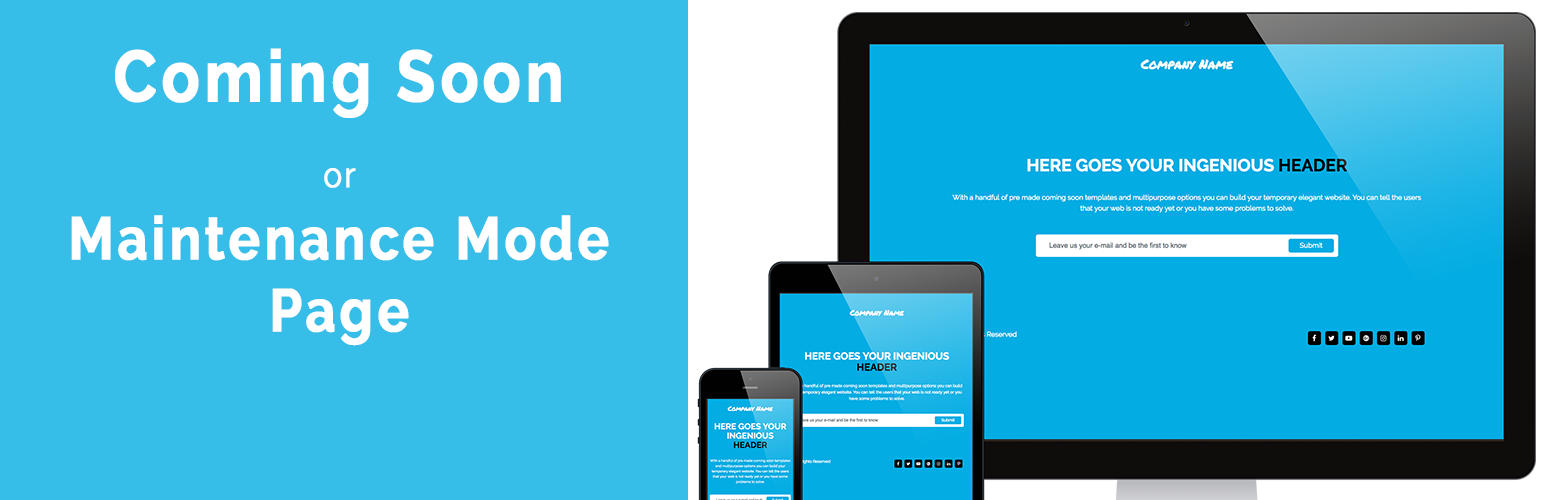
Using Coming Soon TMC you may create a simple “Coming Soon Page” or “Maintenance Mode Page”. The plugin comes with a beautiful professional default template.

The plugin comes with a beautiful professional and minimalistic default template which you can fully customize to your needs with our amazing visual editor. It’s simple and flexible and works with any WordPress theme.

Our Coming Soon page is easy to set up!

CUSTOMIZATION

Features:

  • Responsive design
  • Custom visual editor
  • Works with any WordPress Theme
  • Uses HTML5 & CSS3
  • Set up your logo
  • Uses WordPress Best Practices
  • Collect Emails (e-mail notifications)
  • Social Profiles support (Facebook, Twitter, Youtube, Google+, Instagram, LinkedIn, Pinterest)
  • Tracking Code (Google Analitycs)
  • Set up your own background
  • Google Fonts integration

NEED SOME MORE FEATURES?

Look at video tutorial on Coming Soon TMC PRO

Coming Soon TMC PRO templates

Five professional templates:

  • Basic Coming Soon Page template
  • Caffe Coming Soon Page template
  • Relax Coming Soon Page template
  • Tattoo Coming Soon Page template
  • Taxi Coming Soon Page template

SUPPORT

Your feedback is WELCOME!

Using The WordPress Dashboard

  1. Navigate to the ‘Add New’ in the plugins dashboard
  2. Search for ‘coming-soon-tmc’
  3. Click ‘Install Now’
  4. Activate the plugin on the Plugin dashboard

Uploading in WordPress Dashboard

  1. Navigate to the ‘Add New’ in the plugins dashboard
  2. Navigate to the ‘Upload’ area
  3. Select coming-soon-tmc.zip from your computer
  4. Click on ‘Install Now’ button
  5. Activate the plugin in the Plugin dashboard

Using FTP

  1. Download coming-soon-tmc.zip
  2. Extract the coming-soon-tmc directory to your computer
  3. Upload the coming-soon-tmc folder to the /wp-content/plugins/ directory
  4. Activate the plugin in the Plugin dashboard

سوالات متداول

Installation Instructions

Using The WordPress Dashboard

  1. Navigate to the ‘Add New’ in the plugins dashboard
  2. Search for ‘coming-soon-tmc’
  3. Click ‘Install Now’
  4. Activate the plugin on the Plugin dashboard

Uploading in WordPress Dashboard

  1. Navigate to the ‘Add New’ in the plugins dashboard
  2. Navigate to the ‘Upload’ area
  3. Select coming-soon-tmc.zip from your computer
  4. Click on ‘Install Now’ button
  5. Activate the plugin in the Plugin dashboard

Using FTP

  1. Download coming-soon-tmc.zip
  2. Extract the coming-soon-tmc directory to your computer
  3. Upload the coming-soon-tmc folder to the /wp-content/plugins/ directory
  4. Activate the plugin in the Plugin dashboard

1. How can I enable the additional features?

The additional features are available in the PRO version. Get it from here

2. Any other Questions you are welcome to ask us 🙂

Please contact us hello@themastercut.co if you have any questions or you would like to provide us feedback.

×
نظری برای این آیتم موجود نیست.
0 0 رای ها
امتیازدهی
اشتراک در
اطلاع از
0 نظرات
قدیمی‌ترین
تازه‌ترین بیشترین رأی
هیچ نسخه‌ای برای این آیتم موجود نیست.
بدون امتیاز

قیمت:

رایگان

نگارش

آخرین انتشار

20 اردیبهشت 1405

آخرین بروزرسانی

3 ماه پیش

نصب های فعال

10+

نگارش وردپرس

وردپرس 4.0.0+

تست شده از نسخه

وردپرس 4.8.0

نگارش PHP

-

نسخه ها

0 نسخه




