
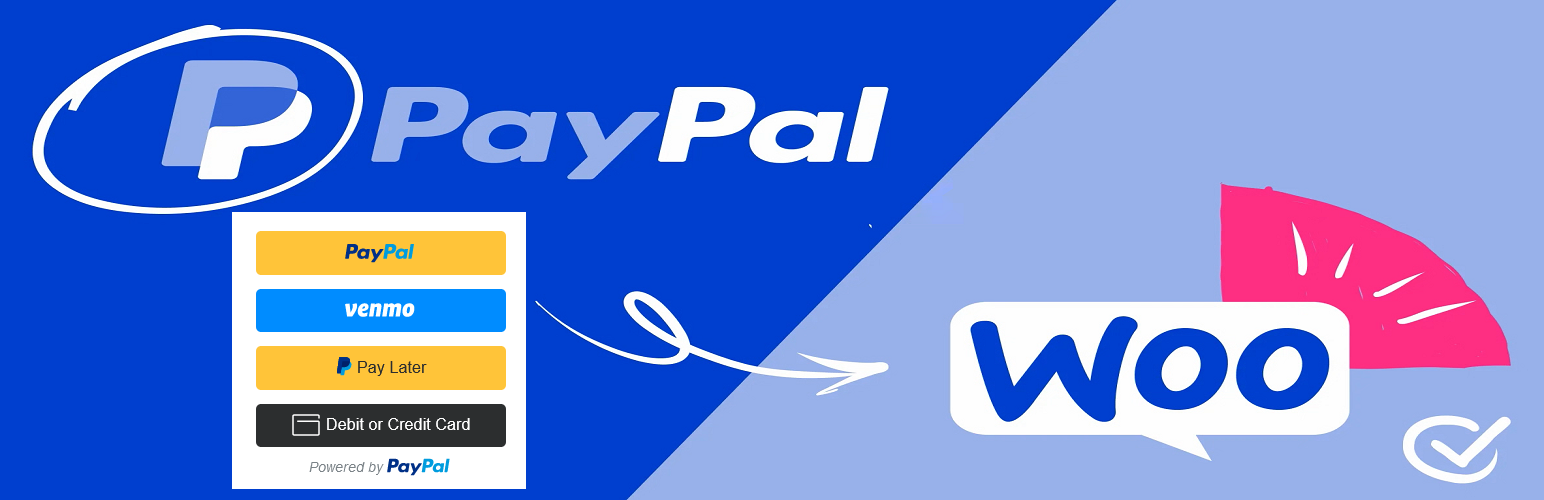
Complete PayPal Payments For WooCommerce

Complete PayPal Payments For WooCommerce

توسط

PayPal Checkout with Smart Payment Buttons gives your buyers a simplified and secure checkout experience. PayPal intelligently presents the most relevant payment types to your shoppers, automatically, making it easier for them to complete their purchase using methods like Pay with Venmo, PayPal Credit, credit card payments, iDEAL, Bancontact, Sofort, and other payment types.

Introduction

Easily add PayPal payment options to your WordPress / WooCommerce website.

  • PayPal Checkout.
  • Advanced credit and debit card payments.

List of Methods.

  • PayPal
  • Pay in 4
  • Venmo
  • American Express
  • Bancontact
  • BLIK
  • Discover
  • eps
  • giropay
  • iDEAL
  • MyBank
  • Mastercard
  • Przelewy24
  • Sofort
  • Visa

Quality Control

Payment processing can’t go wrong. It’s as simple as that. Our certified PayPal engineers have developed and thoroughly tested this plugin on the PayPal sandbox (test) servers to ensure your customers don’t have problems paying you.

Seamless PayPal Integration

Stop bouncing back and forth between WooCommerce and PayPal to manage and reconcile orders. We’ve made sure to include all WooCommerce order data in PayPal transactions so that everything matches in both places. If you’re looking at a PayPal transaction details page it will have all of the same data as a WooCommerce order page, and vice-versa.

Get Involved

Developers can contribute to the source code on the Complete PayPal Payments For WooCommerce GitHub repository.

Automatic installation

Automatic installation is the easiest option as WordPress handles the file transfers itself and you don’t need to leave your web browser. To do an automatic install of Complete PayPal Payments For WooCommerce, log in to your WordPress dashboard, navigate to the Plugins menu and click Add New.

Manual Installation

  1. Unzip the files and upload the folder into your plugins folder (/wp-content/plugins/) overwriting older versions if they exist
  2. Activate the plugin in your WordPress admin area.

سوالات متداول

How do I create sandbox accounts for testing?
  • Login at http://developer.paypal.com.
  • Click the Applications tab in the top menu.
  • Click Sandbox Accounts in the left sidebar menu.
  • Click the Create Account button to create a new sandbox account.
How to get phone numbers for PayPal Checkout orders?

If you use PayPal Checkout, then you might have noticed that the checkout page does not contain the customer’s phone number. If you have a PayPal business account, then you can require customer phone numbers from your PayPal account settings.

PayPal has the ability to provide the customer’s phone number which can be used to autopopulate your checkout page. We recommend you enable this option as it reduces the number of checkout fields your customer has to manually enter. It reduces friction and will improve conversion rates.

1) Login to your Sandbox or Production account.

2) On the Website payment preferences page, scroll down to the Contact telephone number section. If the billing phone number is optional on your checkout page, you can select the On (optional field). If it’s required, select the On (required field)

×
نظری برای این آیتم موجود نیست.
0 0 رای ها
امتیازدهی
اشتراک در
اطلاع از
0 نظرات
قدیمی‌ترین
تازه‌ترین بیشترین رأی
نسخه حجم فایل SHA256 تغییرات دانلود
1.0.7 136 کیلوبایت -
دانلود
×
★★★★★
★★★★★
5.0 /5 (1 نظر)

قیمت:

رایگان

نگارش

1.0.7

آخرین انتشار

23 اردیبهشت 1405

آخرین بروزرسانی

3 ماه پیش

نصب های فعال

80+

نگارش وردپرس

وردپرس 5.8+

تست شده از نسخه

وردپرس 6.2.9

نگارش PHP

PHP 7.2+

نسخه ها

1 نسخه




