
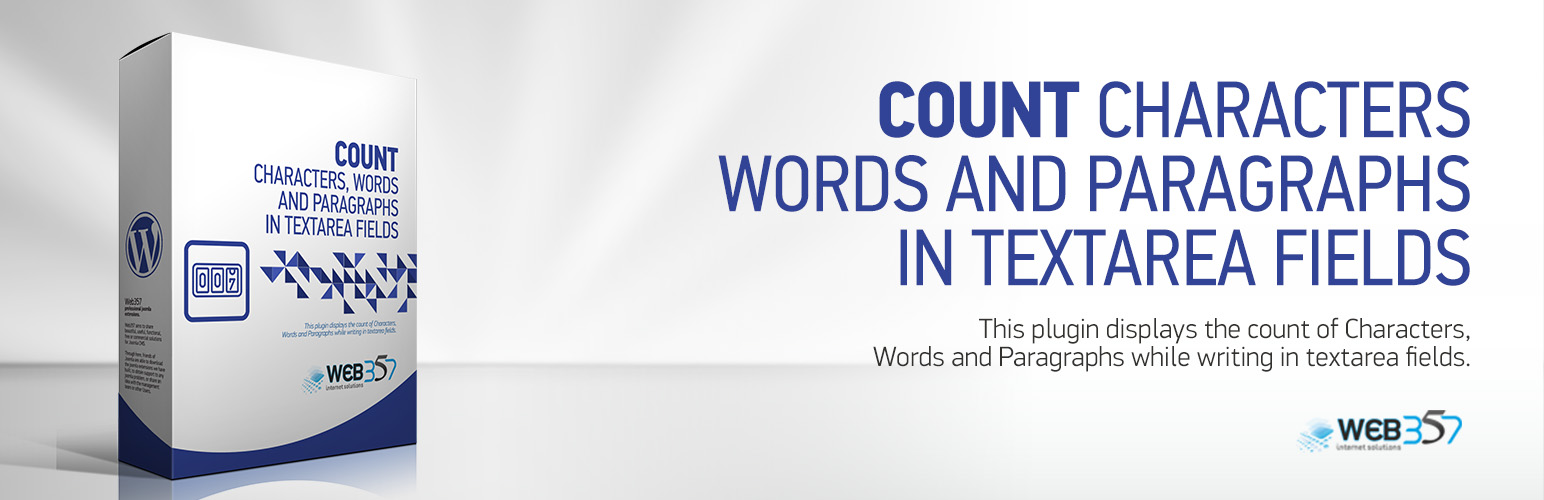
Count Characters, Words and Paragraphs while typing

Count Characters, Words and Paragraphs while typing

The Count CWP WordPress Plugin enables real-time tracking of character, space, word, and paragraph counts while writing in posts, pages, or custom textarea fields. Ideal for authors, editors, and content managers who require precise text measurements.

Video Description

Basic Features

  • Enable or disable character, space, word, or paragraph counts via Settings > Count CWP.
  • Display counters directly below the WordPress editor or any custom textarea field.

This plugin is simple to install:

  1. Download the zip file count-cwp.zip.
  2. Extract the contents.
  3. Upload the count-cwp directory to /wp-content/plugins/.
  4. Navigate to the Plugins page and activate the plugin.
  5. Configure the settings via Settings > Count CWP.

سوالات متداول

Why should I use this plugin?

This plugin is useful for writers, marketers, and editors who need to keep track of text limits for SEO, content planning, or ad copy creation.

×
نظری برای این آیتم موجود نیست.
0 0 رای ها
امتیازدهی
اشتراک در
اطلاع از
0 نظرات
قدیمی‌ترین
تازه‌ترین بیشترین رأی
بازخورد (Feedback) های اینلاین
مشاهده همه دیدگاه ها
هیچ نسخه‌ای برای این آیتم موجود نیست.
★★★★★
★★★★★
4.5 /5 (6 نظر)

قیمت:

رایگان

نگارش

آخرین انتشار

21 اردیبهشت 1405

آخرین بروزرسانی

1 ماه پیش

نصب های فعال

300+

نگارش وردپرس

وردپرس 5.3+

تست شده از نسخه

وردپرس 6.7.5

نگارش PHP

PHP 7.3+

نسخه ها

0 نسخه




