
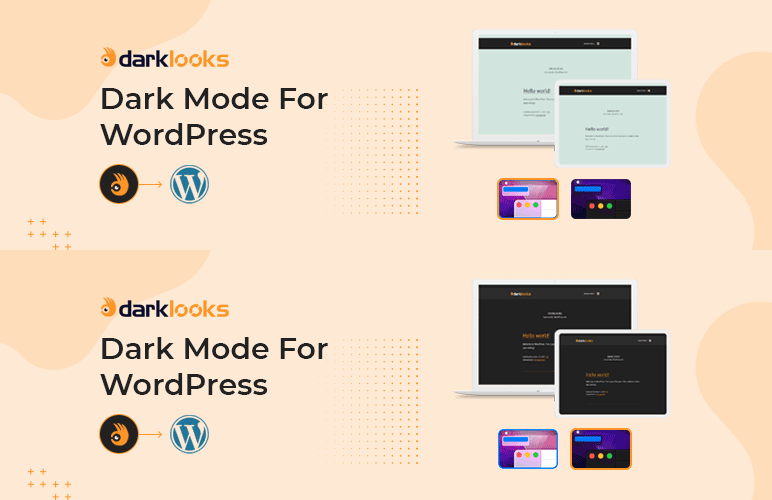

The dark mode is better for your eyes in low-light environments. Also, it can reduce eye strain in low-light conditions (night-time or dimmer workspaces). Darklooks is a WordPress plugin that allows you to implement the dark mode option on your WordPress site. So that visitors can change your site mode from lite to dark and dark to lite, on visitor preference.This plugin builds with a lot of effective features. That will help you to make the environments like yours.
Live Demo
Checkout Our Premium Product
Checkout Our Themeforest Profile
Checkout Our Codecanyon Profile
Main Features of DarkLooks
- Floating Switch Button
- Floating Switch Position Change Option ( Top, Bottom, Left, Right )
- 5 switch styles
- All kinds of OS supported
- Default Mode
- 2 types of dark mode Method
- 9 preset color
- Custom set color option
- Dark mode logo set option
- Dark mode image set option
- Dark mode image brightness set option
- Dark mode body font size set option
- Dark mode time schedule set option
- Remember last time mode
- Custom CSS add option
- Easy settings options
- Compatibility with WooCommerce
- Compatibility with wordpress 5.8+
- Translation ready
- Ready for translation ( .pot files included )
- Free Updates
- Error free code
- Well Documented
Privacy Policy
DarkLooks – Dark Mode Switcher For WordPress uses Appsero SDK to collect some telemetry data upon user’s confirmation. This helps us to troubleshoot problems faster & make product improvements.
Appsero SDK does not gather any data by default. The SDK only starts gathering basic telemetry data when a user allows it via the admin notice. We collect the data to ensure a great user experience for all our users.
Integrating Appsero SDK DOES NOT IMMEDIATELY start gathering data, without confirmation from users in any case.
Learn more about how Appsero collects and uses this data.






