
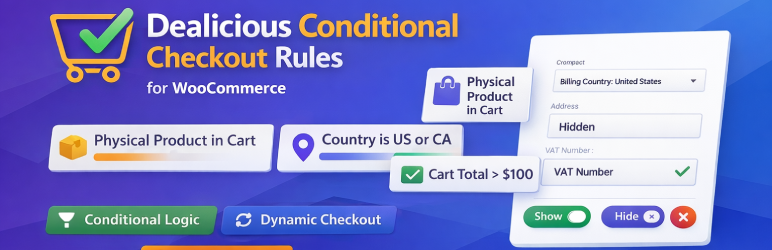

Dealicious Conditional Checkout Rules for WooCommerce lets store owners create ordered rules to control WooCommerce checkout field visibility.
Use conditions for:
- Product type in cart (physical, virtual, downloadable, or specific WooCommerce product types)
- Billing country (ISO2 list like
US,CA,GB) - Cart value range (minimum and/or maximum)
How rules work:
- Rules are processed top to bottom
- All conditions in one rule use AND logic
- If multiple rules match the same field, the last matched rule wins
Plugin highlights:
- Live show/hide behavior on checkout
- Works with country changes at checkout
- Handles required-field validation for hidden fields
- Settings available in
WooCommerce > Dealicious Conditional Checkout Rules for WooCommerce




