
DeepSmith Connector

DeepSmith Connector

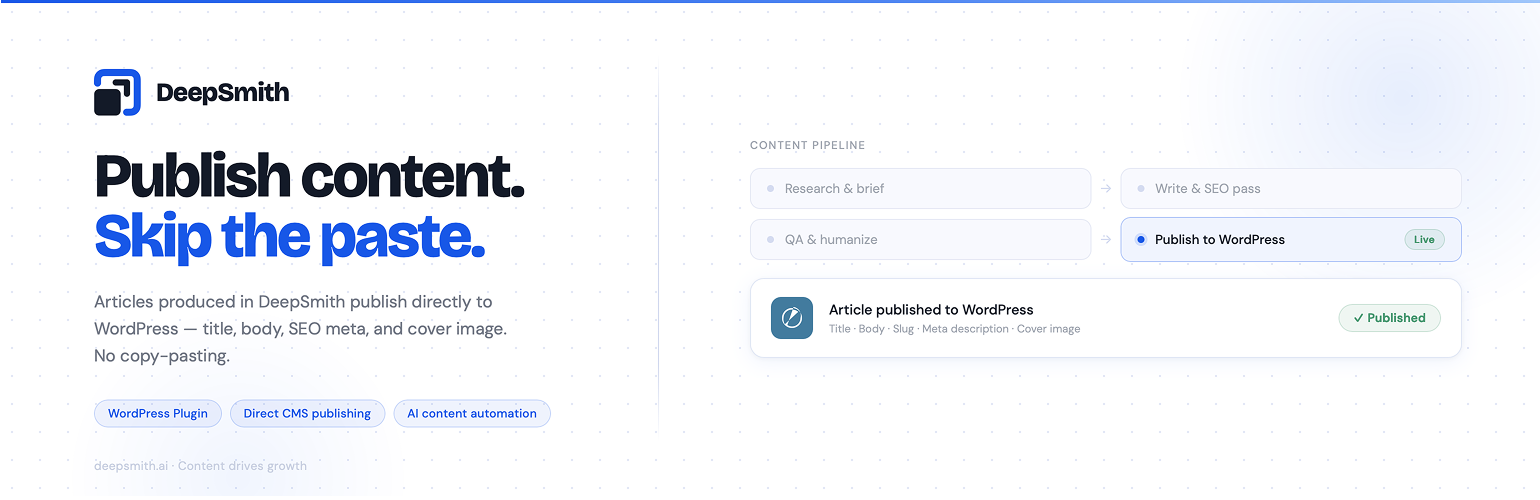
DeepSmith Connector lets the DeepSmith SaaS platform push content directly to your WordPress site. Install the plugin, enter your secret key, and DeepSmith will create posts with featured images automatically. Posts default to draft status unless the SaaS explicitly requests publishing.

DeepSmith is a product of OneJam CloudTech Private Limited.

Features:

  • Secure REST API endpoint with secret key authentication
  • Post creation with configurable status (draft or publish)
  • Featured image download and attachment
  • Activity logging with admin dashboard widget
  • Rate limiting to prevent abuse
  • SSRF protection for image downloads
  • Configurable settings in WordPress admin
  • Idempotent content updates (avoid duplicates)

Requirements:

  • WordPress 6.2 or higher
  • PHP 7.4 or higher
  • DeepSmith account and secret key

Privacy:

This plugin does not collect, store, or transmit any personal data. It receives content from DeepSmith SaaS via authenticated API requests and stores it as WordPress posts in your database.

External Services

This plugin connects to the DeepSmith SaaS platform to receive content via REST API.

When does communication occur?

  • When DeepSmith sends content to your WordPress site via the REST API endpoints under /wp-json/deepsmith/v1/
  • When featured images are downloaded from allowed CDN domains (cdn.deepsmith.app, cdn.deepsmith.ai)

What data is involved?

  • Incoming: Post titles, post content (HTML), image URLs, post status, category assignments
  • Outgoing: Post IDs, success/failure status, plugin version, WordPress version (via /health endpoint)
  • No personal user data is collected, stored, or transmitted

Relevant links:

  • DeepSmith Privacy Policy: https://deepsmith.ai/legal/privacy-policy
  • DeepSmith Terms of Service: https://deepsmith.ai/legal/terms-of-service

  1. Upload the plugin files to /wp-content/plugins/deepsmith-connector/ directory
  2. Activate the plugin through the ‘Plugins’ menu in WordPress
  3. Go to Settings > DeepSmith Connector
  4. Enter your DeepSmith secret key (obtained from DeepSmith dashboard)
  5. Configure optional rate limiting settings
  6. DeepSmith can now push content to your site

سوالات متداول

Where do I get my secret key?

Your secret key is generated in your DeepSmith account dashboard. Copy it from DeepSmith and paste it into the plugin settings.

Will this publish posts automatically?

No. DeepSmith creates posts as drafts by default. You can configure DeepSmith to send posts with ‘publish’ status if you want auto-publishing, but the default is draft for editorial control.

How do I troubleshoot connection issues?

Check the Activity Log in Settings > DeepSmith Connector. It shows all API requests, successes, failures, and error messages. Common issues include incorrect secret key or server firewall blocking DeepSmith requests.

Does this work with multisite?

Yes. Install network-wide or per-site. Each site needs its own secret key configured.

What happens if an image URL fails?

The post is created anyway without the featured image. Image failures are logged in the Activity Log. This ensures content delivery even if image sources are temporarily unavailable.

تصویری برای این آیتم موجود نیست.
نظری برای این آیتم موجود نیست.
0 0 رای ها
امتیازدهی
اشتراک در
اطلاع از
0 نظرات
قدیمی‌ترین
تازه‌ترین بیشترین رأی
بازخورد (Feedback) های اینلاین
مشاهده همه دیدگاه ها
نسخه حجم فایل SHA256 تغییرات دانلود
1.0.3 26 کیلوبایت -
دانلود
×
بدون امتیاز

قیمت:

رایگان

نگارش

1.0.3

آخرین انتشار

2 خرداد 1405

آخرین بروزرسانی

4 هفته پیش

نصب های فعال

-

نگارش وردپرس

وردپرس 6.2+

تست شده از نسخه

وردپرس 6.9.4

نگارش PHP

PHP 7.4+

نسخه ها

1 نسخه



