
Delivery Slot Manager for WooCommerce

Delivery Slot Manager for WooCommerce

توسط

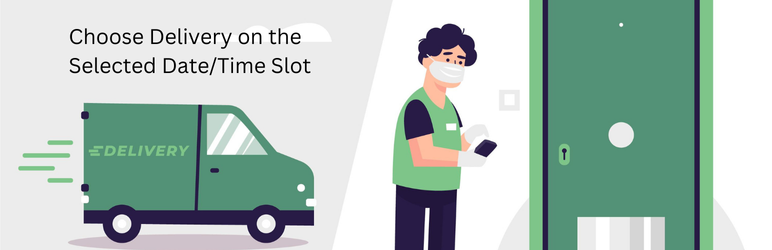
Delivery Slot for Woocommerce enhances the WooCommerce shopping experience by allowing customers to select preferred delivery date and time slot before adding products to their cart. The selected delivery slot is displayed in the cart, order details, and admin panel.


  1. Upload the delivery-slot folder to the /wp-content/plugins/ directory.
  2. Activate the plugin through the “Plugins” menu in WordPress.
  3. Go to a WooCommerce product page to see the delivery date & time picker.

سوالات متداول

Q: How does the delivery date selection work?

A: Customers can select a delivery date from the next two available days and choose a time slot before adding the product to the cart.

Q: Does this plugin support variable products?

A: Currently, the plugin only works with simple WooCommerce products.

Q: Will the delivery date show in the cart and checkout?

A: Yes, the selected delivery date and time appear in the cart.

تصویری برای این آیتم موجود نیست.
نظری برای این آیتم موجود نیست.
0 0 رای ها
امتیازدهی
اشتراک در
اطلاع از
0 نظرات
قدیمی‌ترین
تازه‌ترین بیشترین رأی
بازخورد (Feedback) های اینلاین
مشاهده همه دیدگاه ها
نسخه حجم فایل SHA256 تغییرات دانلود
1.0.4 12 کیلوبایت -
دانلود
×
★★★★★
★★★★★
5.0 /5 (1 نظر)

قیمت:

رایگان

نگارش

1.0.4

آخرین انتشار

19 اردیبهشت 1405

آخرین بروزرسانی

1 ماه پیش

نصب های فعال

-

نگارش وردپرس

وردپرس 5.0+

تست شده از نسخه

وردپرس 6.7.5

نگارش PHP

-

نسخه ها

1 نسخه


