
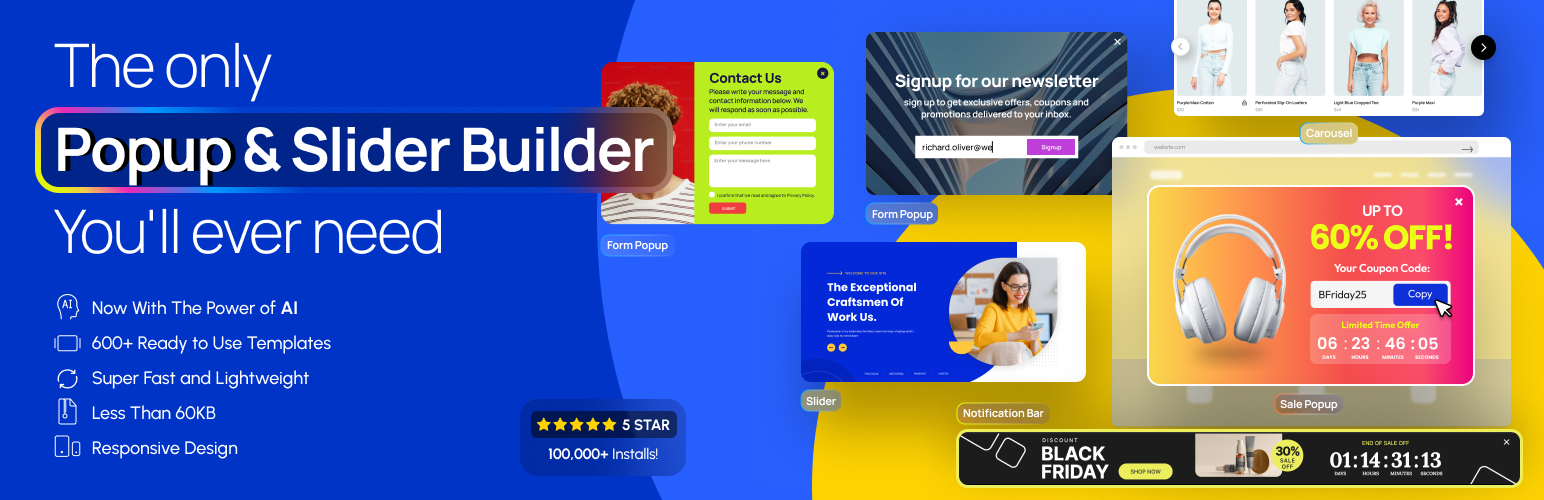

Improve users engagement rate or sales by Depicter Popup, Notification Bar, and Slider builder.
You can create converting Popup and Notification Bar, like Email subscription popup, Exit intent popup, promotion popup, cart‑abandonment popup, campaign promoting notification bar. And you can also create engaging WordPress sliders, carousels, and slideshows like layer slider, video slider, image slider, fullscreen slider, post slider, product slider, WooCommerce slider, testimonial slider, gallery slider and Elementor slider.
Explore Popup, slider and more Templates
- Popup Templates
- Notification bar Templates
- Slider Templates
- Carousel Templates
- Hero Section Templates
Create popups, notification bars, sliders, and carousels with an intuitive visual builder
Depicter provides a flexible way to design and display interactive elements on your WordPress site. You can create popups, sliding banners, hero sections, carousels, and other visual components without writing code.
Key Features
- Unlimited items — Create as many popups, notification bars, sliders, and carousels as needed.
- Template library — Start quickly with a wide collection of pre-designed layouts for various use cases.
- AI tools — Generate slider layouts or content using built-in AI features to speed up your workflow.
- Form builder — Add built-in forms to collect email, name, phone number, and other information.
- Performance-friendly output — Uses WebP, adaptive images, lazy loading, and optimized asset delivery.
- Visual editing — Design content through a simple, responsive editor supporting animations, effects, and custom fonts.
Popup and Notification Bar Features
- Variety of popup templates and notification bar templates
- Configure display conditions based on pages visited, device type, referrer, location, cookies, or user behavior.
- Define scheduling rules for when a popup or notification bar should appear or expire.
- Choose from multiple triggers: exit intent, scroll depth, time on page, inactivity, or user interactions.
- Control reopening behavior: once per visitor, every visit, or after a specific delay.
- Create multi-step popups for more complex interactions.
- Customize mobile responsiveness and add animations or visual effects.
Slider and Carousel Features
- Create fully responsive sliders and carousels that adapt to all device sizes.
- Add animations, transitions, and parallax effects to enhance visuals.
- Use arrows, bullets, timers, and swipe navigation for a more interactive experience.
- Populate sliders with dynamic content including posts, WooCommerce products, or custom post types.
- Compatible with major page builders: Elementor, Divi, Beaver Builder, Oxygen, and the WordPress block editor.
- Add video backgrounds from YouTube or Vimeo.
- Set scheduling rules to control when sliders or carousels appear on the site.
How to create a WordPress slider with Depicter
Create a WordPress slider with AI in seconds
Use of 3rd Party Services
To improve the user experience, Depicter may use the following 3rd party services if the required feature is enabled:
- Google Places and Recaptcha are used to display location, reviews and recaptcha. Google’s TOS and Privacy Policy
- Some Depicter features and services required to contact depicter website. These features and services are not used for tracking unless explicitly mentioned, requiring your approval and manual opt-in. Learn more in our TOS.






