
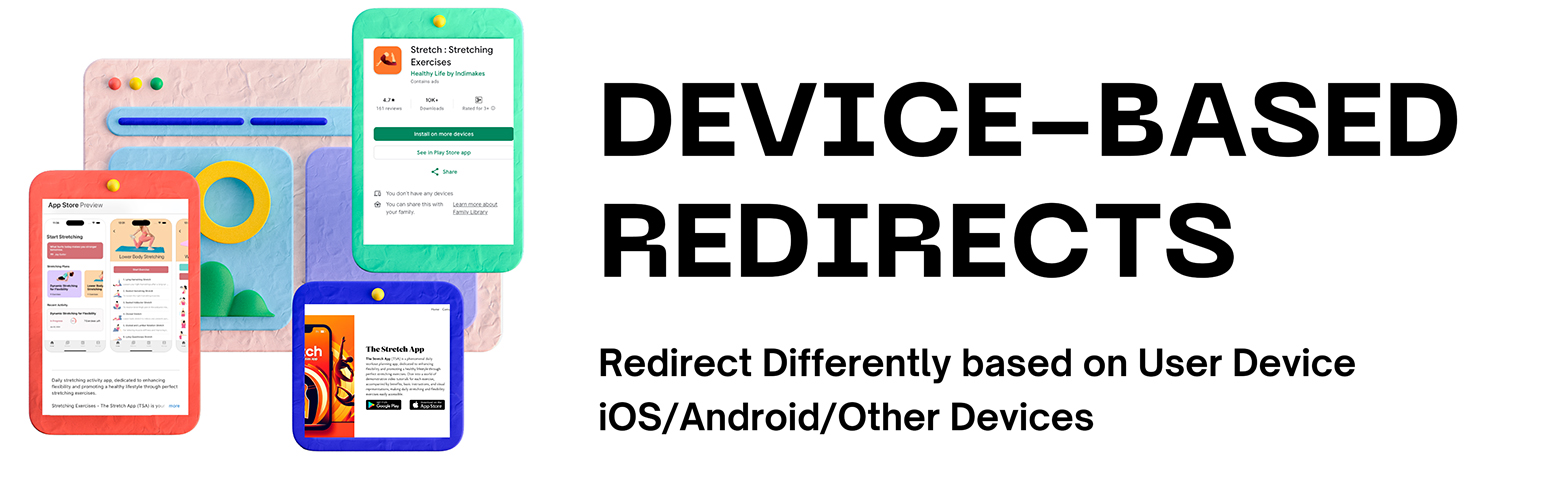

Device Based Redirect allows you to easily set up redirects to your mobile apps or mobile-friendly URLs based on the user’s device type. Perfect for promoting your mobile apps to website visitors and implementing platform-specific deep linking through a single URL.
Features:
- Page-specific redirects – Configure different redirects for different pages on your site
- Custom URL redirects – Create custom URLs that redirect users based on their device
- Set different destinations for iOS and Android users. Can be used to send users to iOS and Android app store pages.
- Deep linking support – Direct users to specific sections of your app through platform-specific deep links
- Fallback URLs for other devices – Specify where non-mobile users should be redirected
- Easy-to-use admin interface – Simple configuration through WordPress admin panel
- Bulk enable/disable option – Quickly turn all redirects on/off
- Transient Cache for end-user redirects – Reduces database load for high traffic sites
- Titles for Custom URL Redirects for better organizing of redirects
Use Cases:
- App Store Promotion: Direct mobile users to your app’s store listing while showing desktop users your website
- Deep Linking: Create a single URL that opens different app screens on iOS and Android
- Redirect users to mobile-friendly URLs based on their device type
- Marketing Campaigns: Share one link that works across all platforms
- Cross-Platform Navigation: Seamlessly guide users to the right platform-specific destination
- 302 redirects – Redirects are of 302 type as they are not permanent.
The plugin handles user agent detection and routing automatically, making it easy to implement complex platform-specific navigation through simple WordPress configuration.






