
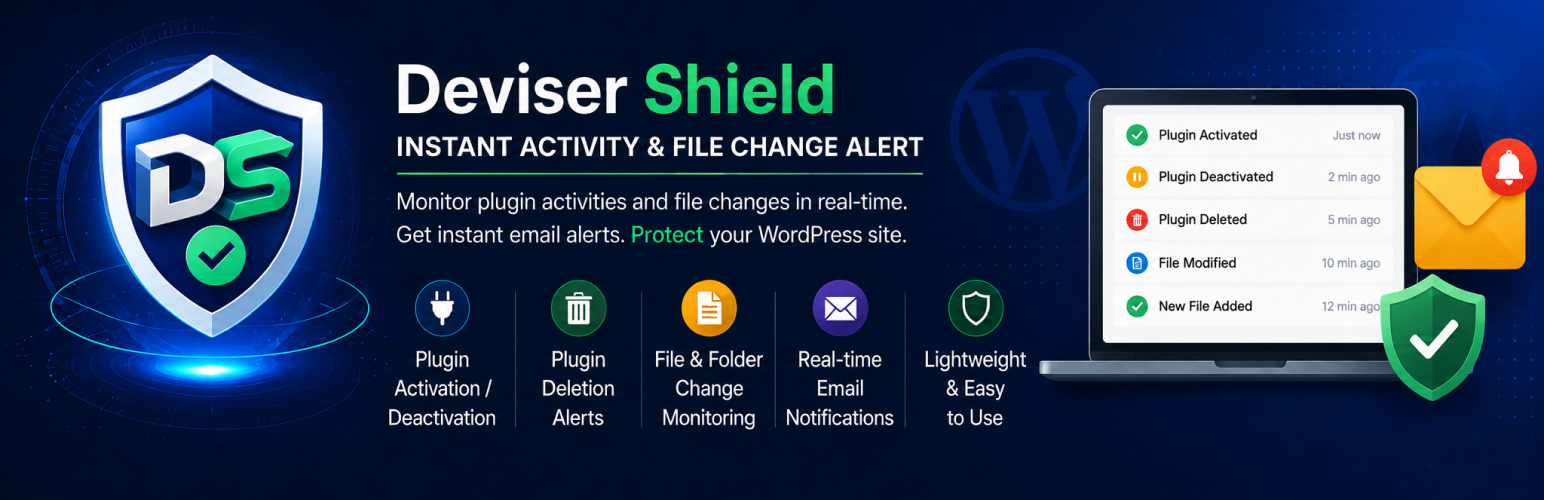

Keep your WordPress site secure and under control by monitoring all plugin-related activities.
Deviser Shield tracks important WordPress plugin activities, including activations, deactivations, deletions, and file modifications. It helps site administrators detect unauthorized changes, troubleshoot issues, and maintain full visibility over plugin activity.
Email notifications for plugin activations, deactivations, and deletions are sent instantly to the site administrator or to custom email addresses configured in the plugin settings.
For file and folder modifications, the plugin performs an automated scan every 15 minutes using WordPress Cron. If any changes are detected, an email notification is sent with details of modified, added, or deleted files.
In addition to email alerts, Deviser Shield maintains a local activity log file (deviser-shield.log) within the plugin directory. Administrators can view these logs directly from the settings page via a premium, interactive modal log viewer. The categorizing them with colored badges and details, and features instant real-time search filtering, a copy-to-clipboard function, and log clearing capabilities.
Features
-
Monitor plugin activation and deactivation events
-
Detect plugin deletions instantly
-
Track file and folder modifications within plugins
-
Local activity logging in a dedicated file with enable/disable settings
-
Interactive log viewer modal to view, search, and copy logs directly from the dashboard
-
Skip log file email alerts option to filter out noise from automated log file changes
-
Download raw log files directly to your device
-
Clear activity logs instantly inside the viewer modal
-
Receive real-time email notifications
-
Lightweight and performance-optimized
-
Easy to configure and use
How It Works
After activation, the plugin automatically starts monitoring plugin activity. Whenever a change is detected, an email notification is sent with detailed information so administrators can take immediate action if required.
Use Cases
-
Improve WordPress site security
-
Detect unauthorized plugin changes
-
Monitor administrator or developer actions
-
Maintain an audit trail of plugin activity





