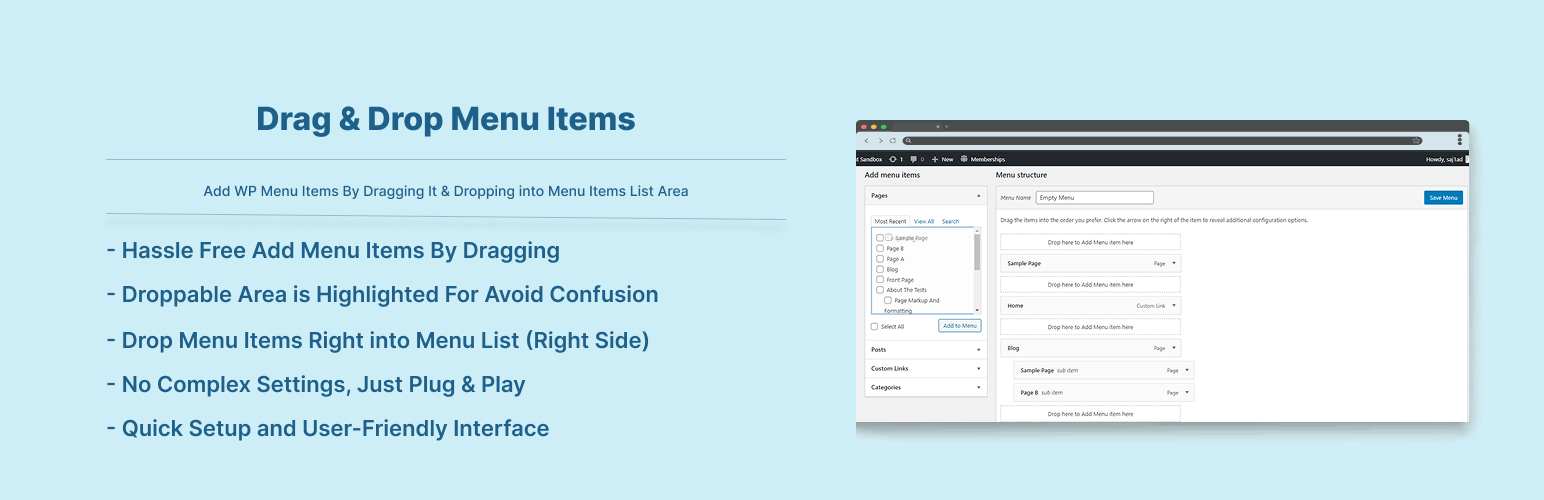
Easily Add Nav Menu Item By Dragging It To Menu Lists Container.
Features:
Hassle Free Add Menu Items By Dragging
Droppable Area is Highlighted For Avoid Confusion
Drop Menu Items Right into Menu List (Right Side)
To add a WordPress Plugin using the built-in plugin installer:
Go to Plugins > Add New.
Type in the name “Drag & Drop Menu Items” in Search Plugins box
Find the “Drag & Drop Menu Items” Plugin to install.
Click Install Now to begin the plugin installation.
The resulting installation screen will list the installation as successful or note any problems during the install.
If successful, click Activate Plugin to activate it, or Return to Plugin Installer for further actions.
To add a WordPress Plugin from GitHub repo / plugin zip file :
1. Go to WordPress plugin page
2. Click Add New & Upload Plugin
3. Drag / Click upload the plugin zip file
4. The resulting installation screen will list the installation as successful or note any problems during the install.
If successful, click Activate Plugin to activate it, or Return to Plugin Installer for further actions.
سوالات متداول
How to use this plugin?
Just after installing Drag & Drop Menu Items plugin, Go to Appearance -> Menus. And There You Can Add Your Menu Items By Dragging & Dropping it into Menu items list right side. See Screenshots…