
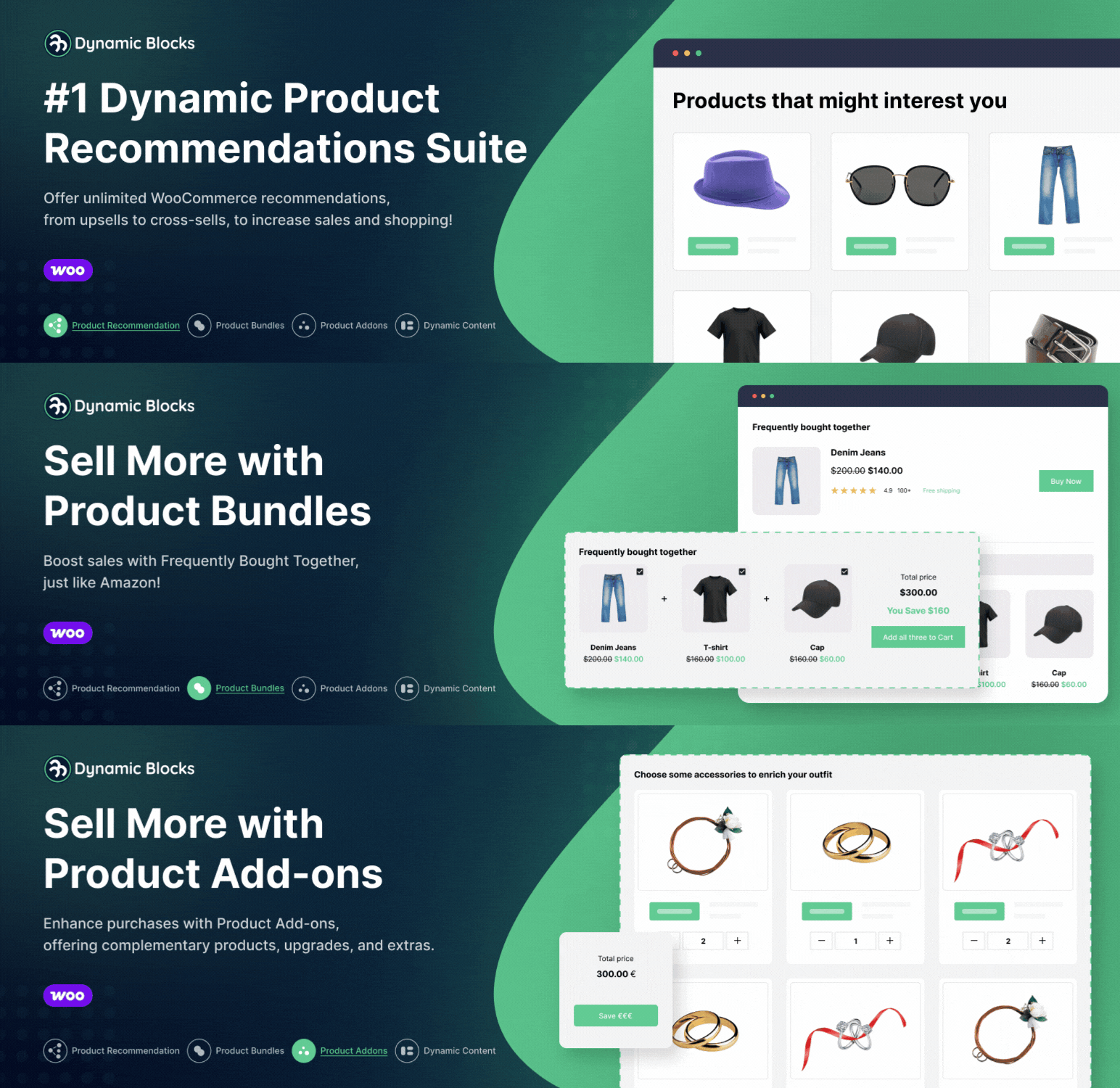

DynamicBlocks allows you to add product recommendations, bundles and upsell blocks to WooCommerce using flexible dynamic options.
The plugin provides conditional rules, customizable display settings and seamless integration with standard WooCommerce pages. This helps store owners show relevant products in different steps of the shopping experience without requiring coding skills. You can choose where each block appears, define which products to highlight and adjust the layout based on your store’s needs.
DynamicBlocks is designed to work with themes and WooCommerce templates in a lightweight and compatible way.
How DynamicBlocks Works
- 1️ Create a Recommendation Block: Select the products you want to promote or let the system choose them based on conditions.
- 2️ Choose Display Locations: Decide where the block appears, from product pages to checkout.
- 3️ Set Dynamic Conditions: Use flexible rules to show the most relevant products to each customer.
- 4️ Customize the Layout: Adjust grid, carousel and content settings to match your store design.
Key Features
- ✅ Upsell, Cross-sell: Display relevant or complementary products to encourage additional purchases.
- ✅ Product Bundles: Create product bundles by combining multiple products into a single offer with optional discounts.
- ✅ Product Add-ons: Offer extra items or accessories that customers can optionally include with their purchase.
- ✅ Recommendations on Multiple Pages: Place recommendations on product pages, categories, cart, checkout, and post-purchase to maximize conversions.
- ✅ Dynamic Conditions: Includes an extensive set of conditional options to fine-tune product visibility for each customer.
- ✅ Customizable Layouts: Configure grid or carousel layouts and adjust the display according to your theme’s style.
- ✅ WooCommerce-Native Integration: Works with standard WooCommerce templates and requires no coding knowledge.
Additional Resources
Types of Recommendation Campaigns
DynamicBlocks supports a wide range of recommendation strategies, including:
Upsell & Cross-sell
- ✅ Upsell on Related Products: Suggest premium or more advanced alternatives.
- ✅ Cross-sell in Cart: Add complementary products before checkout.
- ✅ Upsell at Checkout: Showcase strategic extra products before payment.
- ✅ Post-Purchase Recommendations: Suggest useful products immediately after an order.
- ✅ Add-on Sell: Offer extra items like accessories, extended warranties, or premium upgrades.
Smart & Personalized Recommendations
- ✅ Recommended for You: Tailor suggestions based on customer interests and store data.
- ✅ Top Selling Products: Showcase best-selling items to increase trust and encourage purchases.
- ✅ New Arrivals: Highlight the latest products to attract more customers.
- ✅ Recently Viewed Products: Remind customers of items they’ve already checked out.
- ✅ Frequently Bought Together: Suggest product combinations that are often purchased together.
- ✅ You May Also Like: Display recommendations based on customer preferences and shopping behavior.
- ✅ Alternative & Similar Products: Offer product alternatives or variations to maximize conversions.
- ✅ Popular Right Now / Trending Now: Highlight the most searched and trending products in real time.
- ✅ Best Sellers: Showcase your store’s top-selling items to drive conversions.
- ✅ Top Rated: Recommend products with the best reviews to build customer confidence.
Promotions & Bundles
- ✅ Additional Accessories & Bundles: Offer product combinations with complementary items.
- ✅ On Sale Products: Promote discounted products to encourage quick purchases.
- ✅ Cart Value-Based Promotions: Suggest products that help customers reach free shipping thresholds or apply optional discounts for multi-item purchases.
- ✅ Seasonal & Special Event Recommendations: Promote products based on holidays, trends, or special campaigns.
⭐ Upgrade to DynamicBlocks PRO & Unlock Exclusive Features!
Upgrade to DynamicBlocks PRO Plugin and get advanced features:
- ✅ Dynamic Product Bundles
- ✅ Dynamic Product Add-ons
- ✅ Advanced Conditional Logic
➜ More details are available on the website.






