

Our new WordPress theme is almost ready! Want to know when we launch? Awesome! Visit our website and enter your details and we will e-mail you as soon as we are ready 🙂
If you have found this plugin useful please donate here
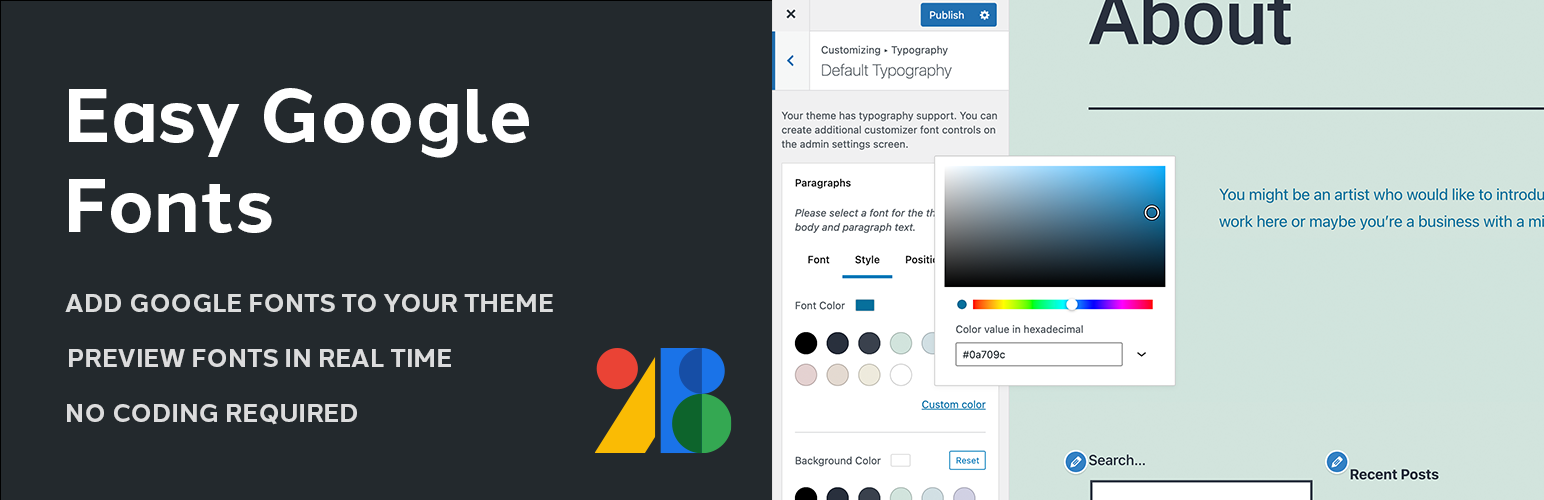
A simple and easy way to add custom google fonts to any WordPress theme without coding. This plugin integrates with the WordPress Customizer so you can preview google fonts on your site in realtime. It’s compatible with any theme.
It also allows you to create custom theme specific font controls in the admin settings area to control particular css selectors. Once created, these custom font controls are instantly available in the customizer no coding required!
What does this plugin do?
- This plugin allows you to take full control of your theme’s typography in any WordPress theme (no coding required).
- It allows you to choose from over 600+ google fonts and font variants to insert into your website without coding.
- Allows you to preview font changes on your website in realtime using the WordPress Customizer.
- Create Unlimited Custom Font Controls: Create custom font controls in the admin area that are instantly available in the Customizer preview.
- Allows you to preview what your theme will look like with the new google fonts before you save any changes.
- Allows you to create your own font controls and rules in the admin area (no coding required).
- Allows you to easily change the look of your website with the click of a button.
- Automatically enqueues all stylesheets for your chosen google fonts.
- Allows you to add google fonts to your theme without editing the themes main stylesheet which allows you to update your theme without losing your custom google fonts.
Plugin Features
- Live Customizer Preview: Preview google fonts without refreshing the page in real time right in the WordPress Customizer.
- Over 600+ Google Fonts to choose from as well as a list of default system fonts.
- Works with any WordPress Theme. No coding required.
- Automatic Background Updates: Updates the google fonts list with the latest fonts automatically once.
- Translation Ready: MO and PO files are included.
- Seamless WordPress Integration: Uses the WordPress customizer for the live preview and has a white label admin area that looks like it is a part of WordPress.
- Custom WordPress Customizer Control: One of a kind control only available with this plugin.
Who is this Plugin ideal for?
- Anyone who is looking for an easy way to use google fonts in their theme without coding.
- Theme Authors: you can use this plugin to add custom google webfonts to your theme.
- Great for use on client projects or for use on existing websites.
- People that are happy with their theme but want an easy way to change the typography.
- Anyone with basic knowledge of CSS Selectors (in order to add custom font rules).
Developer Features
Please note: We are currently working on producing in-depth documentation for theme developers which will be available shortly.
- Cross Browser and Backwards Browser Compatible (Tested in all major browsers).
- Uses Action Hooks and Filters: For advanced integration.
- Seamless WordPress Integration: Live preview is integrated into the WordPress Customizer and the settings page follows core WordPress design guidelines.
- Uses the WordPress Options API to store and retrieve options.
- Highly Secure: Checks user permissions, uses nonces and the WordPress Security API.
- Uses the REST API for an enhanced admin experience.
- Strong Usability Testing.
- Enhanced Performance: Will only make a single request to google to fetch all fonts.
Credits and Donation
- WordPress Components. (Used in the admin settings page)
- Otherwise, this plugin has been entirely written from scratch by Titanium Themes.
If you have found this plugin useful please donate here






