

Responsive Dropdown Menu Widget
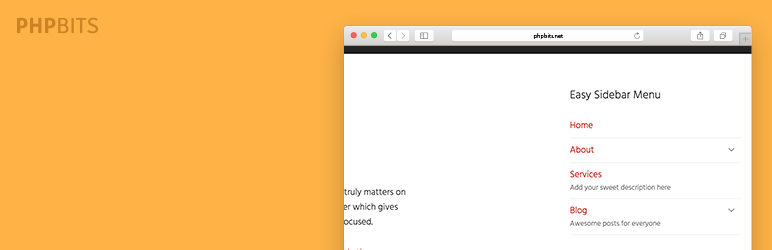
Easily add dropdown menu on your sidebar via widget. Just drag and drop to your sidebar and select the menu you want to display and it will rendered perfectly. You can also add descriptions and other attributes to your menu link and it will be displayed on the frontend.
How to Use
After plugin activation go to Appearance > Widgets the drag Easy Sidebar Menu to your primary sidebar then add title and select your created menu. Easy!
In need to add menu icons?
Make you WordPress sidebar menu better by adding icons! Easy Sidebar Menu Widget Plugin is tested and working perfectly with Menu Icons Plugin. Icons + Description + Dropdown equals perfect sidebar menu!
More information
- Follow the developer @Twitter
- Other WordPress plugins






