
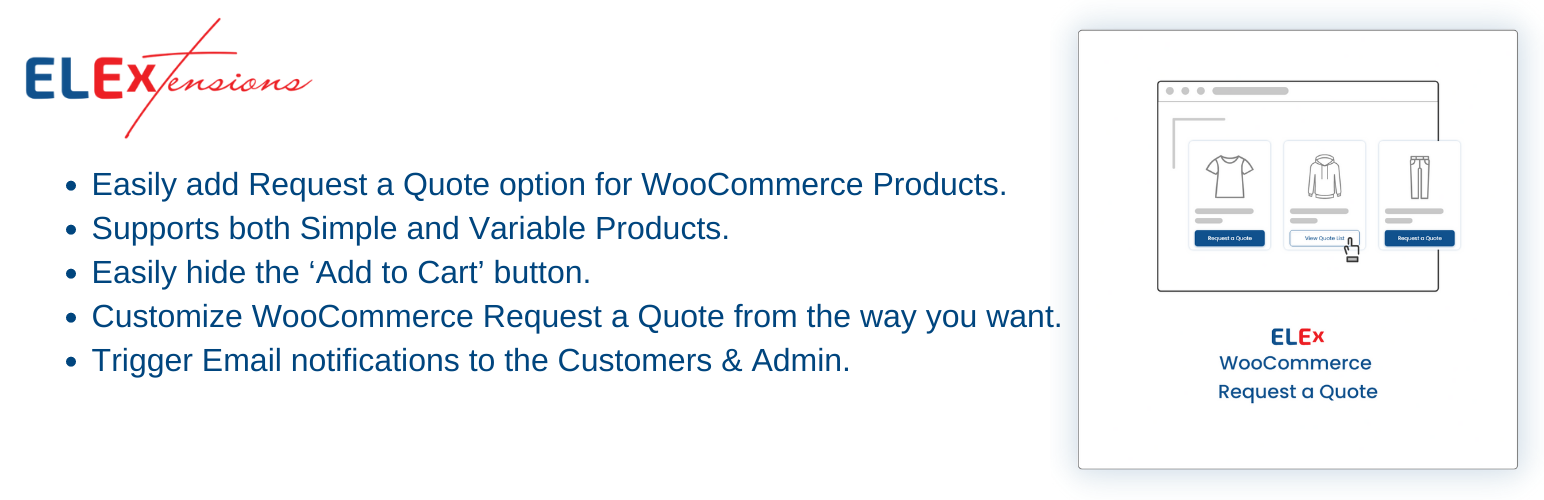

Boost Sales with Customized Quote Requests for WooCommerce Products! Easily implement a ‘Request a Quote’ feature, tailor-made for your customers. Effortlessly design and personalize quote request forms directly on your website’s frontend. Our plugin ensures seamless communication with automated email notifications for quote submissions, approvals, and rejections, enhancing your customer engagement and streamlining your sales process.
Features
- Easily add Request a Quote option for WooCommerce Products.
- Supports both Simple and Variable Products.
- Hide the Add to Cart button.
- Customize WooCommerce Request a Quote from the way you want.
- Trigger Email notifications to the Customers and Admin.
- Intutive UI and Customisation Options
Premium Version Features
For complete list of features and details, Please visit ELEX WooCommerce Request a Quote Plugin for WooCommerce.
👉 Premium Plugin Live Demo: Exclusive Live Demo Site
- Disable Quote Requests for Unregistered Users.
- Include or Exclude Request a Quote Button Functionality based on Products(Categories, Tags and Name) and User Roles.
- Option to receive Google Chat and SMS Administrator Notification when customer places a quote request.
- Ability to customise email, sms and chat body templates for site administrator.
- Ability to customise the notification email sent to customers using dynamic placeholders and/or HTML Tags when a quote request is received, approved or rejected.
- Exclude Add to Cart Button Functionality based on Products(Categories, Tags and Name) and User Roles.
ELEX Premium Plugins You May Be Interested In
- WooCommerce Dynamic Pricing and Discounts Plugin
- Wholesale & Role Based Pricing
- WooCommerce Advanced Bulk Edit Products, Prices & Attributes
- WooCommerce Google Shopping Plugin
About ELEXtensions
We, Team ELEXtensions are a group of WordPress and WooCommerce enthusiasts with a vision to solve genuine problems related to WordPress & WooCommerce stores. We offer a wide variety of extensions for WooCommerce. We have premium extensions related to many domains including Shipping, Pricing, Payments and Customer Support.






