
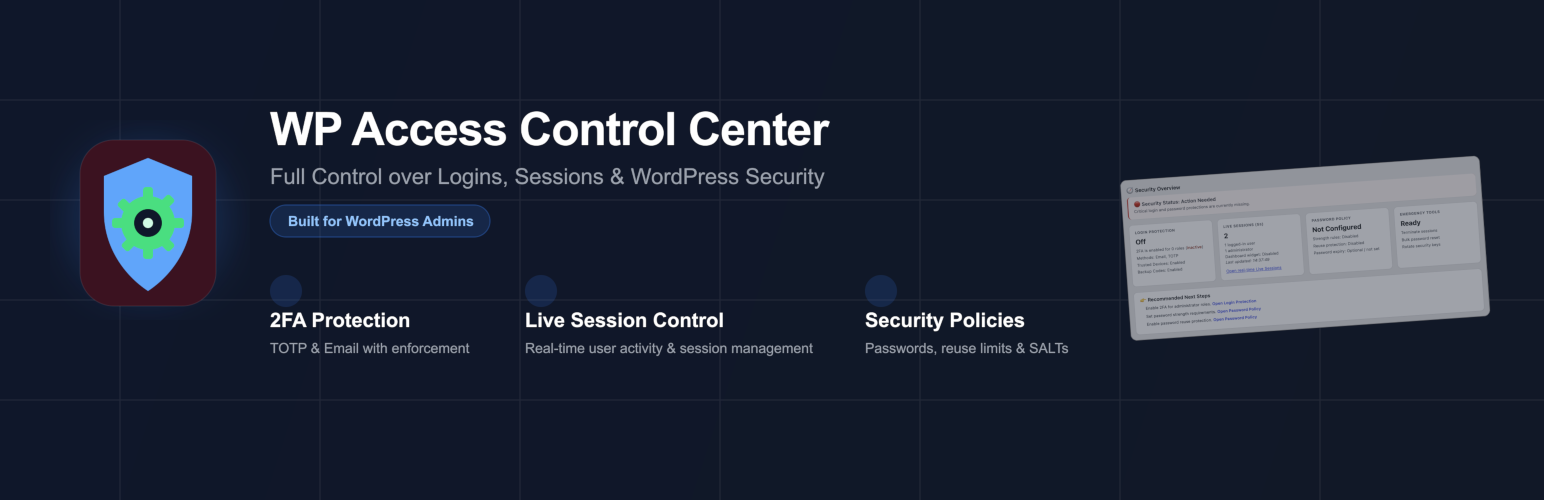

WP Access Control Center is a powerful security control center for WordPress administrators who want full control over authentication, sessions, and password policies.
Take control of your site’s access layer with real-time session monitoring, flexible two-factor authentication, and powerful emergency tools — all in one place.
🛡️ Security Overview Dashboard 📊
- General indicator about the current site security status
- Status overview about the most important security settings
- Live view of main session KPIs (refresh: 5s)
- Next step recommendations to get your site more secure
- Can be made sticky to stay visible when scrolling down
🔐 Two-Factor Protection
- Email-based verification codes
- TOTP support (Google Authenticator, Microsoft Authenticator, Authy, etc.)
- Role-based enforcement
- Grace periods for smooth rollout
- Backup codes for account recovery
- Trusted devices to reduce login friction
👁️ Live Session Control
- Real-time overview of all active sessions (AJAX-powered)
- Inspect session details and parameters
- Instantly terminate individual or all sessions
- Monitor user activity as it happens
🔑 Password Policies
- Enforce password strength requirements
- Prevent password reuse
- Define role-based password expiration
- Real-time feedback during password creation
⚡ Bulk Password Reset
- Reset passwords for roles or selected users
- Optionally terminate related sessions
- Automatic email notifications (fully customizable)
🔄 Security Key Rotation
- One-click regeneration of WordPress KEYs & SALTs
- Immediately invalidates all active sessions
- Essential for incident response
⏱️ Advanced Session Control
- Configure session lifetime per role
- Separate rules for “Remember Me”
- Automatic cleanup of expired sessions
🎨 Login Experience Designer
- Customize the 2FA login page
- Background images (outer & inner)
- Flexible CSS customization
- Safe defaults – no changes unless configured
No external services required. Everything runs locally within your WordPress installation.






