

Caution: Erident Custom Login and Dashboard is now Ultimate Dashboard. Please install Ultimate Dashboard instead.
If you are an existing user of the Erident plugin you will be greeted with a 1-click migration to safely migrate from Erident to Ultimate Dashboard from your WordPress admin dashboard.
IMPORTANT! Please make sure you have the latest version of the Erident plugin (4.2 or above) installed before running the 1-click migration. The latest version fixes an earlier issue where non-admins were able to trigger the migration process which failed to install Ultimate Dashboard. If that’s been the case for you, please install Ultimate Dashboard manually. Your data was already migrated successfully.
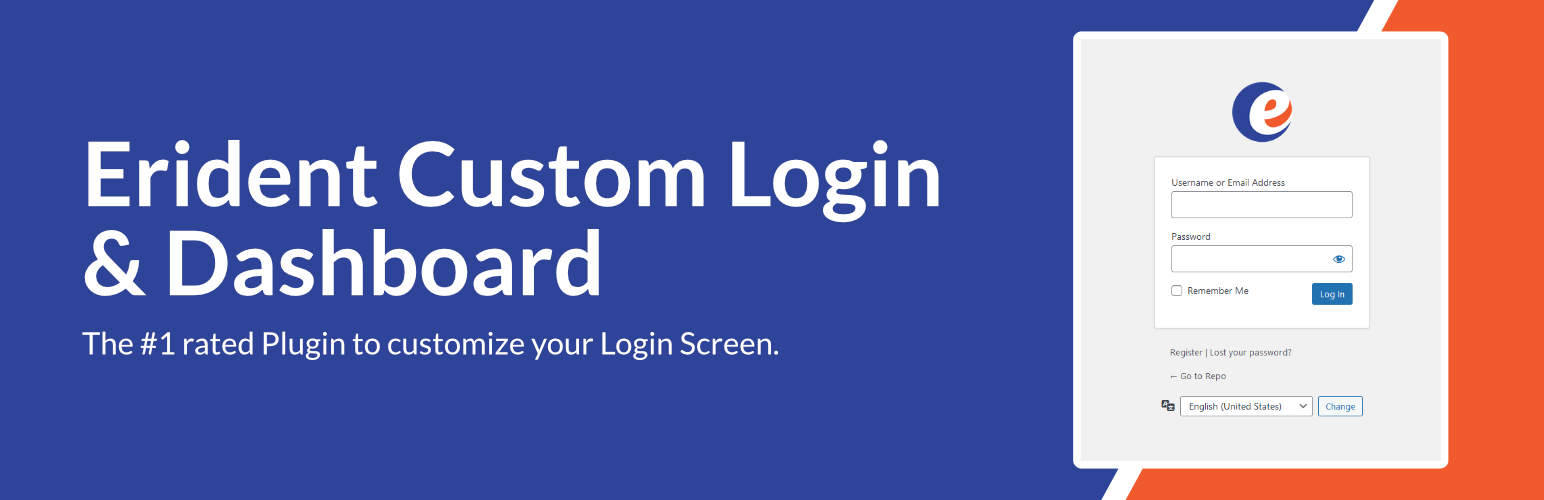
Erident Custom Login and Dashboard is the #1 rated Plugin to customize the WordPress Login Screen. It’s a clean & minimalist way for you to fully customize almost all aspects of the WordPress Login Page.
Create a custom WordPress login page with just a few clicks! All the settings to customize the WordPress login are located under Settings > Custom Login & Dashboard.
Features
Here is a list of some of the features available in Erident Custom Login & Dashboard:
- Add a custom Logo & Logo URL
- Change the Login Page Background Color
- Add a Background Image to your Login Screen
- Completely customize the WordPress Login Form
- Remove Footer links from the WordPress Login Page
- Change the WordPress Footer Text
- Change the WordPress Version Text
- Import/Export Feature
- & much more!
What’s next?
If you like Erident Custom Login and Dashboard, make sure to check out our other products:
- Ultimate Dashboard – The #1 WordPress plugin to customize your WordPress dashboard and admin area.
- Page Builder Framework – A fast & minimalistic WordPress theme designed for the new WordPress era.
- Better Admin Bar – The plugin to make your clients enjoy WordPress. It replaces the default admin bar to provide the best possible user experience when editing & navigating a website.






