
Explorer Soft – Stock Mail Notification

Explorer Soft – Stock Mail Notification

توسط

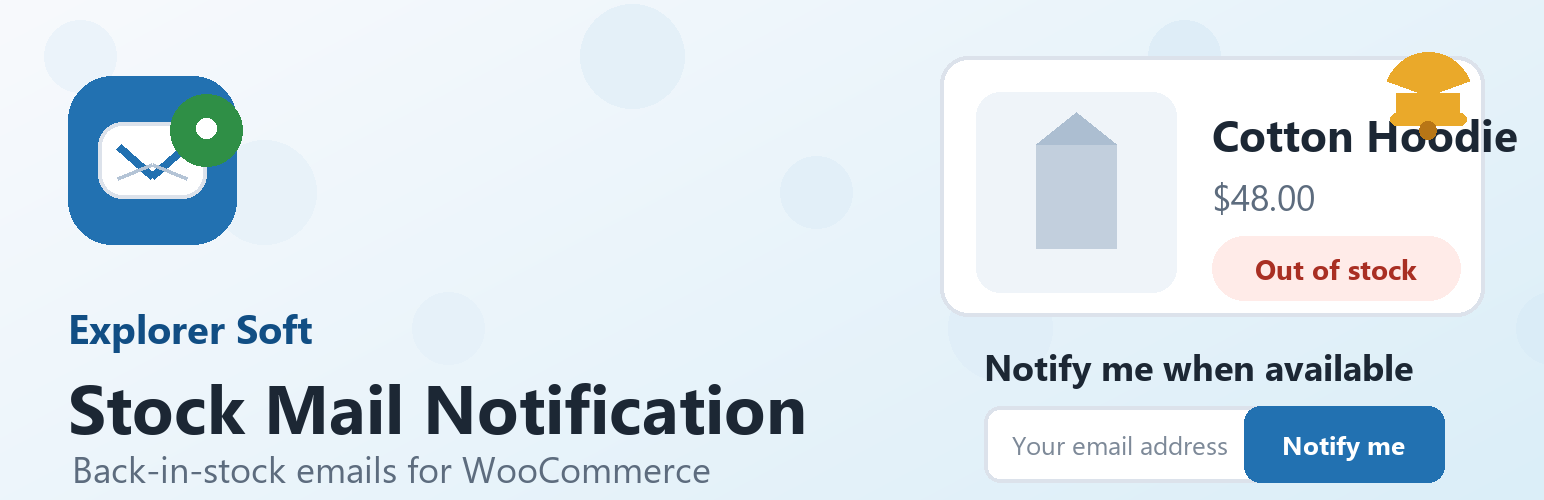
Explorer Soft – Stock Mail Notification adds a lightweight “notify me when available” form for out-of-stock WooCommerce products. Customers leave their email address, the request is stored locally in WordPress, and the plugin sends an email when WooCommerce changes the product stock status back to in stock.

The plugin is designed to stay simple. Site owners can adjust the front-end text, button colors, email field width, catalog form visibility, bot protection limits, and email subject/body from one settings screen.

Features include:

  • Back-in-stock request forms for out-of-stock WooCommerce products.
  • Standard single product page support.
  • ShopEngine Product Stock widget support through Elementor’s widget render hook.
  • Optional compact forms in WooCommerce product loops.
  • Duplicate active request prevention for the same product and email.
  • Configurable local rate limiting by IP address, product and email.
  • Admin request list with email, product, status and notification dates.
  • Editable front-end title, placeholder, button text and status messages.
  • Editable button color, button text color and email field width.
  • Editable email subject and HTML email body with placeholders.
  • Local storage only; no external services are contacted by the plugin.

Available email placeholders:

  • {product_name}
  • {product_url}
  • {site_name}
  1. Upload the plugin files to the /wp-content/plugins/explorer-soft-stock-mail-notification/ directory, or install the plugin ZIP through Plugins > Add New > Upload Plugin.
  2. Activate WooCommerce if it is not already active.
  3. Activate Explorer Soft – Stock Mail Notification through the Plugins screen.
  4. Open WooCommerce > Stock Mail Notification, or use the Settings link on the Plugins screen, to customize the form and email text.
  5. Open WooCommerce > Stock Requests to review submitted notification requests.
  6. Clear page, Elementor, ShopEngine or server cache if product pages are cached.

سوالات متداول

Does this plugin require WooCommerce?

Yes. The plugin uses WooCommerce products, stock status hooks and the WooCommerce mail function.

Where does the form appear?

By default, the form appears on out-of-stock single product pages and as a compact form in product lists. Catalog forms can be disabled from WooCommerce > Stock Mail Notification.

Can I change the button color and email field size?

Yes. The settings screen includes button color, button text color and email field width controls.

Can I change the front-end text?

Yes. You can edit the form title, email label, placeholder, button text and redirect messages from the settings screen.

Can I change the email text?

Yes. The email subject and body are editable. The body allows basic HTML and supports {product_name}, {product_url} and {site_name} placeholders.

Does the plugin include bot protection?

Yes. The form uses a honeypot field, WordPress nonce verification, email validation, duplicate active request prevention, and a configurable local rate limit. The rate limit tracks the visitor IP address and product, with an extra email-specific bucket.

Where can I see submitted emails?

Open WooCommerce > Stock Requests. The list shows the submitted email, related product, request status, creation date, update date and notification date.

Does the plugin send data to external services?

No. The plugin stores notification requests in your WordPress database and sends mail through the site’s WooCommerce mail setup. It does not contact external services by itself.

What customer data is stored?

For each request, the plugin stores the email address, product ID, request status, a token and timestamps in the wp_essmn_stock_notifications table. The table prefix follows the site’s configured WordPress database prefix.

×
نظری برای این آیتم موجود نیست.
0 0 رای ها
امتیازدهی
اشتراک در
اطلاع از
0 نظرات
قدیمی‌ترین
تازه‌ترین بیشترین رأی
بازخورد (Feedback) های اینلاین
مشاهده همه دیدگاه ها
هیچ نسخه‌ای برای این آیتم موجود نیست.
بدون امتیاز

قیمت:

رایگان

نگارش

آخرین انتشار

20 خرداد 1405

آخرین بروزرسانی

1 هفته پیش

نصب های فعال

-

نگارش وردپرس

وردپرس 6.0+

تست شده از نسخه

وردپرس 7.0

نگارش PHP

PHP 7.4+

نسخه ها

0 نسخه




